


What "AI for Front" actually means
For a stretch of early 2026, "do you work with Front?" was the single question that stalled our own deals. A couple of mid-market data and observability teams loved everything else about running AI on their support queue, then hit a wall because their whole operation lived in Front. We shipped the Front integration specifically to unblock them, and along the way I ended up learning Front's AI stack in more detail than I expected. So this is written from the inside of both routes, not a rewrite of a marketing page.
The confusion worth clearing up first: "AI for Front" is really two different products depending on who you want doing the work.
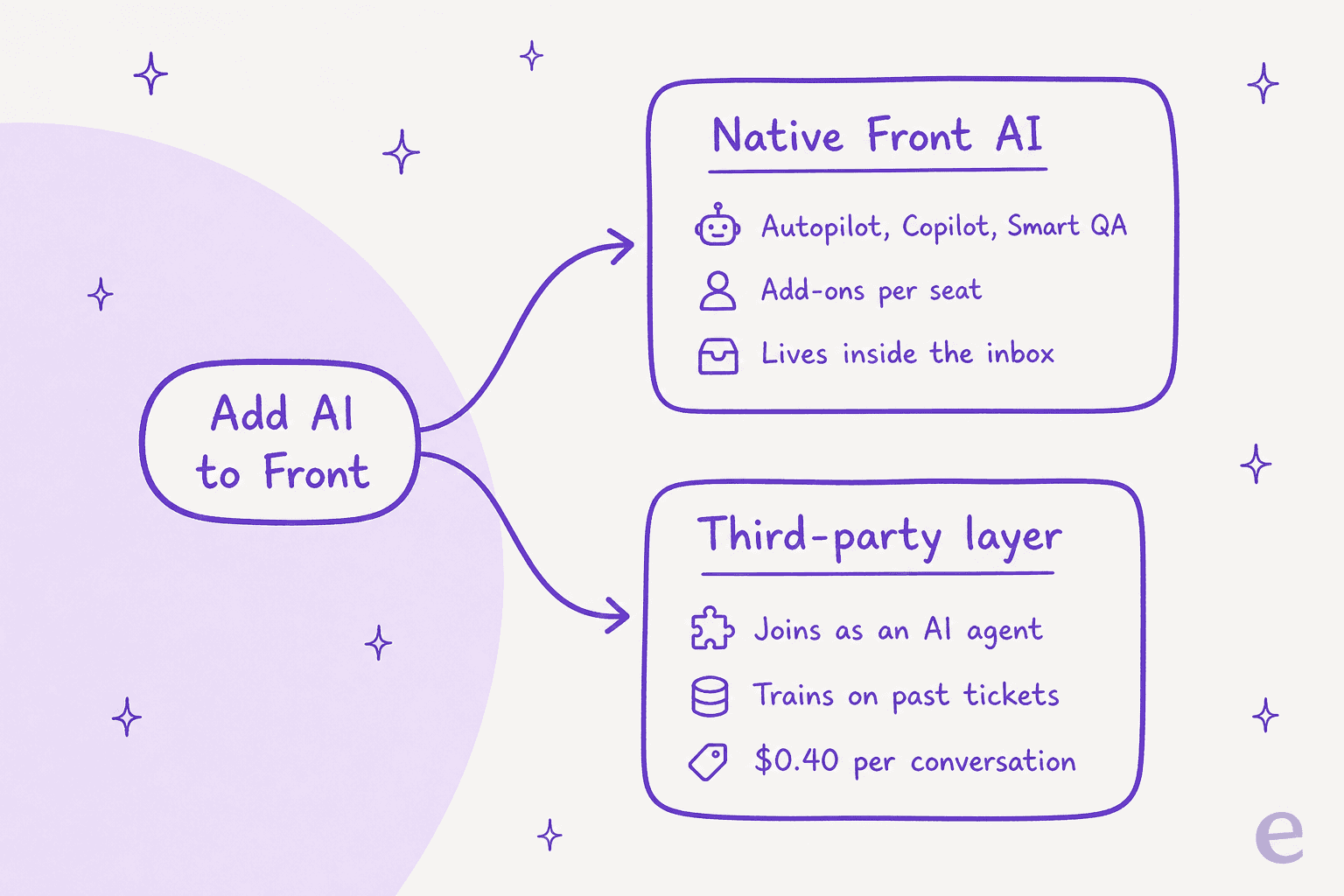
The native route is Front building AI into the inbox you already pay for. The third-party route is a separate AI agent that plugs into Front and does the queue work for you. Both are legitimate. They differ on what they are good at, how they bill, and how quickly you can trust them. Let us walk each one.
Route 1: Front's native AI
Front markets its AI suite as "human-in-control AI," and the framing is fair: most of it is built to help your agents rather than replace them. You switch pieces on from company settings, and the panel makes the shape of the offer obvious at a glance.
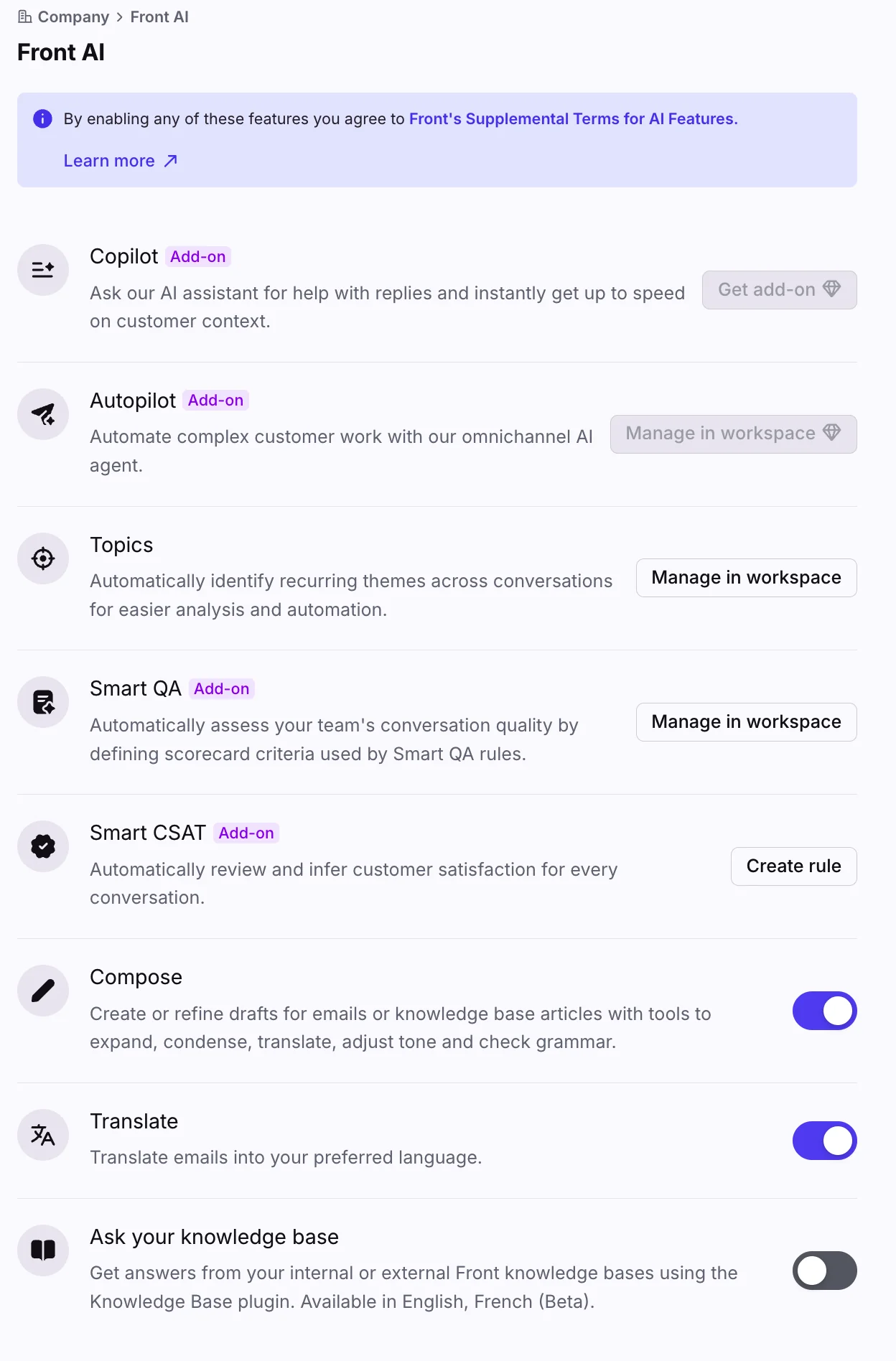
Here is what each piece does, in plain terms:
- Autopilot is the autonomous agent. It resolves requests end to end across email, chat, and Slack, and coordinates multi-step work across connected systems. Front positions it for complex customer operations, not just FAQ deflection, and markets it resolving up to 70% of requests.
- Copilot is real-time agent assist. It suggests replies grounded in conversation history and connected systems, and rewrites tone and length.
- Topics reads your conversation history to surface why customers actually reach out.
- Smart QA auto-scores conversations against scorecards you define, for both human and AI replies.
- Smart CSAT infers customer satisfaction without sending a survey.
- Compose, Translate, and Summarize ship on every plan, each capped at 200 actions per teammate per day.
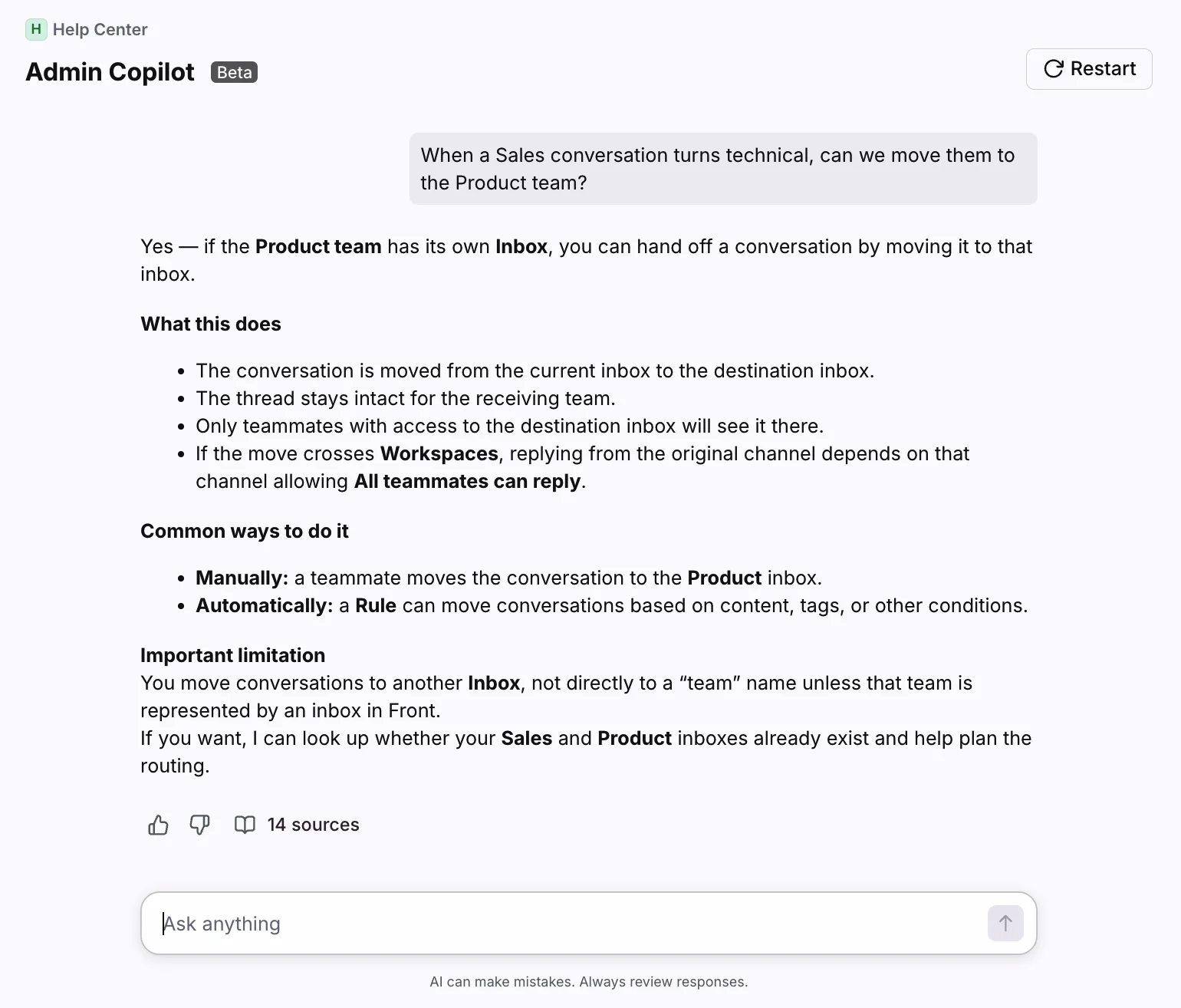
Front's Admin Copilot is a good example of the assist experience: ask a question about your own setup and it answers with cited sources, the way a good internal helper should.
Where the native route gets expensive
The honest catch with Front's AI is the billing shape. Seats are already premium, and the AI you actually want sits on top as add-ons. Front is a per-seat platform: Starter is $25, Professional is $65, and Enterprise is $105 per seat per month, all billed annually.
| Plan | Price / seat / mo | Seat cap | AI included |
|---|---|---|---|
| Starter | $25 | up to 10 | Topics; add-ons available |
| Professional | $65 | up to 50 | Add-ons available |
| Enterprise | $105 | no cap | Copilot, Smart QA, Smart CSAT included |
Now stack the AI. Autopilot starts at $0.05 per conversation on every plan. Copilot is $20 per seat, Smart QA is $20 per seat, and Smart CSAT is $10 per seat (the QA and CSAT bundle is $25). Do the arithmetic and a quirk falls out.

Professional at $65 plus Copilot, Smart QA, and Smart CSAT lands at $115 per seat, which is more than Enterprise at $105 where those three are already bundled. If you are planning full assistive-AI adoption, price Enterprise first. Autopilot is still a separate usage charge either way. None of this is a knock on Front, it is just a case where reading the grid top to bottom saves real money.
One fair thing to flag before moving on: Autopilot has simulation. You can put automations through simulations before go-live. The nuance is what it simulates: scenarios you write, not a replay over your own past tickets. That distinction matters more than it sounds, and it is exactly where the second route leans in.
Route 2: add a third-party AI agent
The other way to add AI for Front is to bring in an agent built specifically to work a support queue, and connect it to Front through the App Store. This is the route we know best, because eesel is one of these agents.
The mental model is different from a chatbot widget. eesel joins as a real AI Agent inside your Front shared inbox. It reads conversations, drafts and sends replies, adds private comments, updates tags, and routes to teammates, the same actions a human agent takes. There is no separate inbox and no widget bolted onto your website.
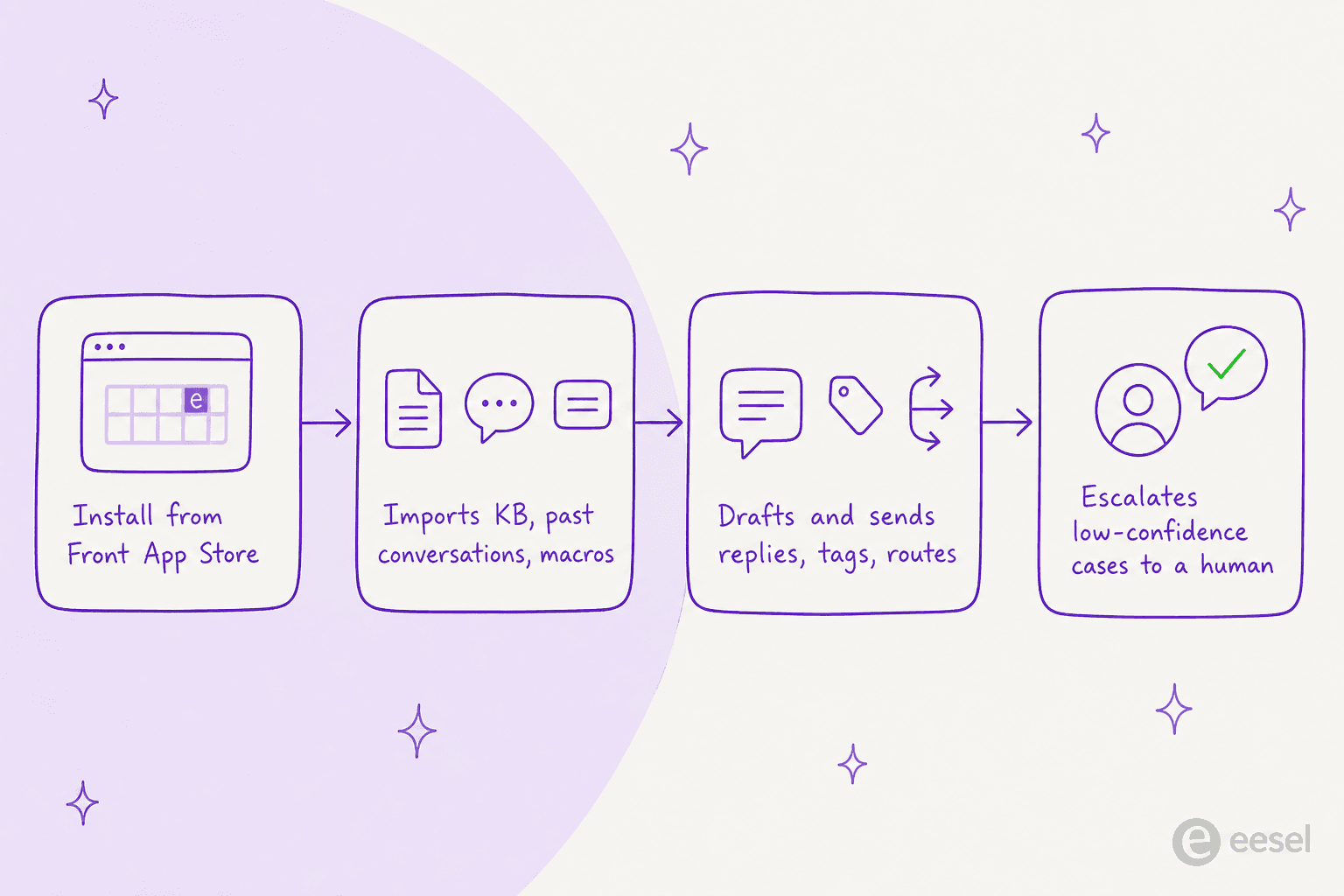
What makes the third-party route quick to trust is where the knowledge comes from. On connection, eesel automatically imports your Front knowledge base articles, past conversations, and canned responses, plus optional sources like Confluence, Notion, or Google Docs. No manual training or data labeling. eesel publishes an under-30-minute setup time and an 85%+ average tier-1 resolution out of the box in the first week.
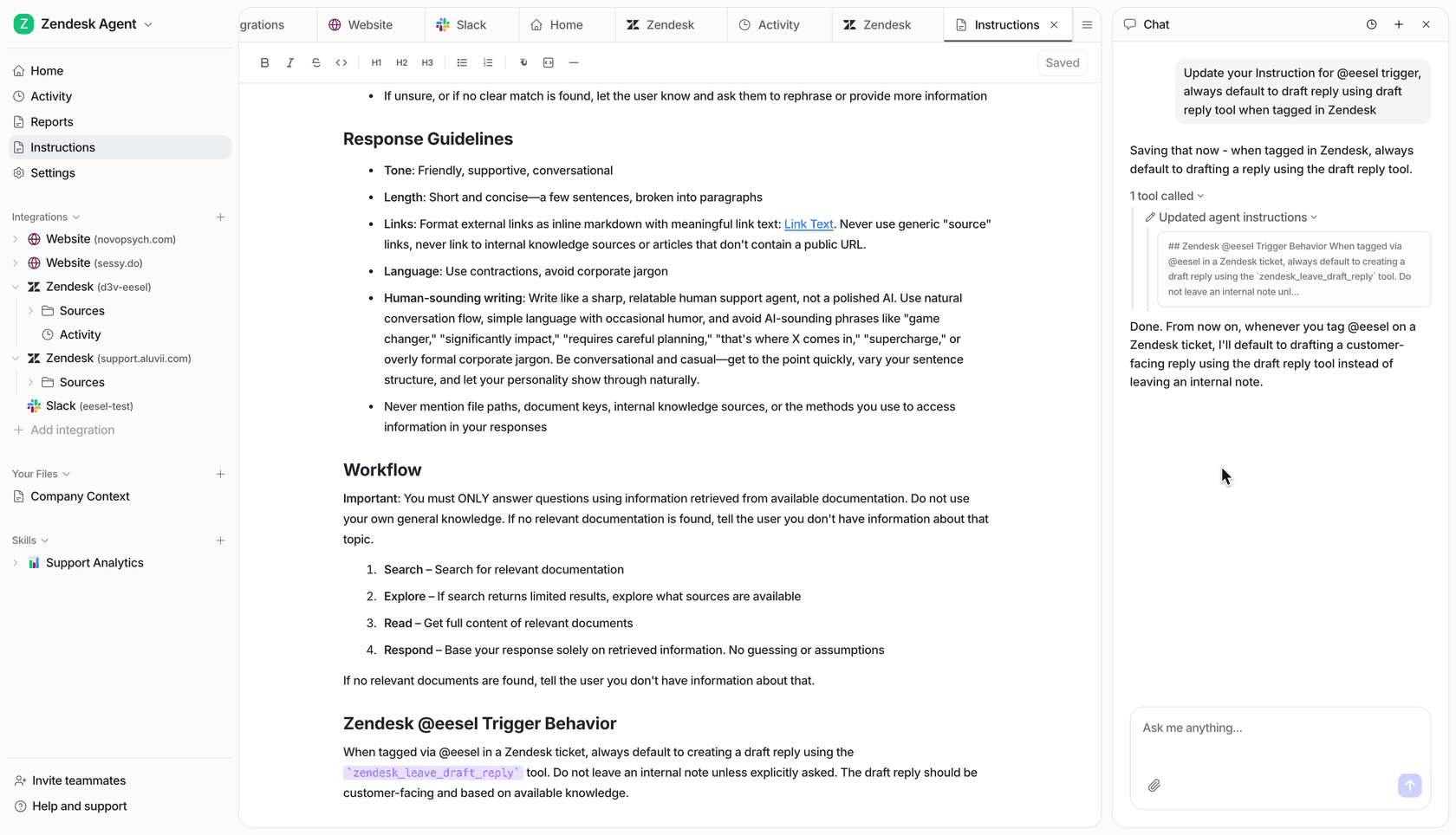
You configure it by describing what you want, not by wiring a rules engine. Tell it which conversations to handle, how to write, and when to escalate, in plain language.
Two more things worth naming, because they are the parts that make the queue-work route feel safe:
- It respects your existing Front setup. eesel works alongside your routing rules, assignment rules, SLA policies, and workflows rather than replacing them. You can also connect multiple Front inboxes and run a separate agent per inbox, each with its own knowledge base and tone.
- It simulates on your own history. Before it touches a live customer, eesel replays your past Front conversations and scores its answers against what your team actually sent, so you get a real read on accuracy instead of a demo-day guess. That is the flavor of testing that turns "we think it will work" into a number you can show your boss.
Native or third-party: which route fits you
Neither route is universally right. Here is the honest split, dimension by dimension.
| Dimension | Native Front AI | Third-party agent (eesel) |
|---|---|---|
| Where it runs | Inside the Front inbox | Inside the Front inbox, as an agent |
| Best at | Multi-step, cross-team complex ops | Fast tier-1 deflection and drafting |
| Learns from your past tickets | Autopilot needs setup first | Yes, automatic on connect |
| Testing before go-live | Simulates scenarios you write | Simulates over your real past conversations |
| Billing unit | Per seat + Autopilot per conversation | 1 credit per conversation handled |
| Headline price | $25 to $105 / seat + add-ons | From $299/mo (500 credits), no seats |
| Setup | Configure in-product | Under 30 minutes from the App Store |
If your support runs deep, multi-department workflows and you want AI wired natively into that machinery, Front's own Autopilot is built for exactly that world, and Copilot is a strong assist layer on Enterprise. If your priority is resolving the repetitive tier-1 questions quickly, keeping costs tied to volume rather than headcount, and testing on your own tickets first, the third-party route is usually the shorter path.
The two are not even mutually exclusive. Plenty of teams keep Copilot on for their agents and let a third-party agent handle the front line of the queue.
What it costs, in real numbers
Sticker prices hide the real bill, so here is a worked example at a small team scale.
Say you run a five-agent Front support team on Professional and you want full assistive AI plus an autonomous agent. Five seats of Professional is $325 per month. Add Copilot, Smart QA, and Smart CSAT across five seats and you are at roughly $575 per month before a single Autopilot conversation. At that point Enterprise (five seats at $105 = $525, add-ons included) is the cheaper base, and Autopilot conversations stack on top of either.
Compare the volume-based route. eesel uses 1 credit per Front conversation handled, however many back-and-forth messages it takes, on one fixed monthly price with no platform fee and no per-seat pricing. If that same team handles 1,000 conversations a month through the agent, that fits the 1,000-credit plan at $499, and it does not change when you add a sixth agent to Front. The unit to watch is the billable one: eesel counts conversations handled, not resolutions, so there is no surprise multiplier hiding in the definition.
Neither model is "cheaper" in the abstract. The native route scales with your headcount; the volume route scales with your ticket count. Pick the one whose meter matches how your team actually grows.
Try eesel for Front
If the route you want is an agent that joins your Front inbox and starts clearing tier-1 tickets, that is precisely what eesel for Front is built to do. Install it from the Front App Store, let it learn from your past conversations and help center, and start in draft-for-review mode so your team stays in control while you build trust.
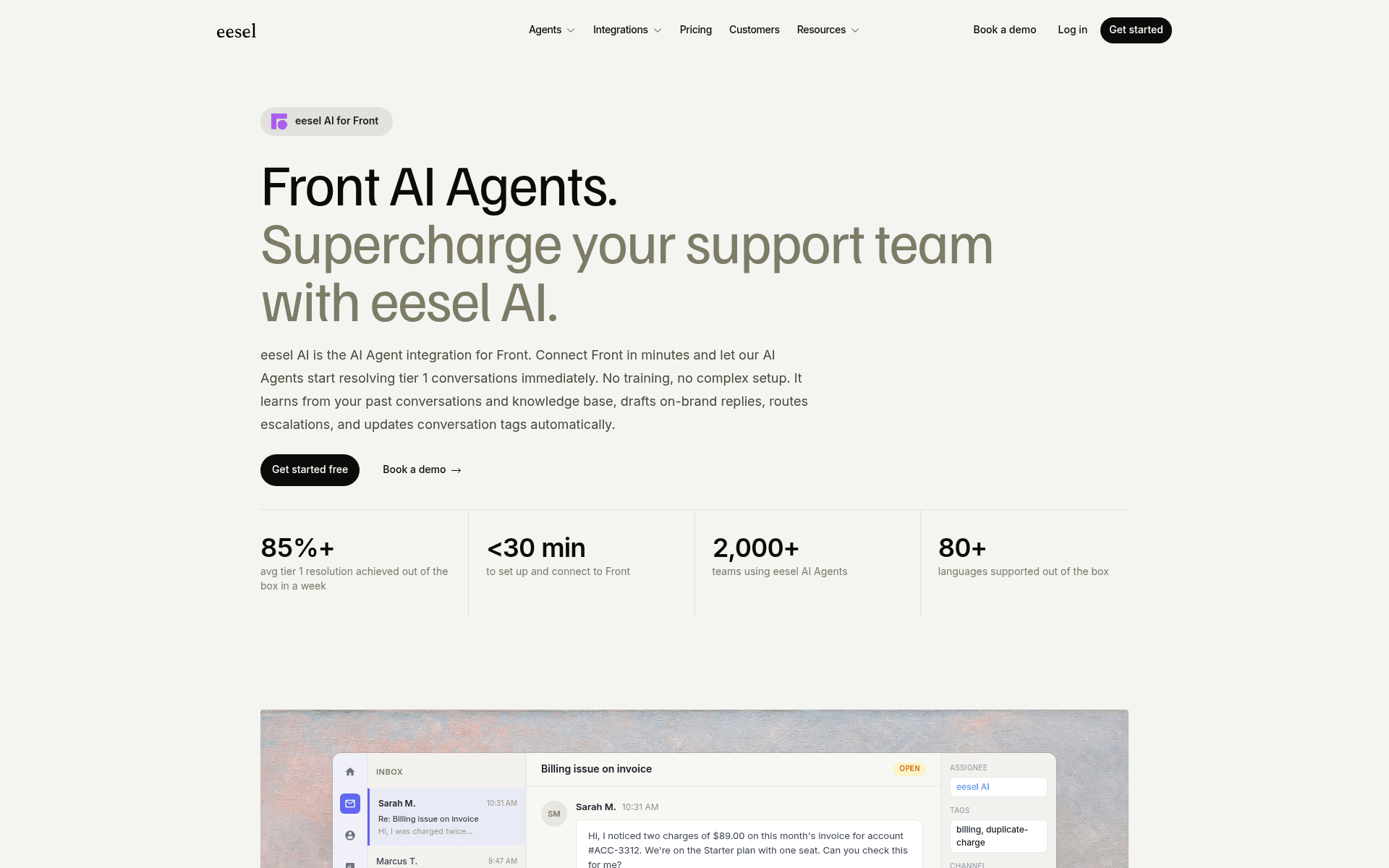
The one differentiator I would point at: simulation over your real Front history. Before the agent replies to anyone, you see how it would have handled the tickets your team already answered, scored against what you actually sent. It is free to try with 100 credits, setup runs under 30 minutes, and it respects the routing, SLA, and security setup you already have in Front.