

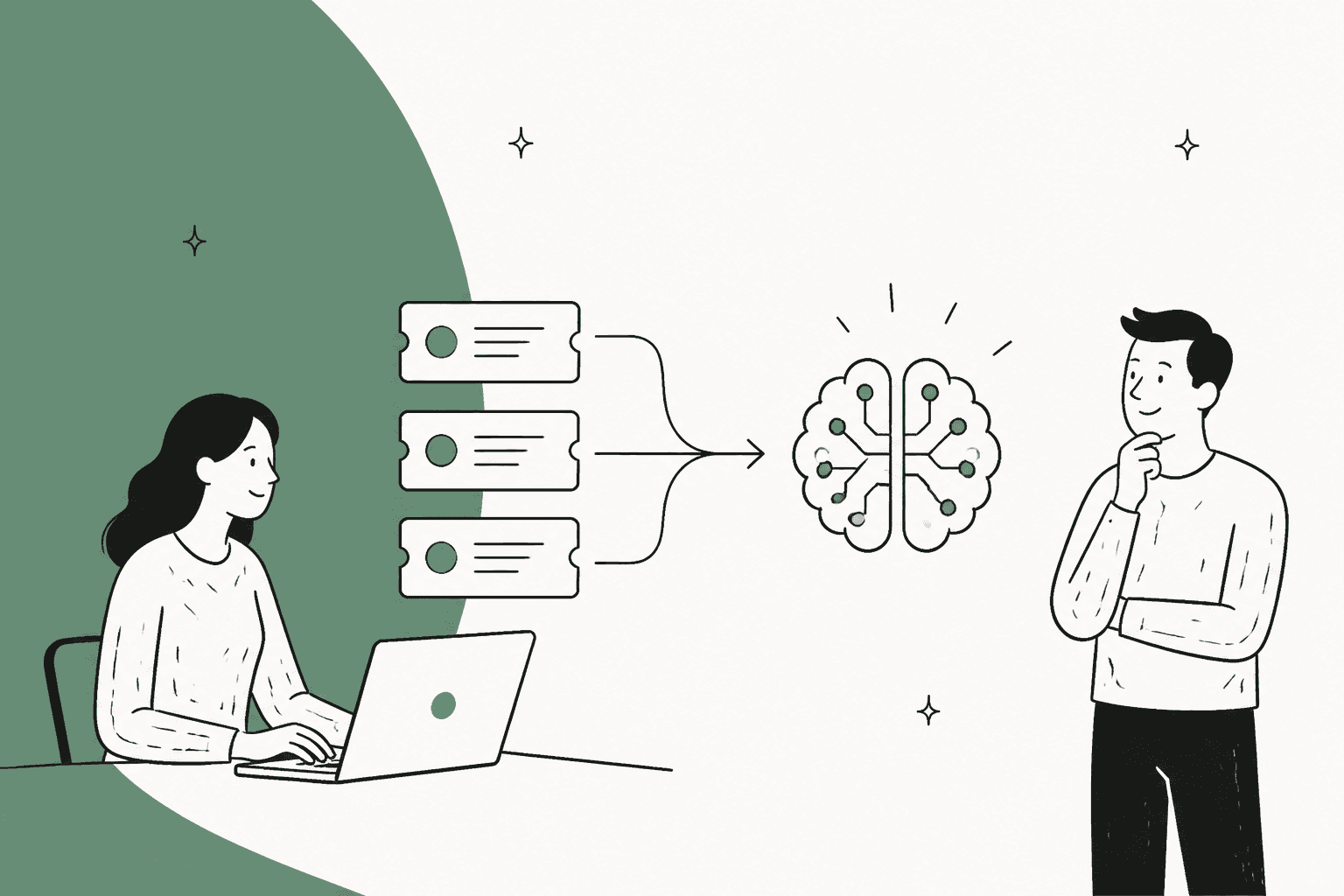
If your IT team uses ServiceNow, you’re probably all too familiar with the daily tidal wave of support tickets. It feels like a constant juggling act: manually triaging requests, figuring out who to route them to, and watching resolution times slowly tick upward. It’s a huge time-sink, and frankly, it can leave both your employees and IT staff feeling pretty burnt out.
But what if you could break that cycle? Connecting AI to your ServiceNow instance can do just that, automating the grunt work so your team can focus on the tricky problems that actually require their expertise.
This guide will walk you through the options for bringing AI into your ServiceNow world. We’ll look at the tools ServiceNow offers out of the box and compare them to a more flexible, integration-first approach that can deliver results in a fraction of the time.
What are ServiceNow's native AI capabilities?
Before you start looking at third-party tools, it’s worth understanding what’s already under the hood of the ServiceNow platform. ServiceNow has put a lot of work into its own AI tools, which you'll see branded as "Now Assist" and "ServiceNow AI Agents." These are designed to be woven directly into your existing IT service management (ITSM) workflows.
Now Assist is the platform’s generative AI experience. You can think of it as a built-in sidekick that can summarize long, messy incident histories, draft resolution notes for agents, and power chatbots to handle simple questions from users. Then there’s Predictive Intelligence, which uses machine learning to automatically categorize and route new tickets, helping you spot patterns before they turn into full-blown fires.
On the more autonomous side, you have ServiceNow AI Agents. These are designed to manage entire workflows on their own, triaging cases and sorting incidents without a human needing to step in. They essentially act as a digital member of your team within the ServiceNow ecosystem.
There’s no doubt these native tools are powerful. They are deeply integrated into the platform and offer a ton of features for teams who are all-in on ServiceNow. The catch? They’re really built for huge enterprises with the time, budget, and resources to handle a massive, platform-wide implementation.
The native approach: Challenges and limitations
While ServiceNow's built-in AI is feature-rich, it comes with the kinds of headaches you’d expect from a giant enterprise platform. If your team values speed and flexibility, these limitations can be major roadblocks.
It's a long, complicated setup
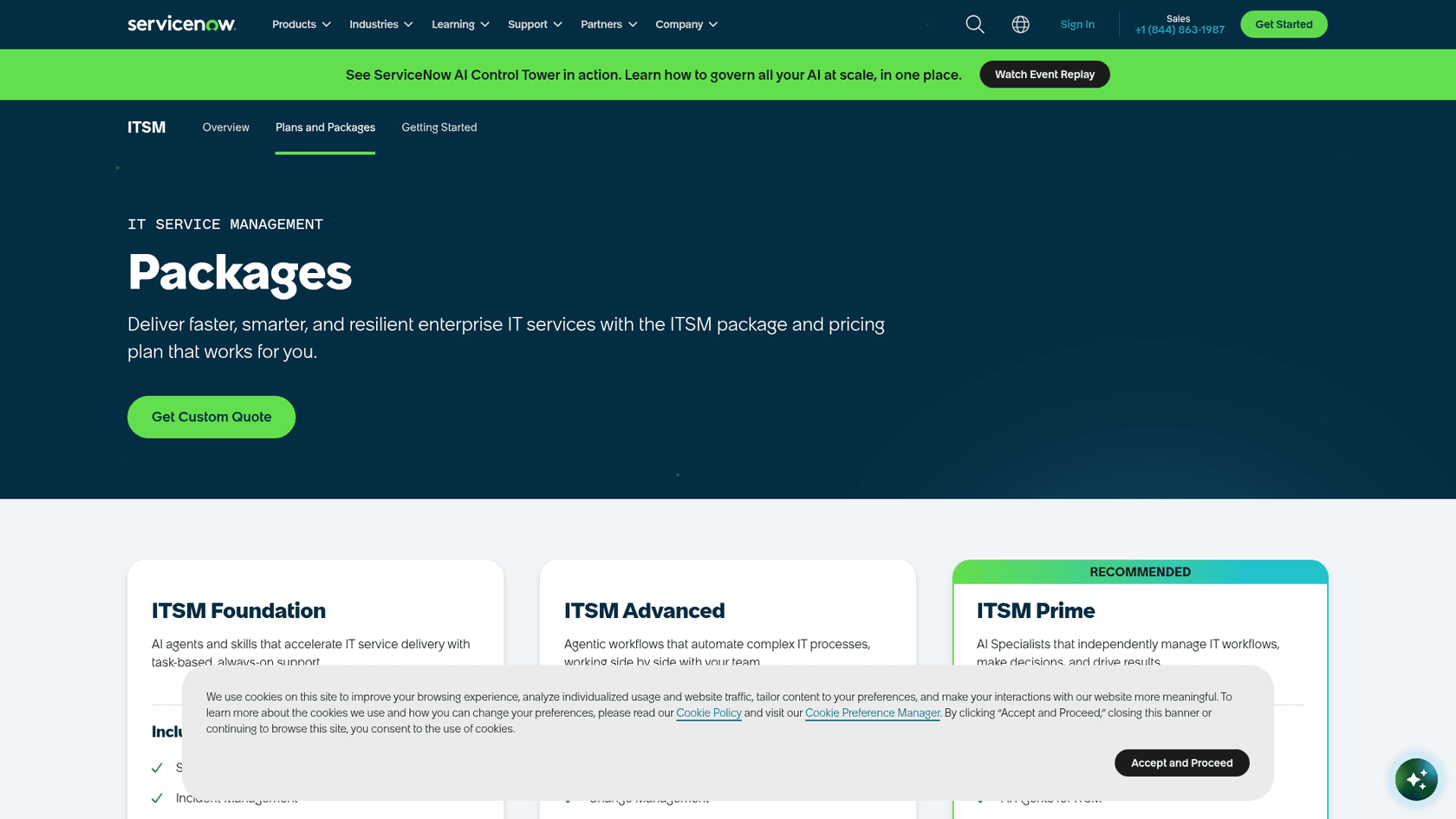
Getting started with ServiceNow’s native AI isn’t as simple as flipping a switch. Its AI is packaged into ITSM tiers, so what you get depends on the package you buy, and rollout goes through ServiceNow's sales and implementation process. That can be a lot for teams who need to fix their ticket overload problem now.
You're stuck with their way of doing things
Enterprise platforms are powerful, but that power often comes at the cost of flexibility. Customizing the AI’s behavior or setting up your own automation rules typically happens inside the platform's own tooling, which suits teams that already run ServiceNow admins. If you want to tweak a workflow or adjust an AI’s personality, you can't just hop into a simple dashboard and do it yourself.
It can’t see all your knowledge
ServiceNow’s AI works best when it’s pulling from data that lives inside ServiceNow. But let’s be real, your company’s knowledge isn’t neatly stored in one place. Critical info is scattered across Google Docs, a team’s Confluence space, or that one Notion doc everyone references. ServiceNow does offer AI Search external content connectors (38, including Confluence Cloud, Google Drive, Notion and Slack), though they consume Integration Hub transactions and have to be set up and maintained.

The price needs a quote
ServiceNow lists its ITSM packages (Foundation, Advanced, and Prime) without prices; the page sends you to a custom quote. That makes it harder to budget or compare costs until you have been through the sales process.
A better way: The integration-first approach
For teams that need to be agile, stay in control, and see a return on their investment sooner rather than later, an integration-first approach makes a lot more sense. Instead of relying on a single platform's AI, you can add a specialized AI layer like eesel AI alongside your ServiceNow setup and all your other tools.
Go live in minutes, not months
An integration-first platform is built to be self-serve. eesel AI says a first agent can be live within 30 minutes, and you set it up yourself without a sales call. One thing to know for ServiceNow teams: eesel has no native ServiceNow connector today. It works with Jira Service Management and other helpdesks, and it can reach ServiceNow's APIs through Network Access, where you allow the domain and add the auth header the API expects.
Unify all your knowledge, not just ServiceNow data
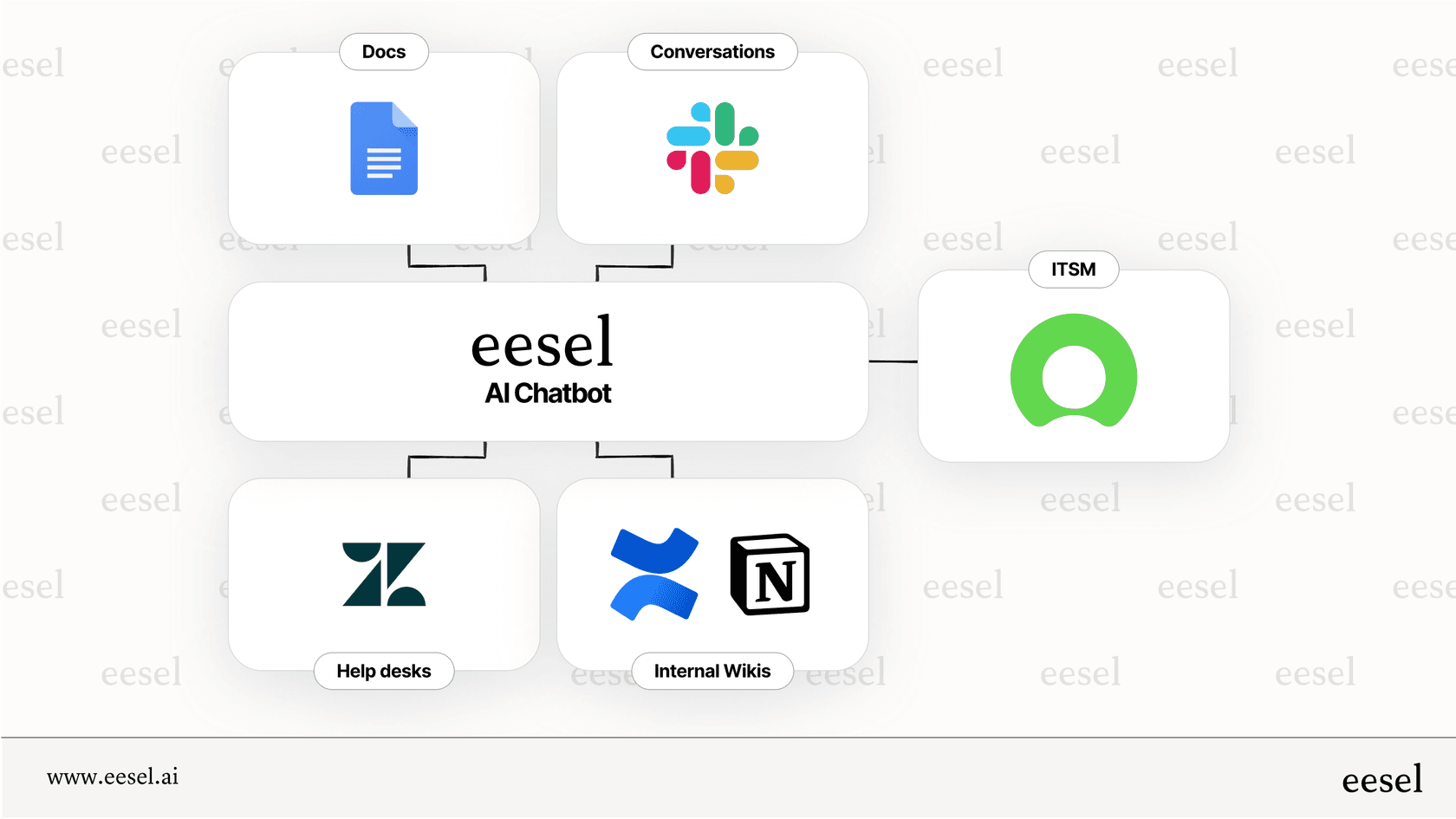
This is where an integration-first approach shows its value. eesel AI connects to the places where your team’s knowledge is stored, like Confluence, Google Docs, Slack conversations, and even the history of your past tickets. This gives the AI a single, unified brain to pull from, which means it can provide much more accurate and complete answers because it isn't ignoring all the helpful info stored outside of ServiceNow.
Get total control over your automations
Unlike the rigid structure of a monolithic platform, eesel AI gives you fine-grained control. Its customizable workflow engine lets you decide exactly which types of tickets the AI should handle. Want it to only take care of password resets for now? Easy. You can define its tone of voice and personality with a simple prompt editor and even create custom actions, like looking up an employee’s assigned laptop or escalating a ticket to a specific person. This level of control means the AI works exactly the way you want it to.
Test with confidence using a risk-free simulation
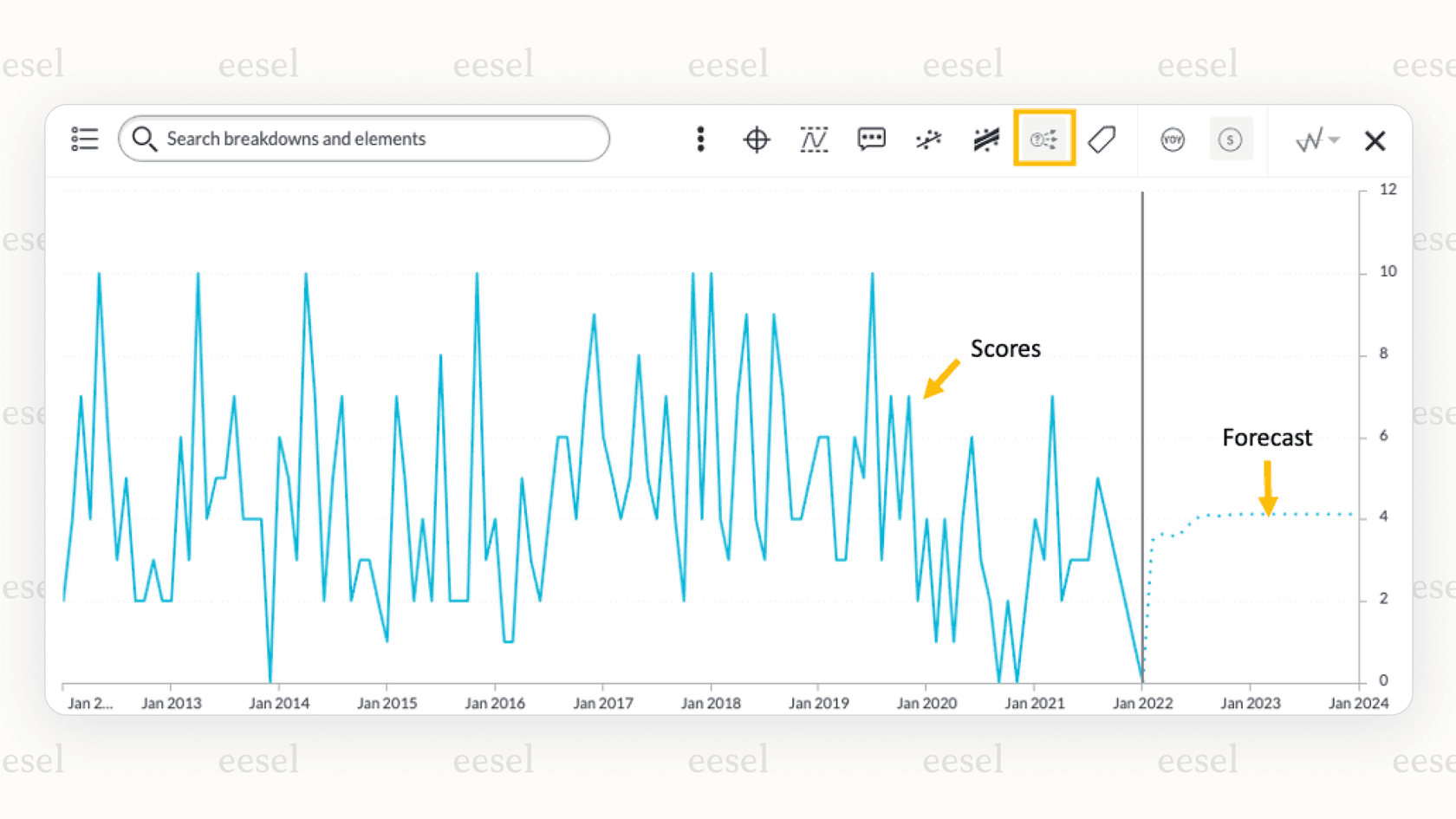
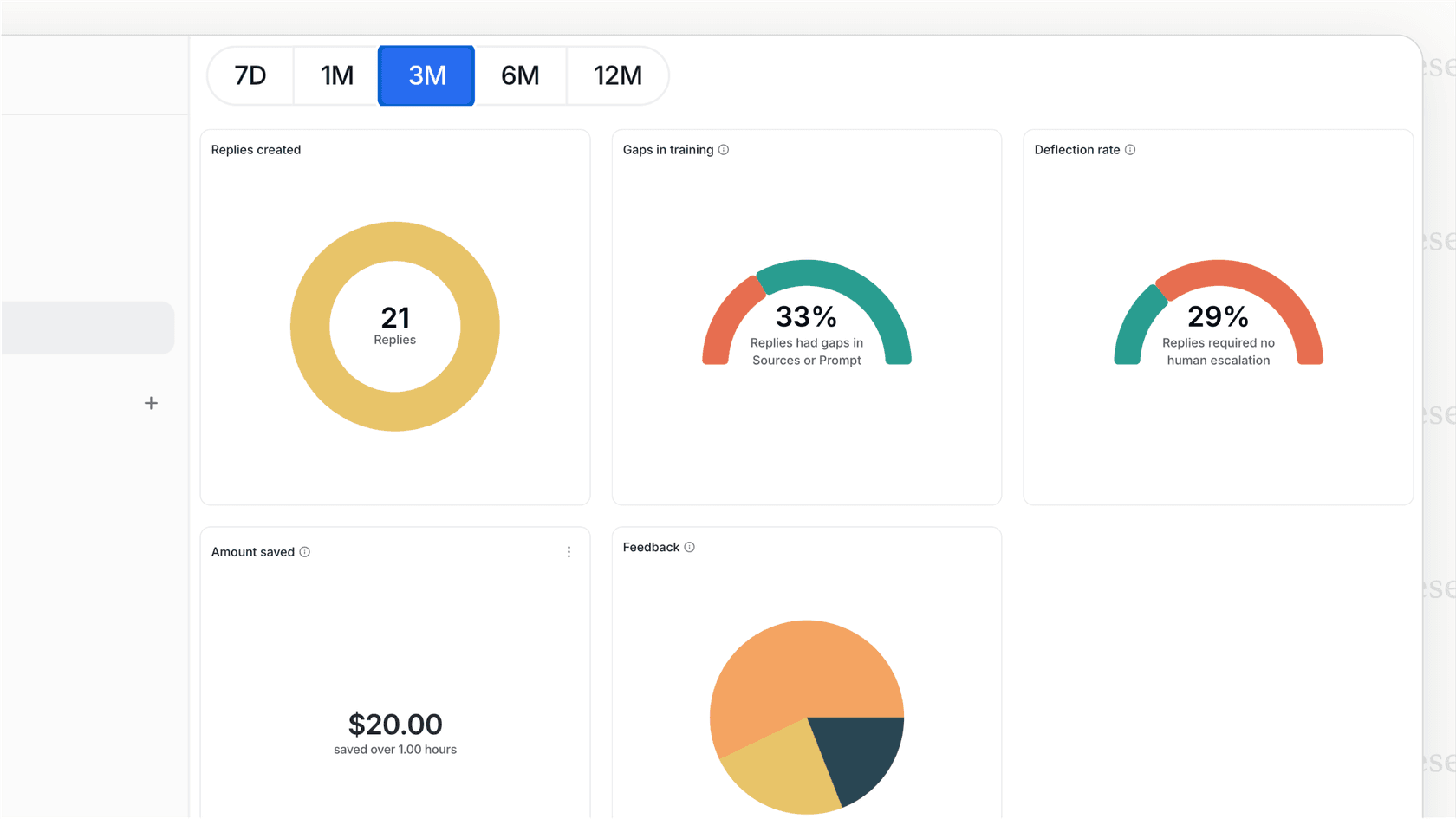
Rolling out a new AI tool can feel a bit scary. How do you know it will actually work the way you expect? This is where eesel AI’s simulation mode is a lifesaver. Before the AI ever touches a live ticket, you can test its answers against hundreds of your past tickets. The simulation scores each answer against what your team actually sent and suggests instruction changes. It does not forecast a resolution rate, but it shows where the answers fall short before you go live.
Practical AI use cases for ServiceNow
Plugging an AI layer into ServiceNow unlocks some immediate wins that can transform your service desk. Here are a few high-impact things you can set up to automate repetitive tasks and give your team some breathing room.
-
Automated T1 Ticket Resolution: An AI agent can instantly resolve the common, repetitive requests that clog up your queue. Things like password resets, software access requests, or basic VPN troubleshooting can be handled automatically by pulling answers from your knowledge base, closing the ticket without a human agent ever having to see it.
-
Intelligent Ticket Triage: Stop wasting time manually routing tickets. The AI can analyze the content of each new ticket, automatically set the right category and priority, and assign it to the correct team or individual. This gets rid of a major bottleneck and makes sure issues get to the right expert much faster.
-
AI Copilot for Agents: For more complex issues that still need a human touch, an AI copilot can work alongside your agents in a connected helpdesk or Slack. It can draft accurate, on-brand replies based on information from past tickets and knowledge articles. This helps your experienced agents work faster and is a fantastic training tool for getting new team members up to speed.
Pricing comparison: ServiceNow AI vs. eesel AI
Pricing is one of the starkest differences between the native ServiceNow path and an integrated AI solution.
ServiceNow publishes its ITSM packages but not their prices; the pricing page points to a custom quote. That model suits large organizations that buy through sales, and it makes budgeting harder for teams that want a number up front.
eesel AI, on the other hand, offers a transparent and predictable pricing model. You pick a monthly batch of credits (1 credit per ticket or chat, however long it runs) and pay one fixed price. Everything is included, with no per-seat fee and no platform fee, so you won’t get a nasty bill after a busy month. You can move up or down any time, and there is a free plan with 100 credits and no card.
| Monthly credits | Price per month | What is included |
|---|---|---|
| 100 (free plan) | $0 | Every integration and channel, no card |
| 500 | $299 | Every integration, unlimited agents and seats |
| 1,000 | $499 | Same |
| 2,500 | $999 | Same |
| 5,000 | $1,899 | Same |
| More than 5,000 | Talk to us | Same |
The fastest path to connect ServiceNow to AI for faster ticket resolution
While ServiceNow offers a powerful native AI suite, it asks for a huge investment of time, money, and commitment. For many teams that want faster ticket resolution without a platform-wide project, a flexible, self-serve AI layer is a direct path forward.
Platforms like eesel AI add an AI layer without replacing anything. You can unify scattered knowledge and automate tasks with control, and a first agent can be live within 30 minutes on a supported helpdesk.
Start on the free plan of eesel AI and see for yourself how quickly you can transform your ServiceNow workflows.
Frequently asked questions
How quickly can our team expect to connect ServiceNow to AI for faster ticket resolution using an integration-first solution like eesel AI?
eesel AI has no native ServiceNow connector today. It can reach ServiceNow's APIs through Network Access (you allow the domain and add an auth header), and its first agent can go live within about 30 minutes on a supported helpdesk or in Slack.
What are the main benefits if we connect ServiceNow to AI for faster ticket resolution by unifying knowledge from outside sources?
Unifying knowledge from various sources like Google Docs, Confluence, and Slack gives the AI a comprehensive understanding. This leads to much more accurate and complete answers for users and agents, improving resolution quality.
Can we maintain control over how the AI operates once we connect ServiceNow to AI for faster ticket resolution through an integrated platform?
Yes, an integration-first approach offers fine-grained control over your automations. You can define specific ticket types for the AI to handle, customize its tone, and create custom actions to suit your team's exact needs.
What are some practical examples of tasks that become more efficient when we connect ServiceNow to AI for faster ticket resolution?
You can automate T1 ticket resolution for common requests like password resets, enable intelligent ticket triage to correctly route issues, and provide an AI copilot to assist agents with drafting replies and accessing information.
How does the pricing compare if we decide to connect ServiceNow to AI for faster ticket resolution using a third-party tool versus ServiceNow's native options?
Third-party tools like eesel AI typically publish transparent pricing with no hidden fees (eesel is one fixed monthly price from $299/month, with a free 100-credit plan), providing predictability. ServiceNow sells its AI inside ITSM packages (Foundation, Advanced, Prime) and lists no prices, only a custom quote.
Is it possible to test the AI's effectiveness before fully deploying it when we connect ServiceNow to AI for faster ticket resolution?
Yes, platforms like eesel AI offer a simulation mode that allows you to test the AI's answers against hundreds of your past tickets. The simulation scores each answer and suggests instruction changes, and lets you fine-tune behavior before live deployment.
What kind of teams would most benefit from choosing an integration-first method to connect ServiceNow to AI for faster ticket resolution?
Teams that prioritize agility, need immediate results, and value control over their workflows will benefit most. This approach avoids the lengthy setups and rigid structures often associated with large enterprise platform implementations.