


If you're part of a fast-growing company, you know the routine. Your sales team is on fire, deals are stacking up, and then… everything grinds to a halt. The legal review. Master Service Agreements (MSAs), NDAs, and all sorts of other acronyms pile up, creating a bottleneck that can delay revenue and drive everyone crazy.
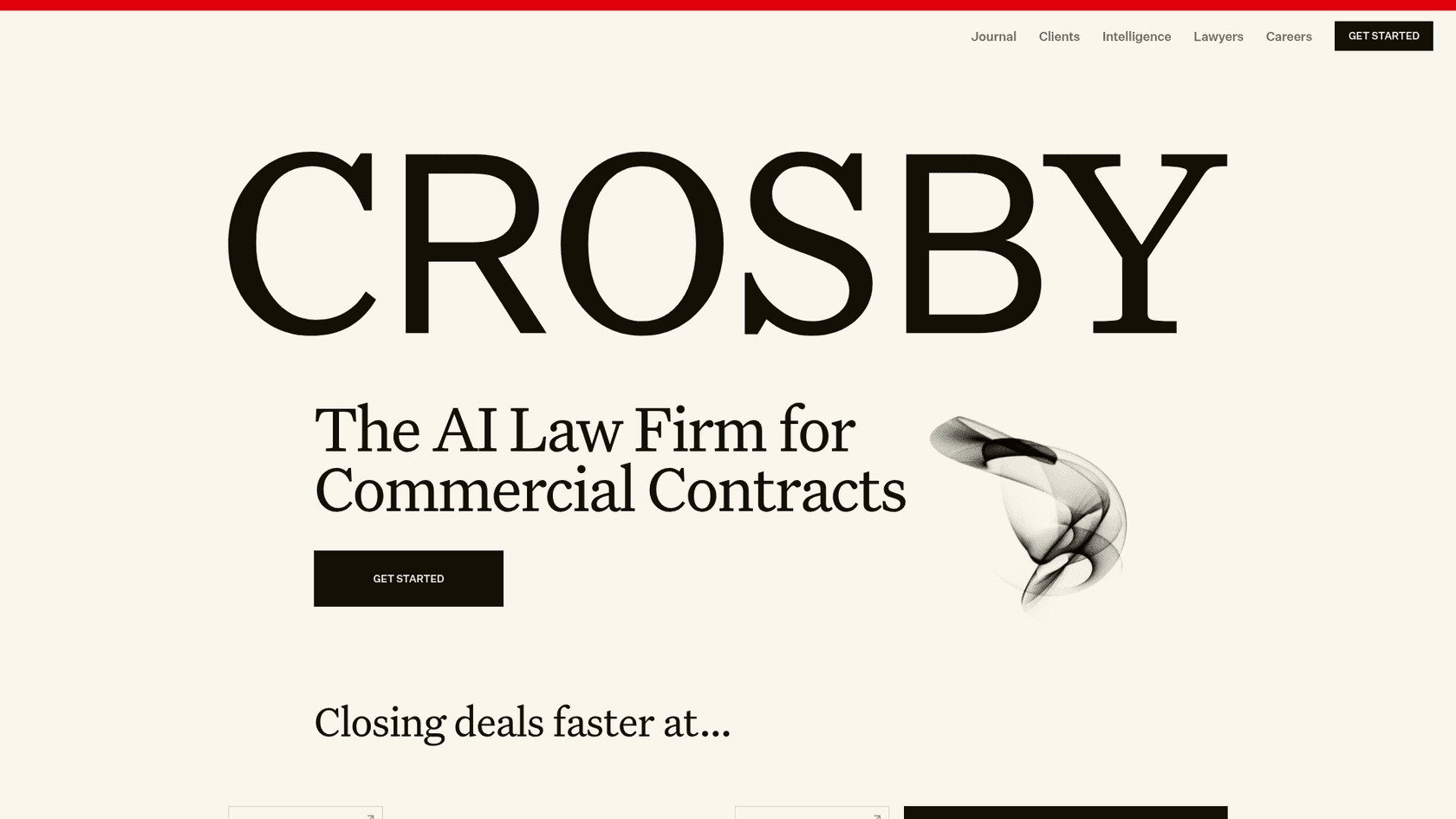
Tools like Crosby AI showed up to fix this, using a combination of AI and human lawyers to speed up contract redlining. It’s a solid solution for a very real headache.
But here’s what I’ve realized: the "best" tool really depends on what your actual problem is. Is it really just the legal redlines slowing you down? Or is it the endless back-and-forth on product questions, security details, and implementation plans that’s really jamming up your go-to-market process?
That’s why I decided to dig in and find the best Crosby AI alternatives for 2026. I wanted to see what else was out there for teams who need to close deals quickly without cutting corners.
How AI assists with legal contract review
Basically, AI for legal contract review is software that uses artificial intelligence to read, analyze, and sometimes even edit legal documents on its own. Imagine a junior lawyer who can read a 50-page agreement in a few seconds and never needs a coffee break.
The idea is to cut down the time and money spent on manual reviews, especially for the high-volume, fairly standard contracts that pop up in every sales cycle. These tools can automatically redline documents based on a company's rules, flag potentially risky clauses, and suggest different wording. For sales and go-to-market teams, this is a big deal. It means less time waiting around for legal and a quicker path to a signed deal.
What to look for in Crosby AI alternatives
While I was exploring different tools, I kept asking myself the same few questions. It’s not just about what the AI can do on paper, but how it actually fits into the way your team works.
Here’s the checklist I used:
-
Ease of setup and use: How quickly can you get it up and running? Do you have to schedule a bunch of sales calls and a mandatory demo just to see the product, or can you sign up and start using it yourself in a few minutes?
-
Workflow customization and control: Can you tell the AI exactly what to do and what to leave for a human? Can you adjust its tone to match your brand and give it specific tasks, like looking up an order status or escalating a support ticket?
-
Knowledge source integration: Does the tool only learn from a locked-down legal playbook, or can it connect to the information you already have scattered around? I’m talking about past contracts, internal wikis like Confluence or Google Docs, and even conversations happening in Slack.
-
Testing and deployment: Can you run the AI on your past data to see how it would have done? A tool that lets you simulate performance and roll it out gradually gives you confidence that you aren’t about to unleash a confused robot on your customers.
-
Pricing transparency: Is the price clear and predictable? Or are you signing up for a "pay-per-action" model that could leave you with a surprisingly large bill after a busy month?
Comparison of the best Crosby AI alternatives for 2025
Here’s a quick rundown of how the top options compare based on those criteria.
| Tool | Best For | Self-Serve Setup | Custom Workflows | Transparent Pricing |
|---|---|---|---|---|
| eesel AI | Automating support & internal Q&A for GTM teams | Yes | Yes | Yes |
| Juro | All-in-one contract automation platform | No | Yes | No |
| LexCheck | Automated contract redlining and negotiation | Yes (free access) | Yes | No |
| Casetext (CoCounsel) | AI-powered legal research and document review | Yes | Limited | Partial (firms up to 10 attorneys) |
| Atticus AI | Understanding key terms and risks in contracts | Unclear | No | No |
Our list of the top 5 Crosby AI alternatives
Each of the tools on this list solves a slightly different part of the go-to-market puzzle. I’ve broken them down by what they do best, their pros and cons, and what you can expect to pay, so you can figure out what makes sense for your team.
1. eesel AI
Full disclosure, you’re reading this on the eesel AI blog, but there’s a good reason it’s at the top of my list. While Crosby zeros in on the legal review bottleneck, eesel AI tackles a much wider problem that often slows deals down even more: getting quick, correct answers to the constant stream of questions GTM teams get every day.
Think about it. Long before a contract gets to legal, your sales team is answering questions about product features, security policies, and setup timelines in your helpdesk, email, and Slack. eesel AI acts as an AI agent for your entire team. It connects to all your knowledge, your help center, Confluence, past tickets, Google Docs, and gives instant, reliable answers. This frees up your experts and lets your sales team keep deals moving. Best of all, you can get it running in minutes, not months.

Pros:
-
Genuinely self-serve: You can sign up, connect your tools, and launch your first AI agent in minutes, without ever having to talk to a salesperson.
-
Unifies all knowledge: It’s not just for a legal playbook. It integrates with helpdesks like Zendesk and Freshdesk, collaboration tools like Slack, and documentation platforms like Confluence.
-
Complete workflow control: The simulation mode is incredibly useful. You can test your AI agent against hundreds of past tickets, and it scores each answer and suggests fixes before you turn it on for customers.
-
Transparent pricing: You pay a fixed monthly plan, where a ticket or chat counts as one credit. There are no per-resolution fees that penalize you for being successful.
Cons:
-
It's not a specialized legal redlining tool. It won't draft legal clauses for you, but it will answer any question about your company’s legal policies if you train it on the right documents.
-
Its main focus is automating workflows in customer service, ITSM, and internal support.
-
Free: $0 with 100 credits to try everything, no card needed.
-
Teammate plans: from $299/month for 500 credits up to $1,899/month for 5,000 credits, with every integration, unlimited agents and seats included.
2. Juro
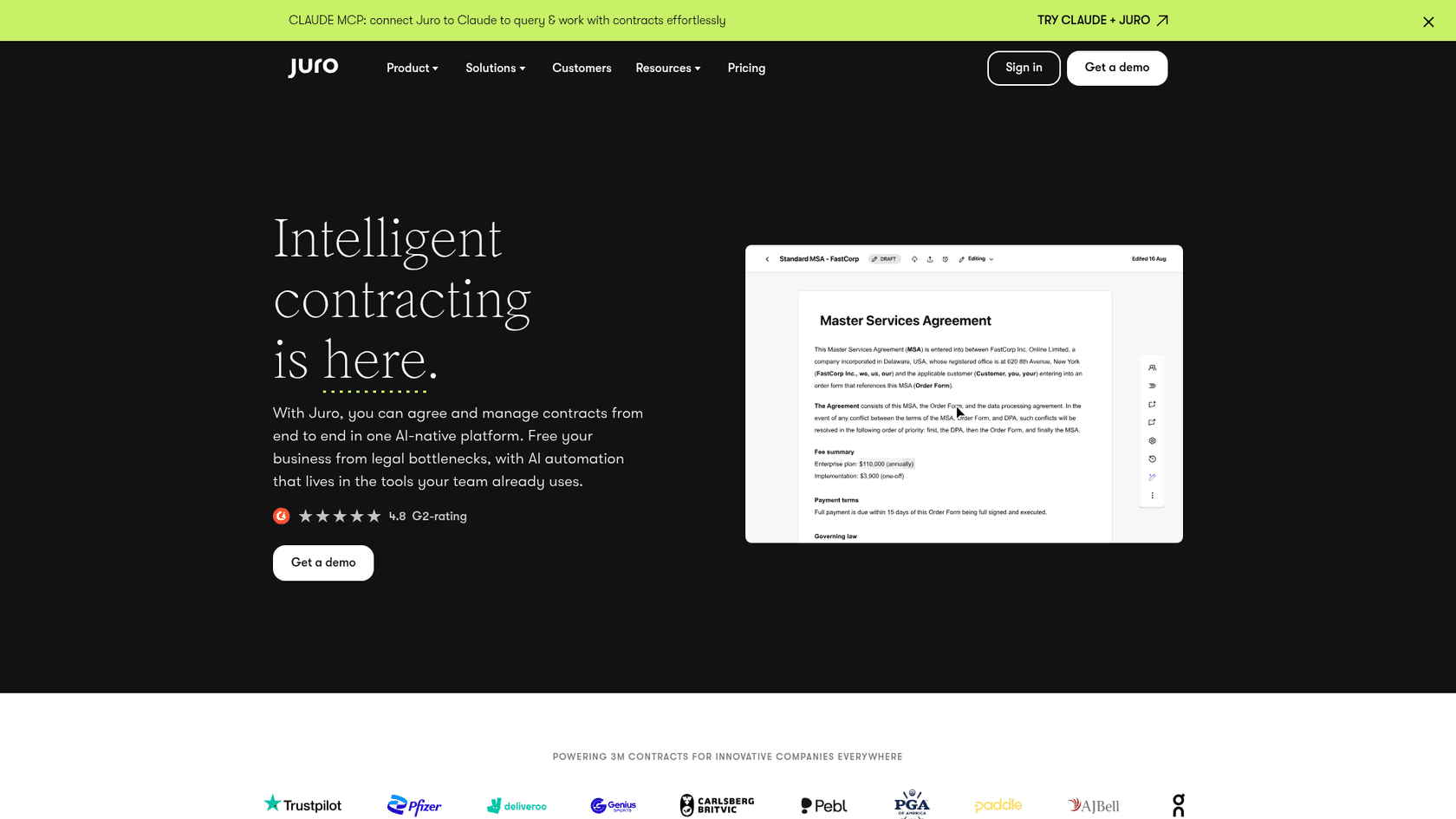
Juro is a beast, but in a good way. It’s a big platform that tries to handle the entire contract lifecycle, from writing the first draft to getting it signed and filed away. If your goal is to ditch the patchwork of tools you're currently using (like Word + email + DocuSign) and bring everything into one place, Juro is a powerful Crosby AI alternative. Juro also promotes a Claude MCP connector for querying and working with contracts from Claude.
Pros:
-
It’s an end-to-end platform that covers everything from drafting and negotiation to e-signatures and analytics.
-
It has great collaboration features that make it easy for legal, sales, and other departments to work together on documents.
-
The AI features are handy for summarizing long contracts and getting first drafts done faster.
Cons:
-
It’s a whole platform, not just a quick fix. You have to be ready to get your whole company on board with a new workflow.
-
The pricing isn’t public. You have to sit through a demo and a sales process to get a quote, which can be a pain if you’re just trying to see what’s out there.
-
It might be more than you need if all you're looking for is a faster way to redline sales agreements.
Pricing:
- Juro doesn't list prices on its website. You need to request a demo to get a custom plan based on your contract volume and the features you need.
3. LexCheck
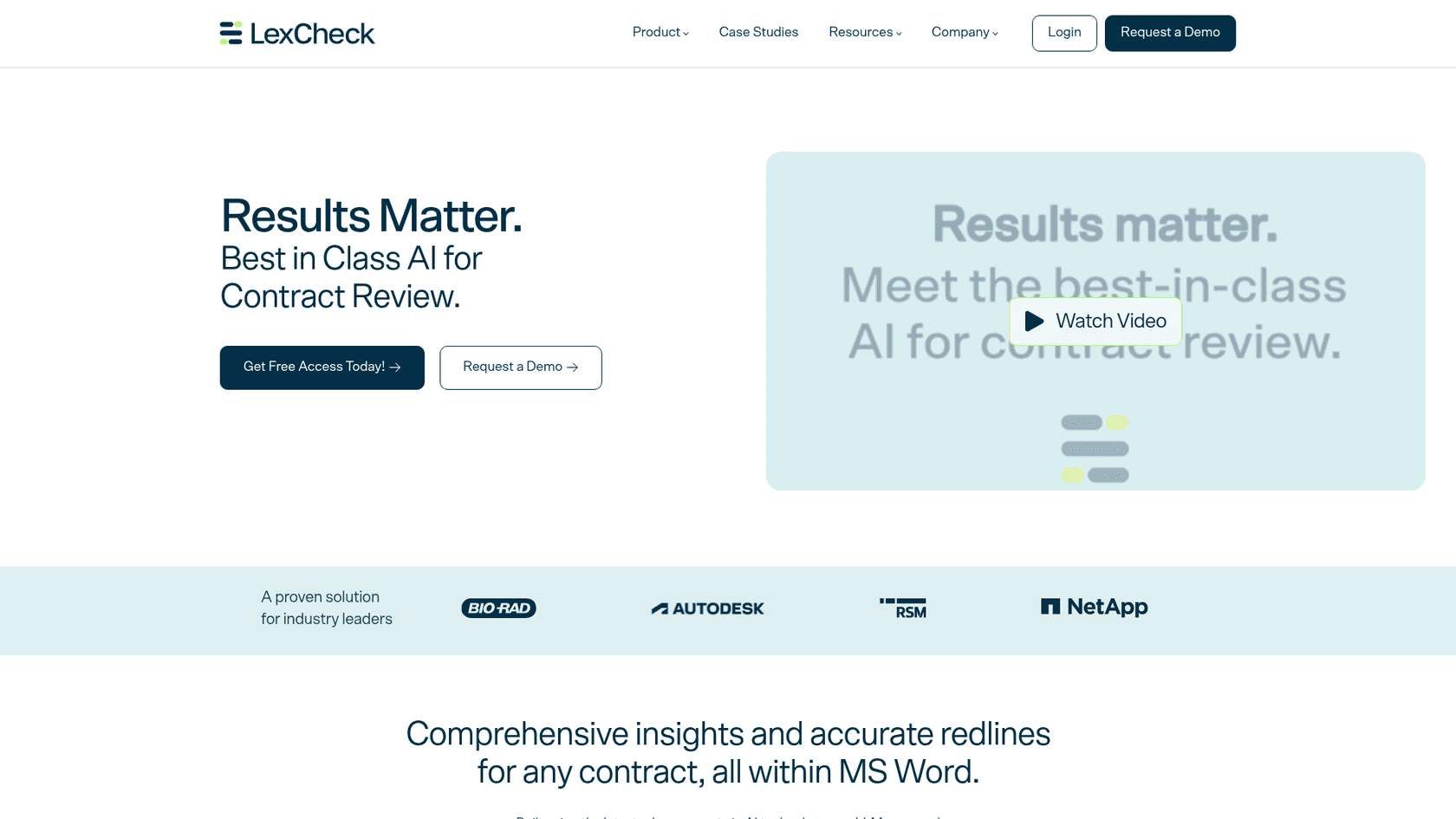
LexCheck is probably the most direct competitor to Crosby on this list. It’s laser-focused on one thing: using AI to review and redline contracts based on your company’s legal playbook. It pitches itself as "Best in Class AI for Contract Review," with redlines applied inside Microsoft Word, making it a good option for legal teams that want to automate compliance checks and keep agreements consistent.
Pros:
-
Its AI is built for complex, back-and-forth negotiations, not just simple first-pass reviews.
-
You can customize it to your specific legal rules and how much risk you're comfortable with.
-
It claims to do reviews almost instantly, which could seriously speed up your deal cycles.
Cons:
-
LexCheck doesn't publish prices on its website. You have to talk to their sales team for a quote.
-
Setup is lighter than it used to be: LexCheck offers free access and says you can upload a template and have a playbook running in minutes, but it lives inside Microsoft Word.
-
It only solves one part of the contract process: the legal review itself.
Pricing:
- No public pricing is available. You must contact their sales team for a custom quote.
4. Casetext (CoCounsel)
Casetext was bought by Thomson Reuters in August 2023, and its AI product, CoCounsel, is now part of their lineup. While it’s best known for its powerful legal research tools, it also has strong features for reviewing documents and analyzing contracts. This makes it a great choice for teams that need to review sales contracts quickly but also have to do deep legal research for more complicated issues.
Pros:
-
It's backed by the massive and well-respected Thomson Reuters legal database.
-
It can handle a wide variety of legal tasks, from summarizing deposition transcripts to scanning contracts for specific clauses.
-
It’s already trusted by thousands of law firms, from solo lawyers to massive international firms.
Cons:
-
Its main strength is legal research, so its contract negotiation features might not be as dialed in for sales team workflows as a tool like Crosby.
-
It can be more complex than a simple redlining tool, which might be overkill for a GTM team.
Pricing:
- Casetext no longer sells CoCounsel on its own. Thomson Reuters shows online pricing to new customers at law firms with up to 10 attorneys; larger firms go through their sales process.
5. Atticus AI
Atticus AI takes a different angle. Instead of automating redlines, it focuses on helping people who aren't lawyers quickly understand what a contract is all about. It highlights key terms, points out potential risks, and explains complicated clauses in plain English. This makes it a great tool for sales reps or founders who want to do a "first-pass" review to spot any major red flags before sending a document over to the legal team.
Pros:
-
It helps non-legal team members become more self-sufficient.
-
The interface is designed to be simple and easy to use.
-
It can help lower legal bills by handling initial reviews and answering basic questions internally.
Cons:
-
It’s not an automated negotiation or redlining tool; it’s more for analysis and summarization.
-
It doesn’t replace the need for a final review by a qualified lawyer on complex or high-value agreements.
-
As of September 2026, the atticus.ai domain is still listed for sale, which raises questions about its current status and makes it a risky choice.
Pricing:
- There is no public pricing available, and the unclear status of the company makes it difficult to get a quote.
Beyond redlines: Automating your entire go-to-market process
Here's the thing: contract review is often just the last symptom of a bigger problem. Go-to-market teams get bogged down long before a contract is even written. They're stuck answering the same questions over and over about product features, security protocols, and integration options.
A truly efficient process isn't just about faster legal reviews; it's about giving everyone, sales, support, and legal, instant access to the right information.
Choosing the right Crosby AI alternative for the right problem
Choosing the right Crosby AI alternative really comes down to figuring out what problem you need to solve.
If your only bottleneck is the time it takes your legal team to redline contracts, then a specialized tool like LexCheck or an all-in-one platform like Juro could be a great fit.
But if your entire go-to-market process feels sluggish because your teams are constantly digging for answers and dealing with repetitive questions, your problem isn't just legal, it's operational. For that, you need a flexible, self-serve automation tool that can pull all your company knowledge together and put it to work.
Speed up your entire GTM team with eesel AI
Ready to stop answering the same questions over and over and start closing deals faster? eesel AI is built for teams who need to fix the knowledge and support bottleneck, not just the legal one.
You can go live in minutes, connect all the tools you already use, and test everything out before you launch.
Try eesel AI for free and see how much faster your team can move.
Frequently asked questions
How do I determine which of the Crosby AI alternatives is the right fit for my go-to-market team?
Choosing the right tool depends on your primary bottleneck. If it's legal redlines, specialized tools like LexCheck are ideal. If it's broader GTM Q&A and knowledge access, a flexible tool like eesel AI might be a better fit.
What's the key difference between specialized legal review tools and broader GTM automation solutions among the Crosby AI alternatives?
Specialized legal review tools, like Crosby AI itself, focus on automating contract redlining and negotiation. Broader GTM automation solutions, such as eesel AI, tackle a wider range of repetitive questions across sales, support, and internal teams, unifying knowledge.
Do all Crosby AI alternatives require a lengthy setup process, or are there self-serve options available?
Not all require extensive setup. Tools like eesel AI offer a genuinely self-serve experience, allowing you to connect your knowledge and launch an AI agent in minutes. Others, like Juro, typically involve a sales process and more involved configuration.
Can these Crosby AI alternatives integrate with the existing knowledge bases and communication tools my team already uses?
Many Crosby AI alternatives prioritize integration. Tools like eesel AI can connect to diverse knowledge sources such as Confluence, Google Docs, Slack, and helpdesks like Zendesk, unifying your company's information.
If I'm primarily focused on accelerating contract redlining, which of the Crosby AI alternatives would be most suitable?
For accelerating contract redlining specifically, LexCheck is a strong contender as it is laser-focused on AI-powered contract review and negotiation. Juro also offers comprehensive contract lifecycle management, including drafting and negotiation.
How important is pricing transparency when evaluating Crosby AI alternatives for my budget?
Pricing transparency is crucial for budget planning, as some tools operate on variable "pay-per-action" models which can lead to unpredictable costs. Tools with clear, flat-fee pricing, like eesel AI, offer more predictability and help avoid unexpected bills.
What are the main benefits of choosing an alternative that focuses on overall GTM Q&A automation over a purely legal review tool, especially when considering Crosby AI alternatives?
An alternative focused on GTM Q&A automation addresses a wider problem than just legal review. It speeds up the entire deal cycle by providing instant, accurate answers to common questions about product features, security, and policies, freeing up expert time.