

Let's be honest, handling returns is a significant part of running any ecommerce brand. It requires careful attention to detail to keep your customers happy and coming back. Many successful online stores use Gorgias to centralize their customer communication, which is a great strategy. Gorgias provides a mature platform to manage the process of gathering return reasons and issuing RMAs (Return Merchandise Authorizations).
In this guide, we’ll walk you through how to use Gorgias chat to gather return reason and generate RMA automatically. We'll look at the standard way of doing things with Gorgias's native features and explore how complementary AI can make the whole process even more streamlined for your team and your customers.
How to gather return reasons and generate RMAs in Gorgias chat
Before we dive in, let's define the key components of this process.
Return Reason: This is the "why" behind the return. Whether it is a sizing issue or a damaged item, gathering this data is valuable for improving product descriptions and sizing charts.
RMA (Return Merchandise Authorization): This is the official approval for a return. It's a unique code that tells the customer their return is approved, and it helps your warehouse team identify the incoming shipment. This process can be further streamlined with an automated order processing system.
The ideal workflow allows a customer to enter their order info and return reason in chat and receive an RMA or shipping label promptly. To achieve this in Gorgias, you can leverage the chat widget, powerful Rules, and integrations with returns portals.
The standard way: Using Gorgias' native tools
Gorgias provides a comprehensive starting point for handling returns. Its semi-automated setup helps agents handle requests quickly while maintaining oversight. Let's walk through the typical process.
Step 1: Initiating the return request
It usually starts when a customer opens the Gorgias chat widget and mentions a return. You can use Gorgias Rules to detect keywords like "return" or "exchange."
When these keywords are identified, a rule can automatically tag the conversation and send a helpful Macro. This first message typically requests the order number and email to begin the process. If AI Agent is also on, note that rules run first, and a rule that sends a reply or applies a macro alongside AI Agent can give the customer two messages, per Gorgias docs.
Step 2: Gathering the return reason
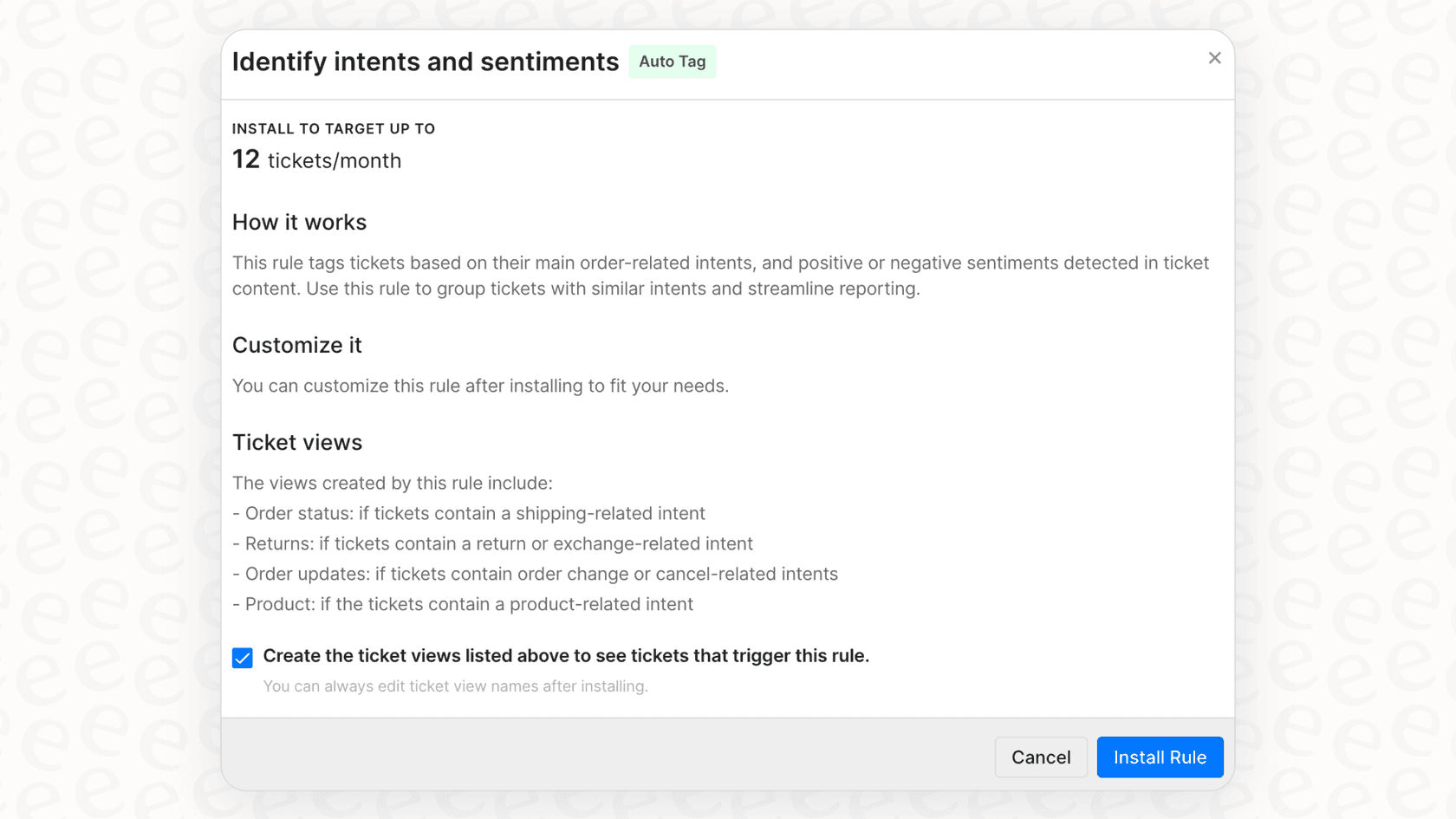
Once the customer provides their order details, your agent can move forward. Gorgias’s robust integrations with platforms like Shopify or BigCommerce allow agents to view order information directly in the sidebar.
The agent can then confirm the reason for the return. Using Macros ensures consistent communication, while agent involvement allows for a personalized touch and quality control.
Step 3: Generating the RMA
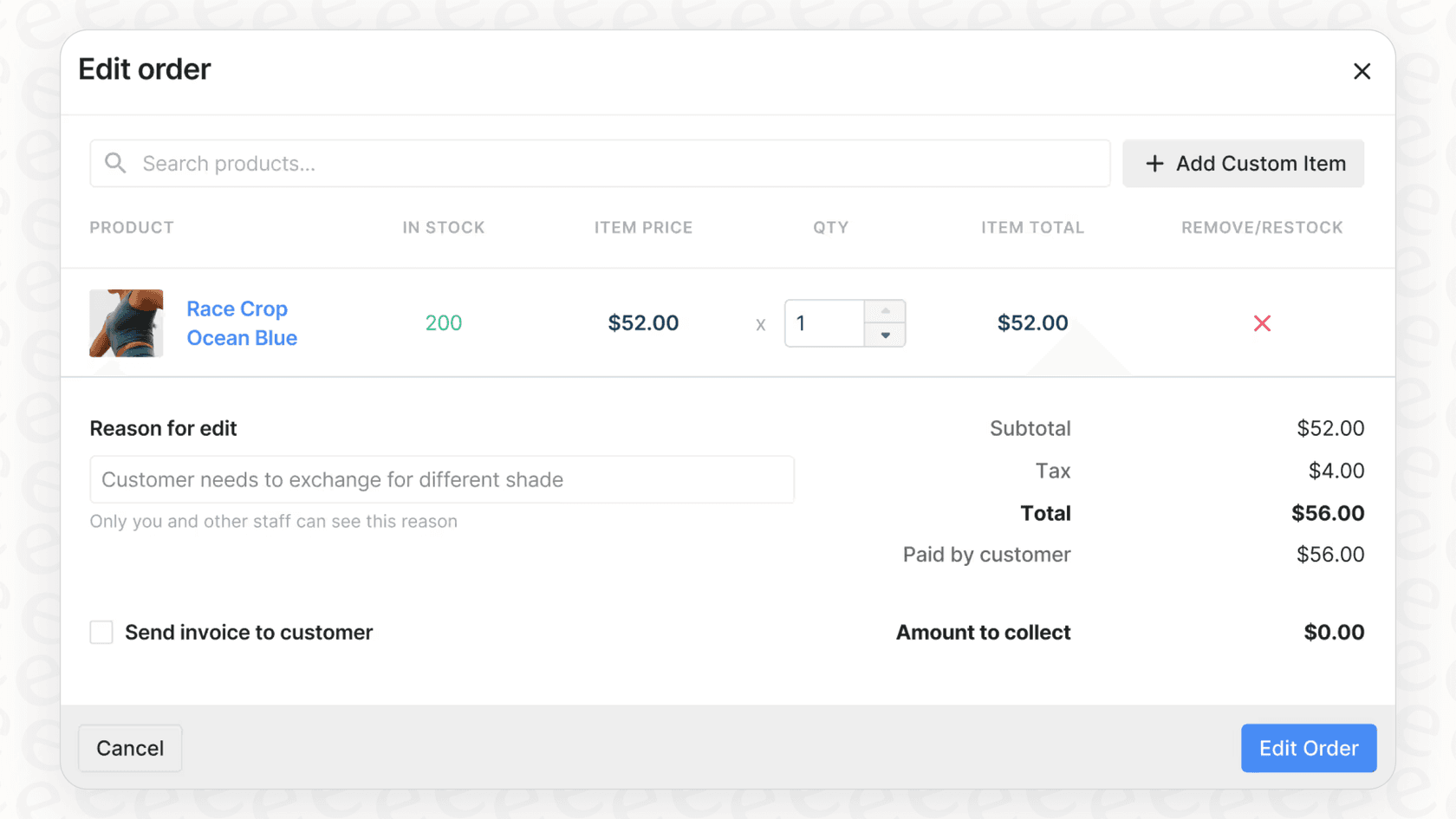
Gorgias serves as the primary interface for your support team, and you can easily connect it to dedicated returns management tools to generate RMAs.
Most brands integrate tools like Loop Returns, ReturnGO, or Happy Returns. These apps appear in the Gorgias sidebar, allowing agents to manage the return without leaving the helpdesk. The agent selects the items, generates the RMA, and the integrated app handles sending the label to the customer.
Optimizing the standard workflow for high-volume support
This workflow is highly effective for managing returns professionally. As a brand grows, you may look for ways to further optimize this setup. Here are some considerations for scaling your returns process.
Enhancing automation for repetitive tasks
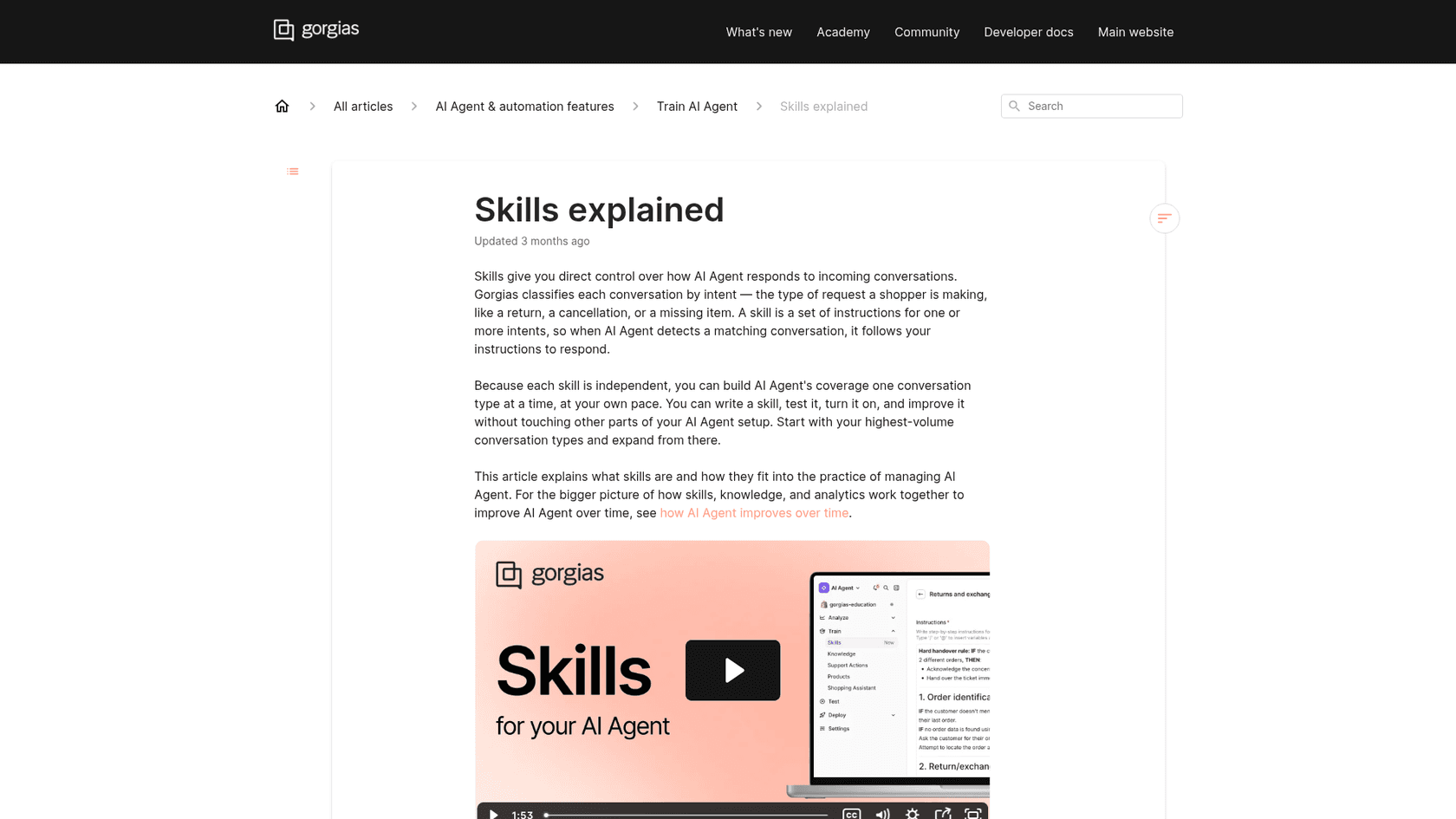
In the standard workflow, an agent provides valuable oversight by reviewing tickets and interacting with the returns app. During peak seasons like Black Friday, teams can further enhance this by adding automation layers that handle repetitive tasks, freeing up agents for more complex inquiries. True customer support automation can further streamline these steps. Gorgias's own AI Agent can also take returns through a skill built on the built-in Return / Request intent, and with Loop Returns it can send the shopper a portal link to finish the return themselves, per Gorgias docs.
graph TD A[Customer Initiates Return] --> B{Keyword Detected?}; B -->|Yes| C[Auto-Reply Sent]; C --> D[Agent Reviews Ticket]; D --> E[Agent Confirms Return Reason]; E --> F[Agent Uses Integrated App]; F --> G[RMA Generated]; B -->|No| H[Agent Handles Request]; subgraph Support Oversight D; E; F; end style Support Oversight fill:#f9f9f9,stroke:#333,stroke-width:2px
Leveraging specialized integrations
Gorgias is built to be extensible, allowing you to connect various specialized apps. While this adds specific tools to your tech stack, it also ensures you are using the best-in-class solutions for each function. Gorgias acts as the reliable anchor that brings all these data points together.
Expanding availability
Agent-led processes are excellent for quality control during business hours. To provide 24/7 customer support with AI in 2026, many teams choose to complement Gorgias with automated tools that can handle simple return requests instantly, even over the weekend.
Enhancing your setup: Using eesel AI
To achieve even higher levels of automation, you can add a smart layer on top of your existing tools. eesel AI is designed to work within your Gorgias helpdesk and other systems. It acts as a complementary autonomous agent, helping you manage the returns process efficiently.
Quick integration with your existing tools
One of the advantages of eesel AI is its ease of use. You can connect it to your Gorgias account quickly, enhancing the platform you already trust. It’s designed to improve your existing setup without requiring a complete overhaul of your support operations.
Customizable workflows for your team
You can configure eesel AI's AI Agent to assist with chat conversations. It can learn from your existing help documentation to provide accurate information to customers.
The AI Agent can assist in collecting order numbers and return reasons. By setting up Custom Actions, you can allow the AI to interact with your returns platform (like Loop or ReturnLogic) via API to help generate RMAs and labels automatically. This ensures your customers get immediate service while your human agents focus on high-priority tickets.
Testing and validation
Ensuring a high-quality customer experience is a priority. eesel AI includes a simulation mode that allows you to test the AI's performance.
Before going live, you can run the AI against your past tickets in a test environment to see how it handles return requests. This provides the confidence to refine the logic and gradually introduce it into your live environment.
A quick look at Gorgias pricing
To plan your strategy, it is helpful to understand how Gorgias pricing works. Their tiered plans are designed to accommodate teams at every stage of growth.
| Plan | Price (Annual Billing) | Billable Tickets/Month | Key Features |
|---|---|---|---|
| Starter | from $10/mo | 50 | Basic helpdesk, 3 user seats, Email, Chat, Social |
| Basic | from $50/mo | 300 | Everything in Starter + more integrations |
| Pro | from $300/mo | 2,000 | Everything in Basic + Revenue statistics |
| Advanced | from $750/mo | 5,000 | Everything in Pro + dedicated support |
Gorgias lists its AI Agent as included on every plan, billed per automated interaction at $1.00 (Starter), $0.90 (Basic and Pro) or $0.85 (Advanced), per the Gorgias pricing page. Monthly billing costs more than the annual prices above: $60 for Basic, $360 for Pro and $900 for Advanced.
Similarly, eesel AI's pricing model is one fixed monthly price, from $299/month for 500 credits (1 credit per ticket or chat). By using both together, you can find a balance that fits your specific volume and automation goals in 2026.
Streamlining your returns and RMA generation
Gorgias is a leading platform for organizing and managing customer conversations. Its built-in tools and extensive marketplace provide a strong foundation for any returns process.
To achieve the highest level of efficiency where a customer can use Gorgias chat to gather return reason and generate RMA automatically, adding a complementary AI layer is a smart choice. This allows you to scale your support operations and provide the 24/7 service that modern customers appreciate.
eesel AI was built to complement the Gorgias ecosystem. It helps you build a seamless returns process that works alongside your existing Gorgias setup.
Ready to enhance your returns workflow? You can try eesel AI for free or book a demo to see how it integrates with Gorgias.
Frequently asked questions
Is it possible to get Gorgias chat to gather return reason and generate RMA automatically?
Yes, Gorgias provides a robust ticketing and rules engine that helps agents handle returns efficiently. For teams looking for full automation, solutions like eesel AI can complement Gorgias by using an AI Agent to handle the entire chat, gather details, and make live API calls to generate the RMA instantly.
What are the standard workflows when I use Gorgias chat to gather return reason and generate RMA automatically?
The standard workflow is built for quality control, typically involving a human agent to confirm details through integrations. This ensures high-touch service while maintaining a centralized record in Gorgias.
Does Gorgias generate RMAs directly, or do I need other tools?
Gorgias is a powerful helpdesk that acts as the central hub for customer conversations. To generate RMA numbers, you can easily integrate Gorgias with third-party returns management tools like Loop Returns, allowing your team to complete the process within one interface.
How does eesel AI help to "Gorgias chat to gather return reason and generate RMA automatically" more efficiently?
eesel AI works within the Gorgias ecosystem to help manage conversations. It can autonomously collect order info and return reasons, then use Custom Actions to generate the RMA and label via API, providing an additional layer of automation for your support team.
How can I ensure the AI correctly handles "Gorgias chat to gather return reason and generate RMA automatically" before going live?
eesel AI offers a comprehensive simulation mode where you can test the AI on past return tickets. This allows you to review its performance and logic, ensuring a smooth experience before rolling it out to customers.
What are the pricing options when I want to use "Gorgias chat to gather return reason and generate RMA automatically" with AI?
Gorgias offers tiered plans with AI Agent included on every plan and billed per automated interaction, from $0.85 to $1.00 depending on the tier. Additionally, eesel AI offers fixed monthly credit plans, from $299/month for 500 credits, that can be added to your Gorgias setup for enhanced automation.