


What "automating phone support" actually means
When someone says they want to automate phone support, they usually picture one thing: an AI that answers the phone and talks to callers. That is one small slice. In practice a phone call has four moments where automation can help, and only one of them involves a voice.

Think about the last time you called any support line. Most of the reasons people dial are boring and repeatable: where is my order, how do I reset my password, what are your hours, how do I cancel. Those never needed a phone agent. They needed an answer the caller could not find, so they picked up the phone as a last resort.
That reframe matters because it changes the goal. You are not trying to make a bot handle 100% of calls. You are trying to make fewer calls happen, route the ones that do, and delete the manual admin that surrounds each one. Get that right and the voicebot becomes optional rather than the whole project.
Before you start: what you need in place
Automation is only as good as what it can see and touch. Before step one, get three things sorted:
- A knowledge source it can read. Your help center, past tickets, internal docs, an order database, a returns policy. If the answer is not written down somewhere the AI can reach, it cannot give it, on the phone or anywhere else. This is where an AI-powered knowledge base earns its keep.
- A helpdesk the phone system connects to. Calls should land as tickets in Freshdesk, Zendesk, Gorgias, or wherever you already work, so the automation has one place to write to.
- A view of what people call about. Pull your last few hundred calls and tag them. You cannot automate a queue you have not measured, and the tags tell you which plays below are worth your time.
If you skip this, you end up automating guesses. The teams that succeed start from their own ticket analysis, not from a vendor's demo script.
Step 1: Map which calls are actually automatable
Open your tagged call list and sort by volume. You are looking for the handful of reasons that make up the bulk of your inbound calls. In most support queues, a small number of question types drives the majority of the volume, and that is the pile worth automating first.
Sort each common reason into one of three buckets:
- Fully automatable. Factual, repeatable, answer lives in a system: order status, store hours, password resets, basic policy questions. These can be deflected or handled end to end.
- Assist-only. Needs judgment but follows a pattern: a refund within policy, a plan change, troubleshooting with clear steps. A human stays on the call, but AI feeds them the answer.
- Human, full stop. Emotional, legal, high-value, or genuinely novel. Leave these alone and make sure they reach a person quickly.
Be honest in this step. The single most common mistake we see is a team trying to automate a "human, full stop" call because it looked frequent in the data, then blaming the AI when it fumbles a cancellation from an angry customer. Automate the boring pile. Protect the hard pile.
Step 2: Deflect the repeat calls before they ring
This is the highest-leverage step and the one most phone-automation projects ignore, because it does not involve the phone at all.
Every fully automatable question from step one is a call you can prevent. If a customer can get "where is my order" answered instantly from a chat bubble on your site, a WhatsApp thread, or a help-center search, they do not dial. An AI agent trained on your knowledge base and order data can resolve those in seconds, in the customer's own language, across 80+ languages out of the box.

The numbers here are real and they compound. One IT team we work with started at 15% deflection on their first-response tickets and is targeting 55% as their knowledge base fills in. Every deflected contact is a call that never reaches the phone queue, which means shorter hold times for the calls that genuinely need a human.
A word of caution on deflection: it only works if the self-service answer is actually good. Deflection built on a thin help center just makes customers angrier before they call anyway. Fill the gaps first. Some AI tools, including eesel, will even flag the topics customers ask about that your docs do not cover, so you know exactly what to write.
Step 3: Automate call routing and the IVR
For the calls that do come in, the goal is to get each caller to the right place without a maze of menus.
Old-school IVR ("press 1 for sales, press 2 for support") is automation, technically, but the bad kind: it makes the caller do the routing work. Modern voice AI flips it. The caller says what they need in plain words, and an AI agent understands the intent and routes accordingly, or handles the simple lookup itself.
Here is where I would set expectations honestly. A voice AI that fully converses with callers is a real, growing category, and for high-volume, simple-lookup lines it can carry a serious share of traffic. But it is also the piece most likely to frustrate people when it misunderstands, so the design rule is simple: the fastest possible path to a human on anything it is unsure about. A voicebot that traps a caller is worse than the old menu.
If you already run a helpdesk, the practical move is often lighter than a full voicebot: use AI to transcribe and understand the call in real time and route it, rather than trying to have it hold the whole conversation.
Step 4: Give live agents an AI copilot
For every "assist-only" call, the agent stays on the line, but they should not be alone. An AI copilot listens (or reads the transcript live) and surfaces the answer, the policy, or the next step in the corner of the agent's screen, so they are not putting the customer on hold to go dig through a wiki.
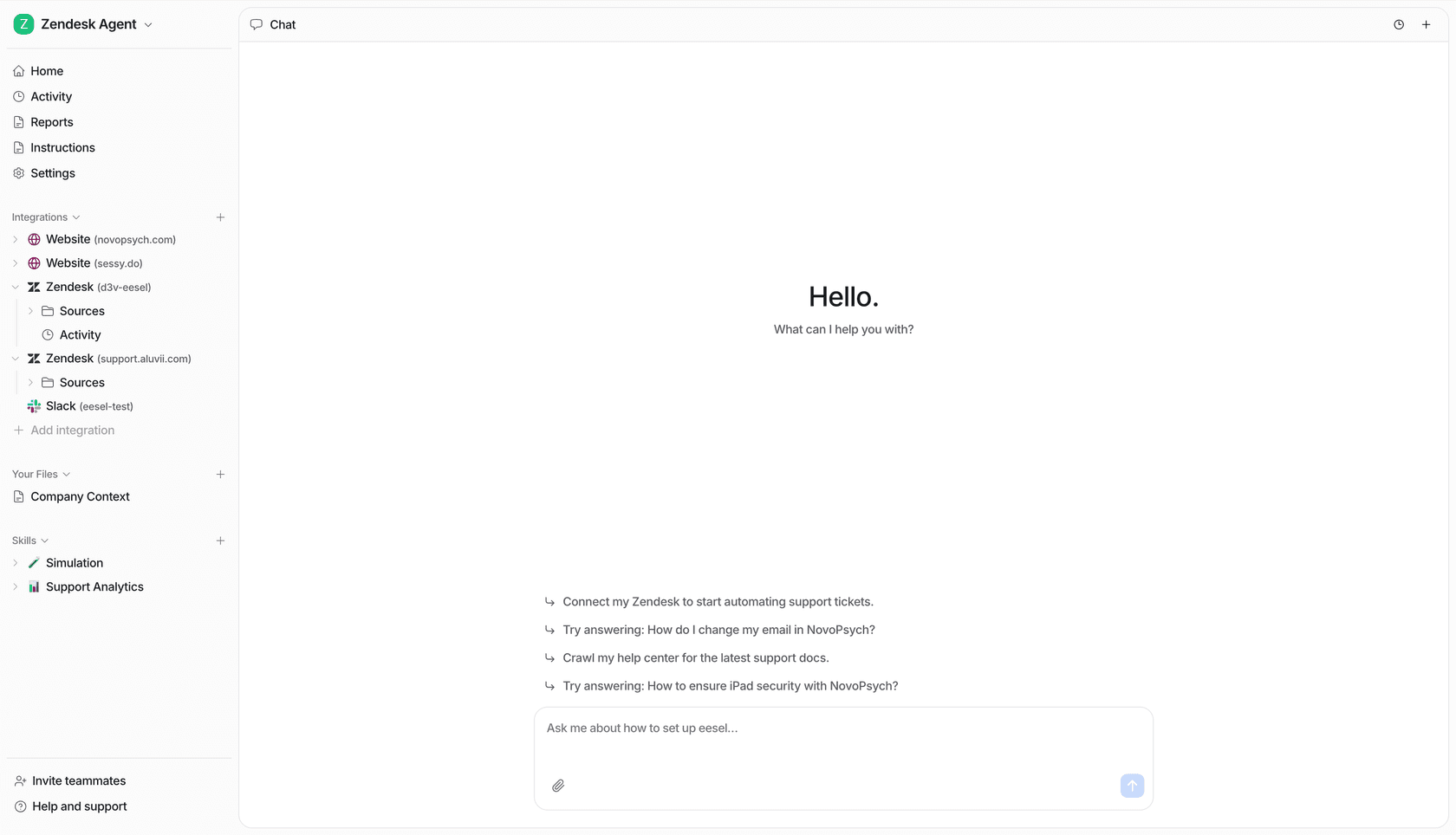
This is the least glamorous step and often the most valuable, especially for newer agents. Instead of "let me check on that and call you back," the answer is already on screen. Global Payments saw up to 80% time savings just on the finding-the-answer part of support work, and finding the answer is exactly what eats a phone call.
The copilot also quietly does the hardest onboarding job for you. A new hire with a good copilot behaves like a veteran on day three, because the institutional knowledge is retrieved for them instead of memorized over months.
Step 5: Automate everything after the call
The call ends. For most teams, this is where five to ten minutes of unpaid admin begins: writing the summary, logging the ticket, tagging it, and sending the follow-up. Multiply that across every call and it is often the single biggest time sink on the whole line.
This is the sweet spot for automation, because none of it needs a voice, and it is where a text-based AI layer on your helpdesk shines.

A well-set-up flow does this on its own: transcribe the call, write a clean summary, create and tag the ticket in your helpdesk, draft the follow-up email with the answer or the next step, and either close it out or route it to the right person. The agent hangs up and moves to the next call while the paperwork writes itself.
This is genuinely where eesel fits best. It is not a voicebot; it is the AI layer that lives on your helpdesk and handles the ticket, the reply, and the deflection around the call. Point it at a call transcript and it can draft the follow-up, in your tone, with a citation, and even take actions like looking up the order or issuing the refund through your connected tools.
Step 6: Test against real calls before going live
Never point automation at live traffic on a hope. The scariest failure mode in support AI is a confident, wrong answer, delivered at scale, and you only find it after customers do. We learned this the hard way, which is why every rollout we run now starts with a simulation against real history.
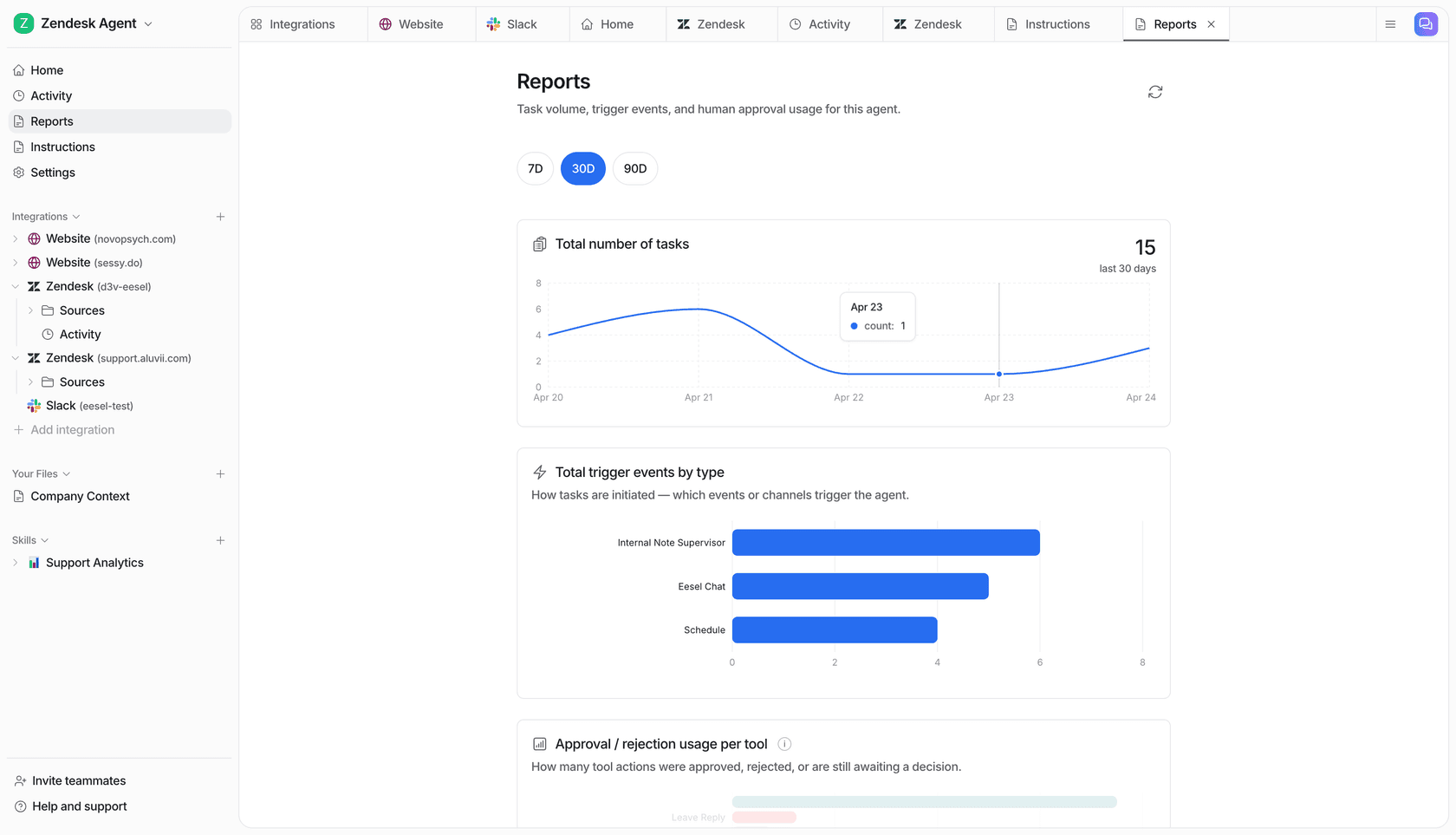
Run the AI over thousands of your past tickets and calls and read the report before anyone is affected: what share would it have resolved, where would it have gone wrong, and which topics is it still weak on. Fill those gaps, re-run, and only then turn it loose, starting on the safest question types and widening as you build trust.
The good news is time-to-value is fast when you test this way. Gridwise saw real results inside a 7-day trial. The point of the dry run is not to slow you down; it is to let you go live with numbers instead of a prayer.
Common mistakes to avoid
A few traps we see teams fall into, so you can skip them:
- Automating the voice first. The voicebot is the flashy part and the smallest win. Deflection and after-call automation pay back faster with less risk. Do those first.
- Deflecting onto a thin knowledge base. If self-service cannot actually answer, you have just added a frustrating hoop before the call. Fix the docs before you deflect.
- No fast path to a human. Every automated flow needs a visible, quick escape hatch. Trapping people is how you turn one bad call into a public review.
- Going live without a simulation. A wrong answer at scale costs more trust than the automation saves in time. Test on real history first.
- Per-seat pricing at volume. Many legacy tools charge per agent or per minute, so your bill grows exactly as automation succeeds. A fixed monthly price sized to volume keeps the cost predictable instead.
Automate the work around every call with eesel
If your phone line is buried under repeat questions and after-call admin, that is the pile eesel AI is built for. It plugs into your existing helpdesk in minutes, learns from your past tickets and docs on day one, and quietly handles the two moments that surround every call: the deflection that stops the boring calls from ringing, and the ticket, summary, and follow-up that come after.

You can simulate it on your own call and ticket history before it touches a live customer, so you see the resolution rate up front, and it starts from $299/month for 500 credits (1 credit per ticket or chat) with no per-seat fee, so the cost follows your volume rather than your headcount. Try eesel free with 100 credits, or book a demo and we will run it against your real support data with you.