

What "FAQ deflection" actually means (and what it doesn't)
Let me clear up the term first, because it gets used to mean two very different things.
Bad FAQ deflection is a wall. It is the chatbot that pops up, refuses to connect you to a person, loops you through three irrelevant help articles, and quietly counts you as "deflected" the moment you give up and close the tab. That number looks great on a dashboard and terrible to the customer. It is the reason so many people reflexively type "agent, agent, agent" the second a bot appears.
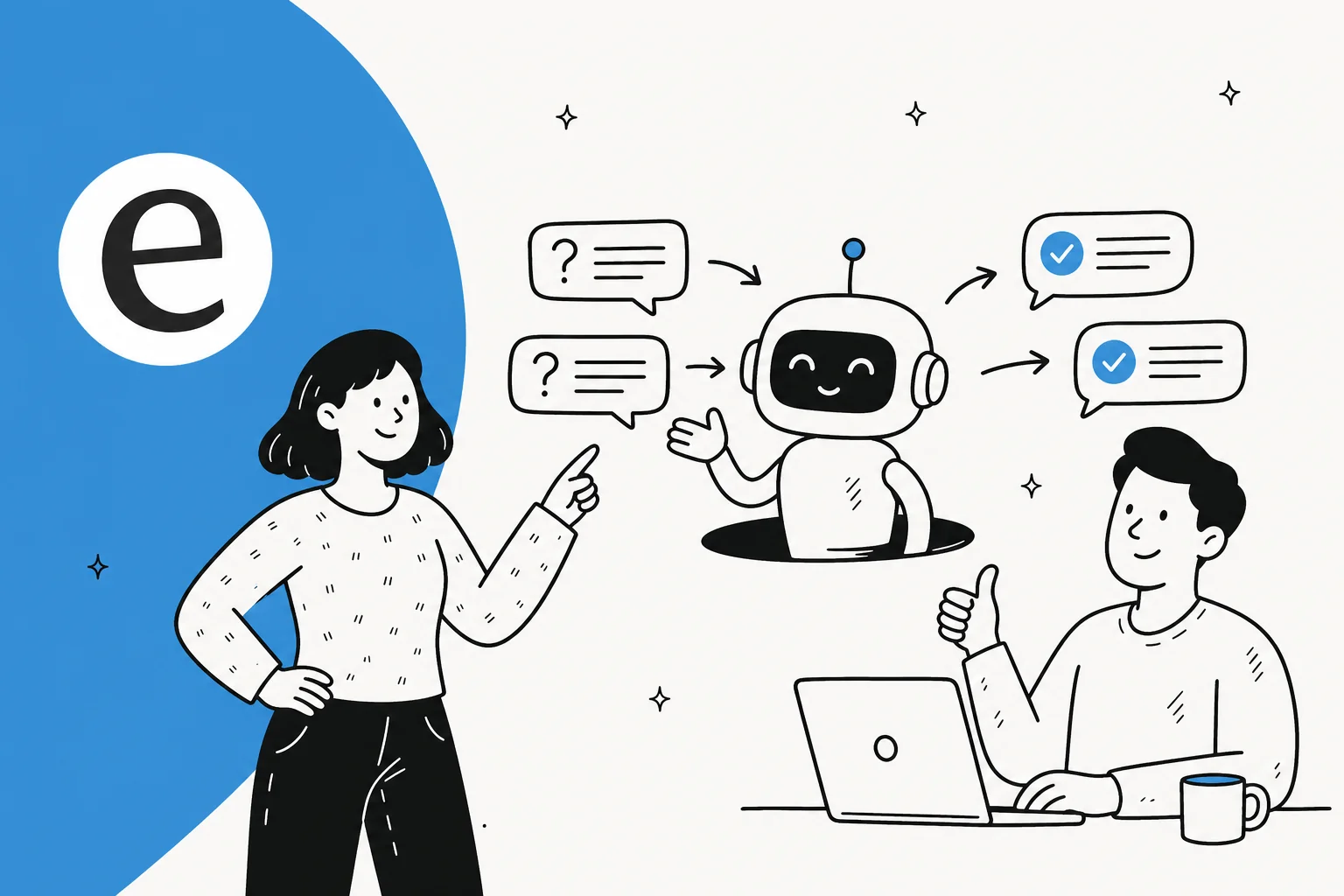
Good FAQ deflection is the opposite: the customer asks a question, gets the correct answer instantly, and never needed a human in the first place. Nobody was blocked. The ticket simply resolved itself. When I talk about deflecting FAQs with AI in this guide, I mean the second kind, and almost every rule below exists to keep you out of the first.

The distinction matters because the questions worth deflecting are relentlessly repetitive. On the calls I sit in on, support leads describe the same pattern: a multi-brand e-commerce operator handling 500-plus tickets a day told me refund requests, unsubscribe asks, and order-tracking queries dominated their entire volume. Those are perfect deflection candidates: high frequency, one right answer, low risk if you get the setup right. That is very different from a billing dispute or an angry escalation, which should never be auto-answered.
What you'll need before you start
This is a practical guide, so here is the short prerequisite list before step one:
- A helpdesk with ticket history. Zendesk, Freshdesk, Gorgias, Help Scout, Front, HubSpot, anything with a record of how you have answered before.
- A knowledge source. A help center, internal docs, or even a messy folder of saved replies. The richer this is, the better the deflection. An AI knowledge base is the foundation everything else sits on.
- A rough sense of your volumes. You do not need perfect analytics, just an idea of which questions repeat most.
- An AI layer that can read all of the above. This is the AI helpdesk agent itself, the thing that turns your knowledge into answers.
If you have those four, you are ready. Here is the whole flow at a glance before I walk each step.
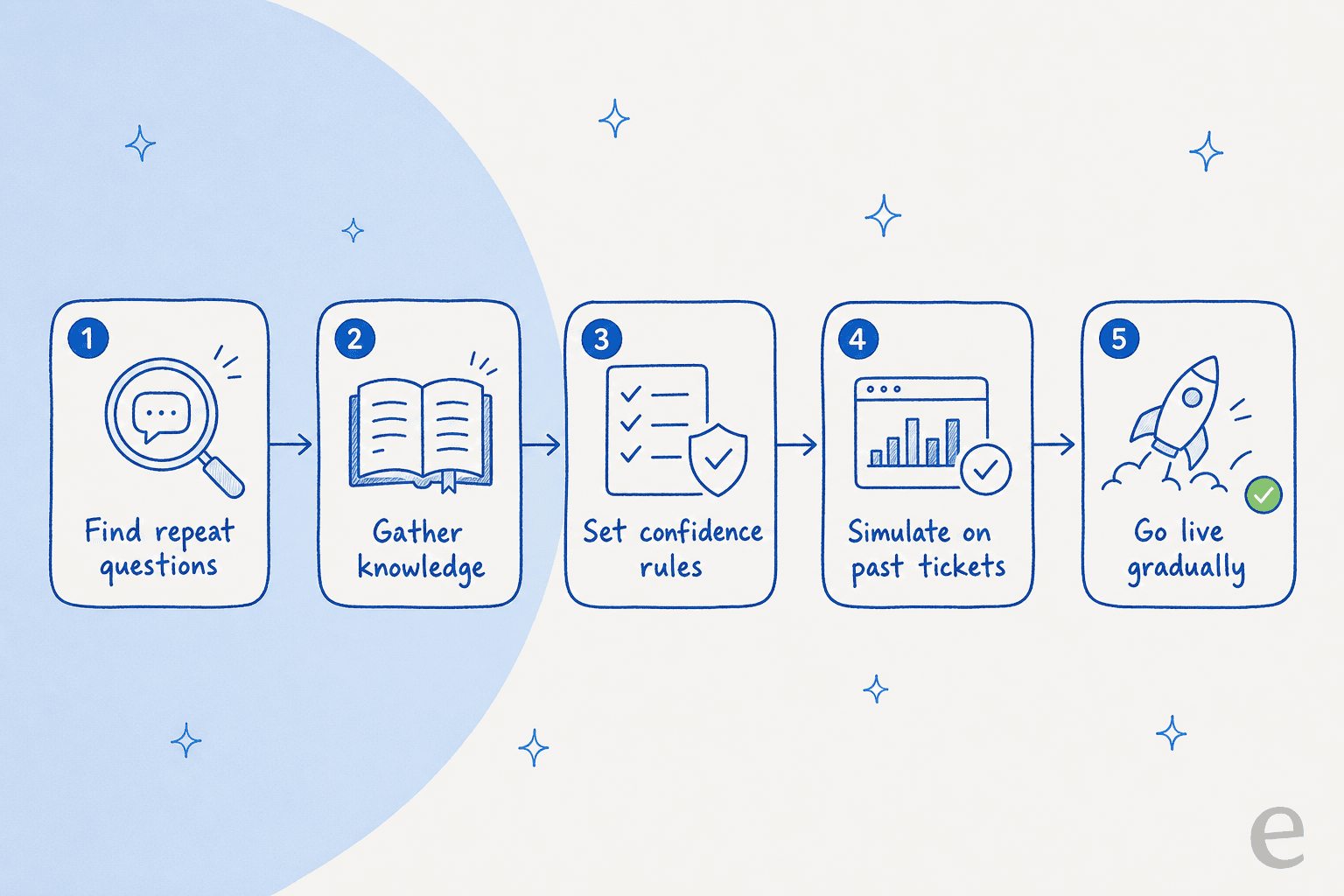
Step 1: Find which FAQs are actually worth deflecting
Do not guess. The fastest way to waste a month is to automate the questions you think are common instead of the ones that actually are.
Pull a theme analysis of your last few months of tickets. Most modern AI tools will cluster your historical tickets into recurring topics and tell you the volume behind each one, so you can see at a glance that "where is my order" is 22% of your queue and "how do I change my plan" is 3%. Rank by volume, then filter that list down to questions with a single, stable, low-risk answer.
A quick test for "is this worth deflecting": would I be comfortable if the AI answered this with no human reading it first? Order tracking, store hours, password resets, return policy, shipping timelines: yes. Refunds over a threshold, account changes, anything legal or medical: not yet. This first pass is also where you find the real reason your queue is the size it is, which feeds straight into reducing overall ticket volume.
Step 2: Get your knowledge in one place
An AI agent can only deflect a question if the answer exists somewhere it can read. So before you automate anything, make sure your knowledge is connected and current.
The mistake here is feeding the AI only your public help center. Help articles are often written for the wrong audience: one support manager I spoke to realized his entire knowledge base was written for administrators, while every ticket came from end-users, a mismatch that produced confusing answers no matter how good the AI was. The fix is to also train on your resolved tickets, because that is where the real, customer-facing phrasing of every answer lives.

Connect your help center, your past tickets, and any internal docs (Confluence, Notion, Google Docs). If a topic has no documented answer anywhere, the AI cannot deflect it, and that gap is itself useful information. Some tools will even flag the uncovered topics and draft new knowledge base articles to fill them. For the deeper how-to, see training your knowledge base and what data you need.
Step 3: Set the confidence rules so it never bluffs
This is the step that decides whether customers love or hate your deflection, so do not rush it.
The principle is simple: the AI should only answer when it is confident, and should hand off to a human the moment it is not. This is called confidence-based routing, and it is the difference between an AI agent and a rule-based chatbot that fires the same scripted reply at everything.

The objection I hear most from support leads is exactly this fear. As one ops lead at a DTC brand running about 7,000 tickets a month put it on a call:
"The AI will never be able to answer 100% of the questions, but if it tries and just answers 'sorry I don't know this,' I cannot go and check all my 7,000 tickets to see if the AI actually made a good answer. I need an AI who is only handling the tickets that it's confident to handle and all the other ones, leave them alone."
That is the whole game. Configure the agent so a low-confidence question becomes a draft for a human or a clean escalation, never a confident-sounding guess. Wrong answers delivered confidently do more damage than no answer at all, which is why hallucination prevention belongs in your setup from day one, not as an afterthought.
Step 4: Simulate before you go live
Here is the step almost everyone skips, and the one I would never launch without.
Before a single customer sees the AI, run it against your past tickets in a simulation. A good helpdesk agent will replay thousands of historical tickets and show you exactly what it would have answered, what percentage it could resolve, and where it would have stayed quiet. You get a realistic deflection forecast and a list of gaps to fix, all without any risk to a real customer.
This is also where you tune. If the simulation shows the AI confidently answering a question it should not touch, you tighten the rules. If it stays silent on an easy one, you add the missing knowledge. Re-run, re-check, and only then go live. Skipping this is how teams end up surprised by their bot in production, which is the exact scenario the simulation exists to prevent.
Step 5: Roll out gradually and watch the metrics
Resist the urge to flip everything on at once. The safest rollout is incremental: let the AI auto-answer your two or three highest-confidence FAQ types first, keep everything else as human-drafted, and widen the scope as the numbers earn your trust.
Plug your own numbers into the rough estimate below to see what even a modest deflection rate is worth before you commit.
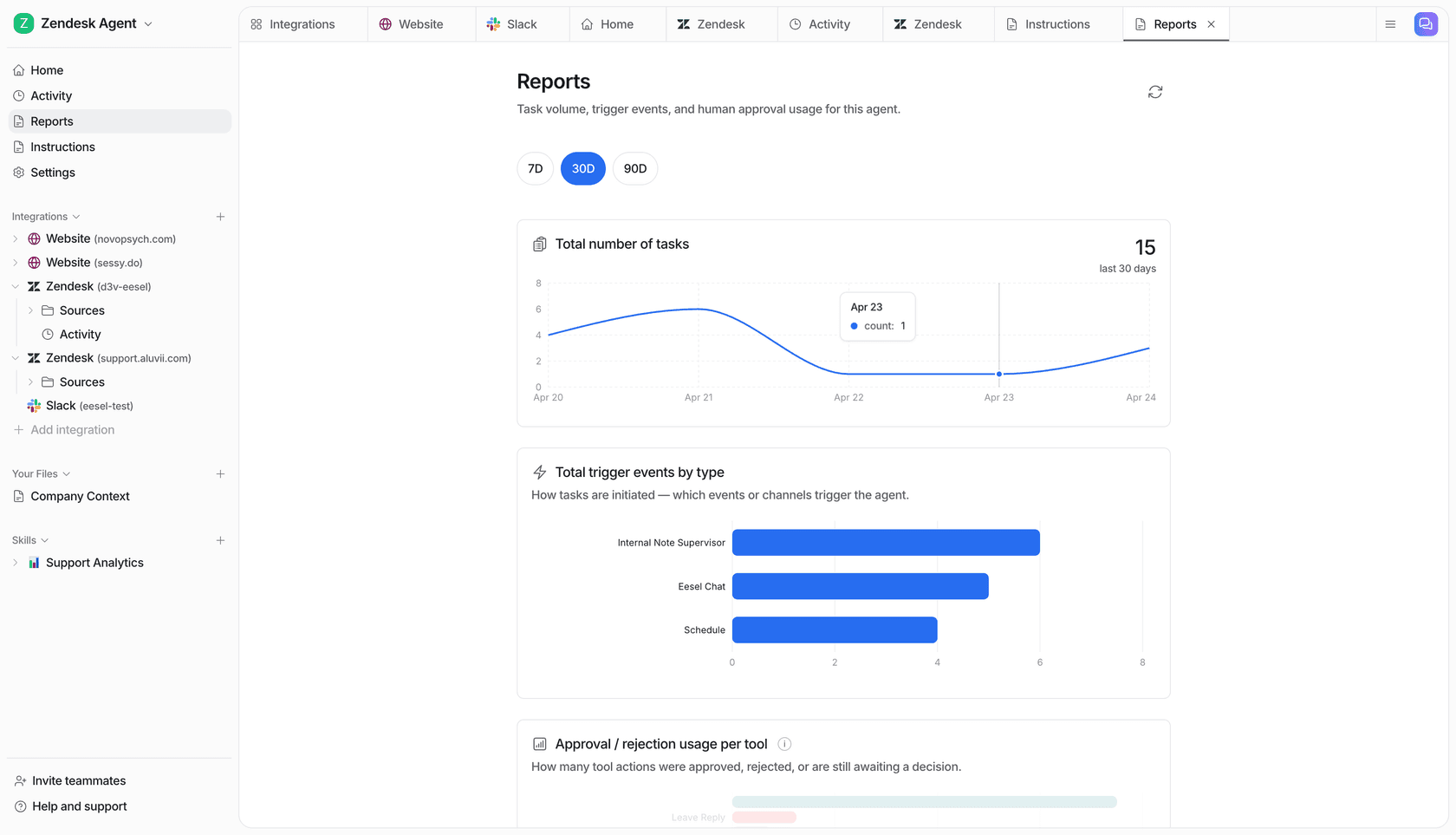
The metric to watch is not raw "deflection rate" in isolation (remember, a dead-end bot can fake that). Watch your AI resolution rate alongside customer satisfaction and escalation rate. If resolution climbs while CSAT holds steady, the deflection is real. If CSAT drops, you are blocking people, not helping them. This is also the data you will use later to measure ROI on AI support and to keep improving your resolution rate over time.
For real teams, this gradual approach pays off fast. One eesel customer, Gridwise, resolved 73% of tier-1 requests in the first month, with results showing up during the 7-day trial. The point is not the headline number, it is that they got there by starting narrow and widening, not by switching everything on.
Common mistakes to avoid
A few traps I see teams fall into, beyond the dead-end bot I already covered:
- Automating before you simulate. You are guessing at coverage instead of measuring it. Always simulate first.
- Hiding the human handoff. If a customer wants a person, the route to one should be obvious. Burying it is what creates the "agent, agent, agent" reflex.
- Training on help docs only. Your resolved tickets hold the real answers in real language. Skip them and your deflection stays shallow. See why chatbots answer incorrectly.
- Deflecting high-risk questions too early. Money, accounts, and judgment calls belong with humans until your data says otherwise.
- Treating it as set-and-forget. New products and policies create new FAQs. Revisit your theme analysis monthly and keep your knowledge base current.
Get those right and FAQ deflection stops being a customer-experience risk and becomes the quiet workhorse that clears your queue. It pairs naturally with self-service and live-chat deflection, and it is one of the most reliable wins in any AI support agent rollout.
Try eesel
If you want to deflect FAQs without rolling the dice on your customer experience, eesel is built for exactly this. It plugs into your existing helpdesk in minutes, learns from your past tickets and help docs on day one, and lets you simulate against thousands of real tickets before a single customer sees it, so you know your deflection rate before you go live. Confidence-based routing keeps it from bluffing, and one fixed monthly price (from $299/month for 500 credits, 1 credit per ticket handled) means no per-seat fees, and the free plan lets you start a gradual rollout at no cost.
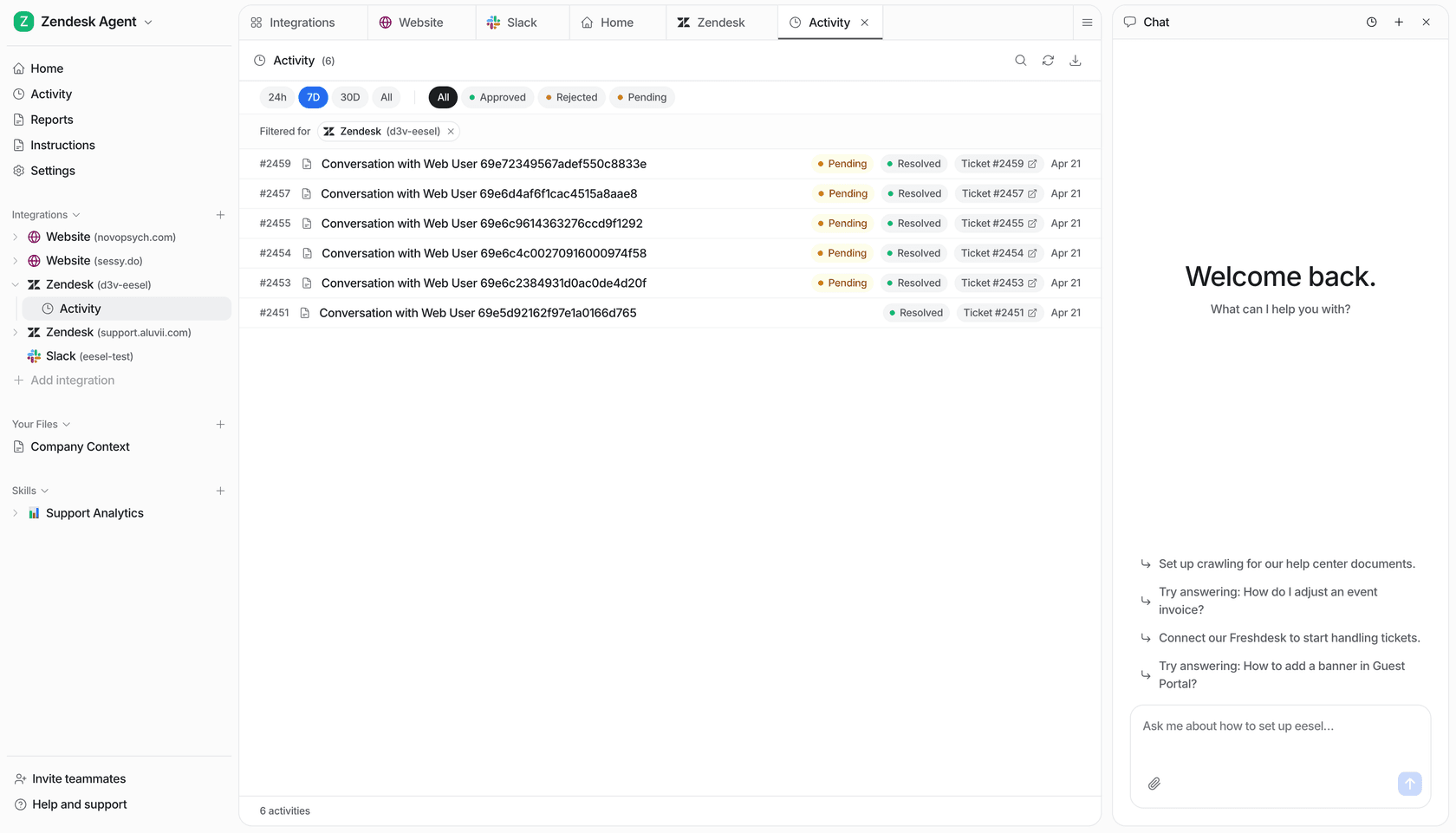
You can start free with 100 free credits and no credit card, point it at your helpdesk, and run a simulation to see your real deflection forecast in an afternoon.