

What "identifying customer needs" actually means
A customer need is the outcome someone is trying to reach, not the feature or answer they think will get them there. The classic example: a person asks how to reset their password, but the need is "I am locked out and I have a deadline." Solve the literal request and you close the ticket. Solve the need and you notice they get locked out every Monday because your session expires over the weekend, and you fix the thing generating the tickets.
It helps to split need into three layers, because different methods surface different layers.
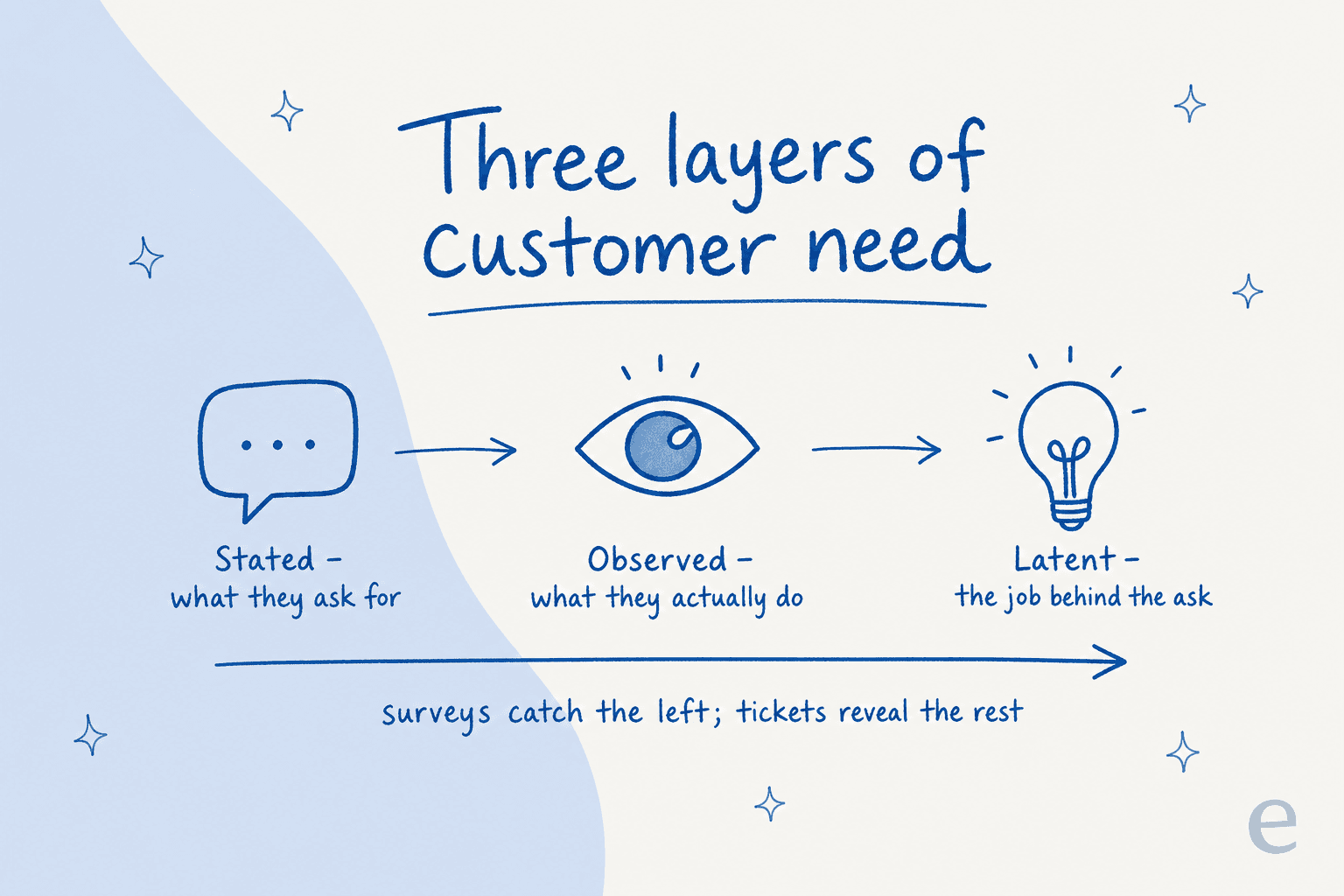
- Stated needs are what customers tell you directly: "I want a refund," "how do I export my data." Easy to collect, easy to act on, and the shallowest layer.
- Observed needs are what they do regardless of what they say: where they drop off, which help article they reread five times, the ticket they reopen twice.
- Latent needs are the underlying job they haven't articulated, sometimes because they don't have the words for it. This is where the real product and process improvements live, and it is the hardest layer to reach.
The mistake I see most often is treating the stated need as the whole picture. A support workflow built only around stated needs is reactive by definition. You are always answering the question that was asked, never the one behind it.
The types of customer needs worth tracking
Beyond the three layers, it is worth naming the kinds of need that show up in support, because they compete with each other and you have to decide which one you are optimizing for.
| Need type | What the customer wants | Where it shows up | How you measure it |
|---|---|---|---|
| Functional | The task gets done correctly | "Did it work?" tickets, reopens | First-contact resolution |
| Speed | An answer without waiting | Chase-up messages, "any update?" | First response and resolution time |
| Communication | Clear, transparent, jargon-free | Confused replies, repeated questions | CSAT comments, ticket reopens |
| Emotional | To feel heard and taken seriously | Frustrated tone, escalations | CSAT, sentiment, escalation rate |
| Effort | To not repeat themselves | "I already told the last agent…" | Customer effort score |
Notice that speed and functional correctness often pull against each other, and communication needs sit underneath all of them. A fast wrong answer serves nobody. This is exactly why "just deflect more tickets" is a weak goal: deflection that ignores the emotional and effort layers just moves the frustration downstream.
Where teams get this wrong: the survey trap
Ask most teams how they identify customer needs and the answer is "we send a survey." Surveys are not useless, but they carry two problems that are easy to miss.
First, response bias. The people who fill out a survey are the delighted and the furious. The vast middle, the customers whose needs are quietly going unmet, don't respond, so you optimize for the loud ends and miss the majority.
Second, prompting bias. A survey asks the questions you already thought to ask. If you didn't think to ask about a latent need, the survey can't surface it. You get precise answers to the wrong questions.
I saw this play out with a support manager at a bus-tracking service running 200 to 250 Zendesk tickets a month. Their entire knowledge base had been written for administrators, but the tickets were coming from riders. No survey caught it, because nobody thought to ask "is our documentation written for the wrong audience?" The tickets themselves made it obvious the moment someone read them as a set: the same rider confusion, over and over, that the admin-focused docs never answered. That is the tell that you are misreading a need, and it never shows up in a survey.
None of this means drop surveys. It means surveys should confirm what your operational data already told you, not be the first place you look.
Five ways to identify customer needs
There is no single source of truth. The strong teams triangulate across a few, weighting the ones that are least biased.
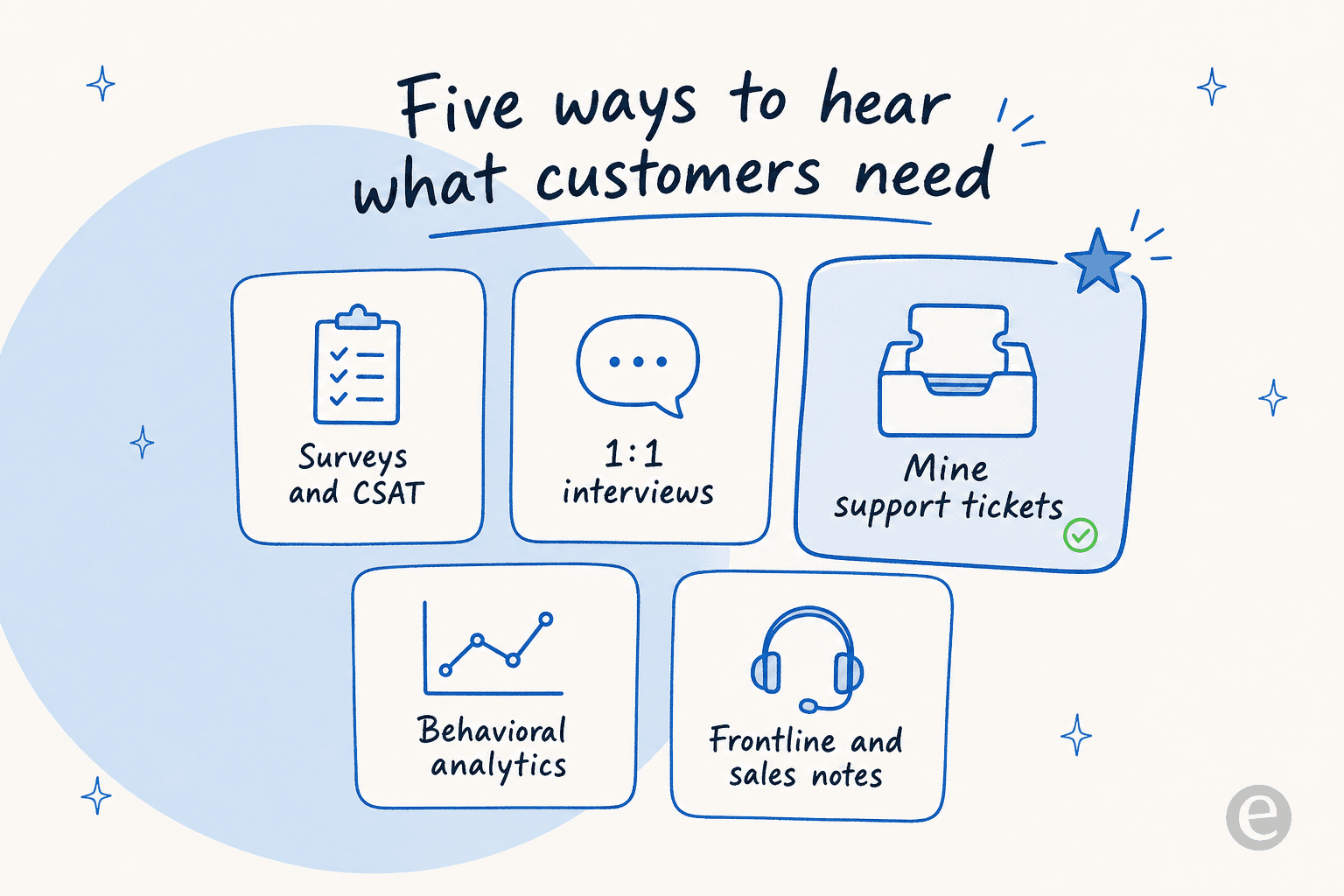
- Surveys and CSAT - good for tracking a known need over time, weak for discovering a new one. Keep them short and tied to a specific interaction. A CSAT survey after a resolved ticket beats an annual mega-survey, and there are feedback tools that automate the collection.
- One-to-one interviews - the highest-fidelity method for latent needs, and the least scalable. Five real conversations will teach you more about the why than a thousand survey rows. Use them to go deep, not wide.
- Mining support tickets - the method most teams underuse, and the one I would reach for first. Every ticket is a customer telling you, unprompted, exactly where your product or docs failed them. More on this below.
- Behavioral analytics - what customers do in the product. Drop-off points, rage clicks, the feature nobody finds. This is your observed-needs layer.
- Frontline and sales notes - your agents and reps hear the same objections and requests daily. That tacit knowledge is a goldmine, and it usually lives in people's heads instead of a shared doc. Capturing it is worth a recurring 15-minute ritual.
The pattern across all five: the further you get from "asking people to self-report" and the closer to "observing what actually happened," the less bias you carry.
The method most teams skip: mining your support conversations
Here is the part I care about most, because it is where I have watched teams have the biggest "oh" moment.
Your support queue is a continuous, unprompted, timestamped record of every need your customers couldn't meet on their own. It is bigger than any survey sample, it is written in the customer's own words, and it captures the need at the exact moment it hurt. There is no more honest research panel. The only reason teams don't use it this way is that reading ten thousand tickets by hand is impossible, so the data just sits there.
That is the constraint AI actually removes. Instead of manual ticket tagging, an AI model reads the whole history and groups conversations by theme, so the recurring needs rank themselves by volume.

At eesel, this is the part I lead with, because we have spent years watching what happens when a team finally sees their queue as a dataset. When you connect a helpdesk, the first thing the AI does is read your past tickets and surface the themes: which topics drive the most volume, where your knowledge base has gaps, which questions get reopened. You often learn more about your customers' needs in that first report than in a year of surveys.
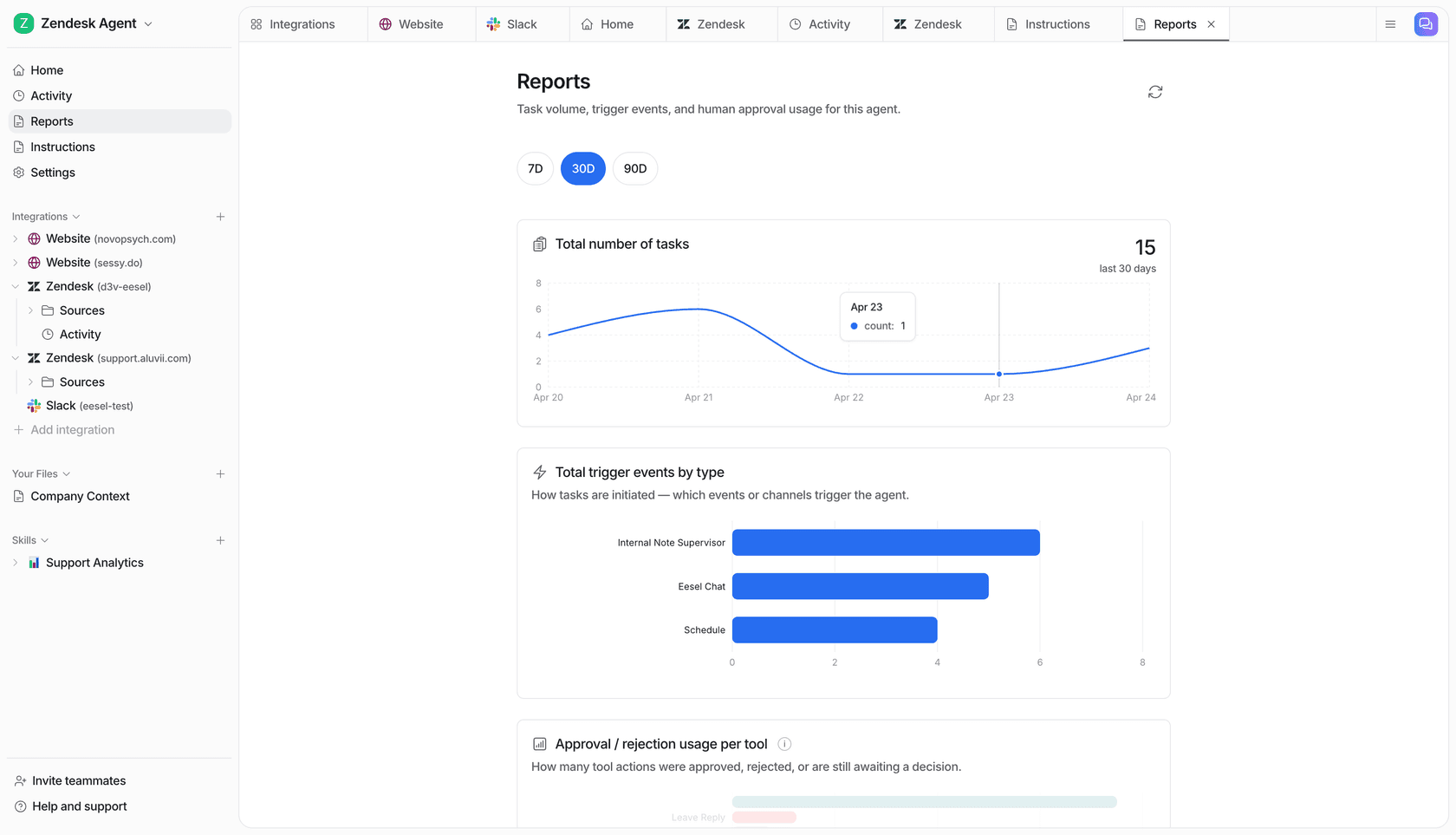
The bit that makes this trustworthy rather than a black box is simulation. Before anything is automated, eesel runs the AI against your historical tickets and shows you, theme by theme, what it would have answered and where it would have fallen short. That is a diagnostic report on your customers' needs and your ability to meet them, which is exactly what "identifying customer needs" is supposed to produce. I have watched confident-sounding bots quietly give wrong answers, so I would much rather show a team the gaps up front than let them discover them in a live queue.
"In the first month, eesel is resolving 73% of our tier 1 requests. We were getting results quickly during our 7-day trial."
Kim Simpson, Gridwise (G2 review)

The 73% number matters less than what it implies: 73% of their tier-1 volume was a small, repeating set of needs that were fully answerable from existing knowledge. They just couldn't see the set until the tickets were grouped.
Turning needs into action
Identifying a need is only half the job. The point is to close the loop, and support data closes it faster than any other source because it is continuous.
- Fill the knowledge gap. If a theme keeps appearing and your docs don't cover it, that is a missing help article, not a training problem. Some AI tools will even draft the article for the uncovered topic.
- Fix the root cause. If "locked out every Monday" is a top theme, the answer is an engineering fix, not a better macro. Route these themes to product.
- Rebalance your effort. Once you know the top five recurring needs, you know where automation and self-service will actually move the needle, instead of guessing.
- Re-measure. This is where surveys earn their keep. A targeted CSAT survey on a theme you just addressed tells you whether you read the need correctly.
Do this on a loop and your understanding of customer needs stops being a once-a-year research project and becomes a live feed.
Try eesel for reading what your customers need
If the honest answer to "how do we know what our customers need?" is "we send a survey and guess," eesel AI is built for the better version. It connects to your helpdesk (Zendesk, Freshdesk, Gorgias, HubSpot, Front and 100+ others), reads your existing tickets and docs, and surfaces the recurring themes and knowledge gaps in your first simulation run, before you automate anything.
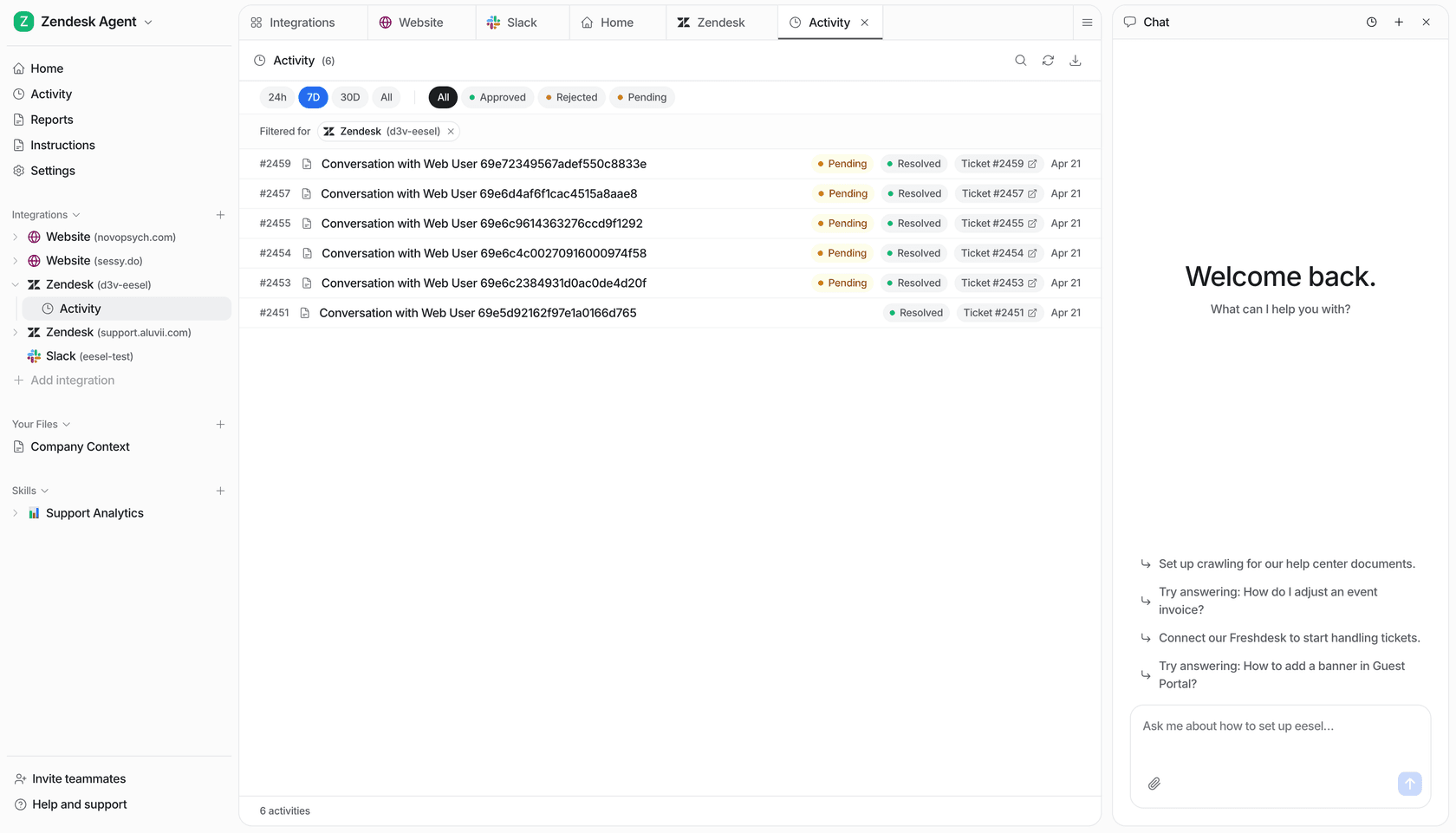
The differentiator is that it learns from your solved tickets, not just your help-center articles, so it understands the needs your team already knows how to meet. It is free to try with no credit card, and you can point it at your own history in a few minutes and see what your queue has been telling you all along.