

If you live and breathe Notion for organizing everything from team wikis to project roadmaps, you’ve probably been hearing a lot about Notion AI. The idea of an intelligent workspace that can help you sort through all that information sounds amazing, right? But when you start looking into a Notion AI integration, what does it actually do? More importantly, what happens when you need it to do more than just generate text?
This guide cuts through the hype to give you a straight, honest look at what Notion AI can and can't do. We'll walk through its main features, how people are using it, what it costs, and the big gaps you'll run into when you try to build real, automated workflows. We'll also show you how a different kind of AI tool can fill those gaps.
What is a Notion AI integration?
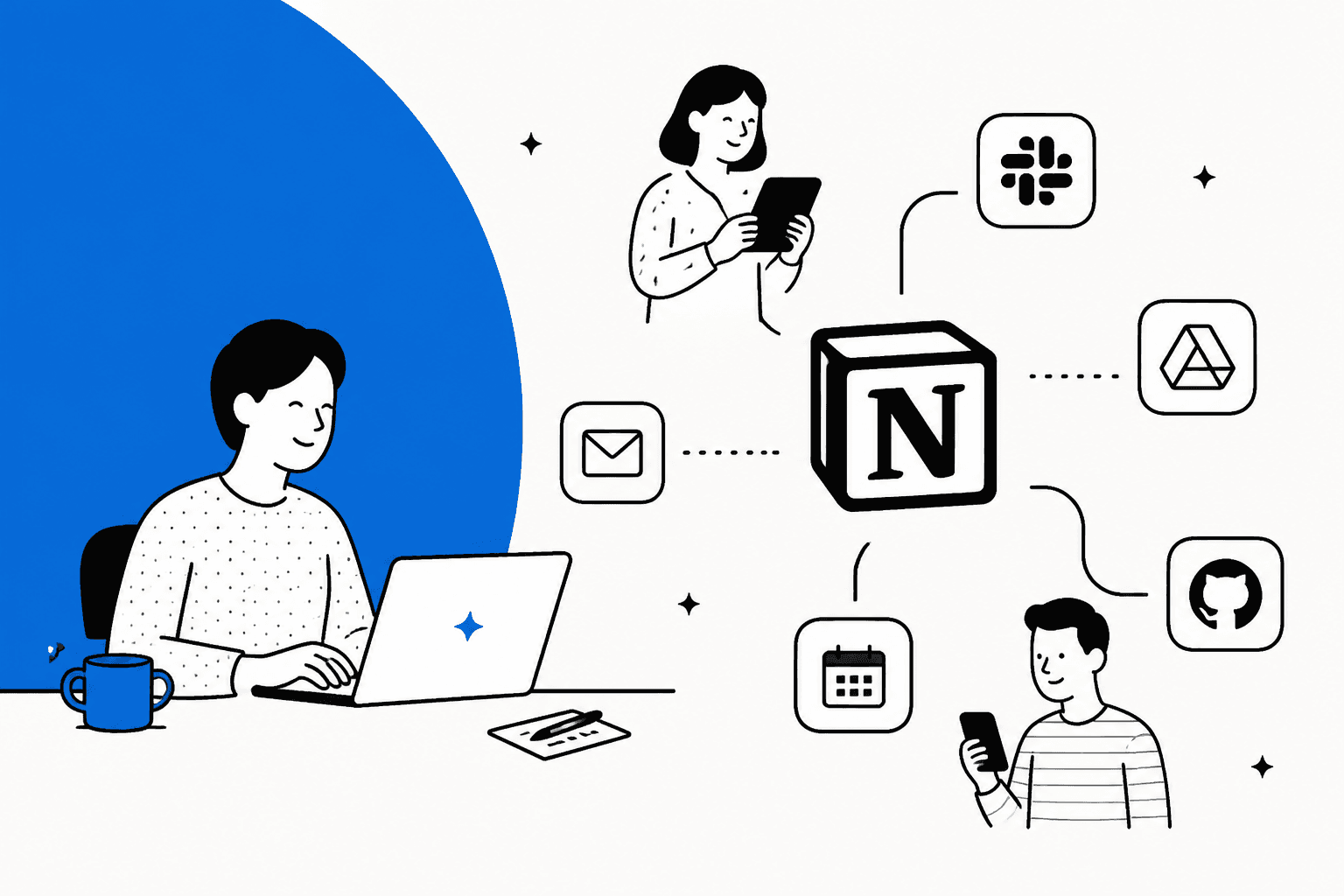
At its heart, Notion AI is a set of tools built to help you write, summarize, and dig up information right inside your Notion workspace. A Notion AI integration takes this a step further by connecting to other tools your team uses, like Slack or Google Drive, using what Notion calls “AI Connectors.”
But it’s really important to get what "integration" means here. It's mostly about pulling information. When you ask Notion AI a question, it can now search for answers in your Notion pages and within the documents in your connected apps.
So, it's great for finding that one specific file or message without having to leave Notion. What it mostly doesn't do is run workflows across your other tools on its own. Notion's help center documents actions for some connected apps (Slack is the example, where the Agent can post messages, reply in threads, and add reactions), but Zendesk and Shopify aren't on its connector list, so I wouldn't expect it to turn a Notion action item into a Zendesk ticket or look up live order details. Think of it as a powerful search assistant that is starting to act, not an automation engine.
Core features and setup
Notion AI is baked right into the platform, so it feels pretty natural to use. But to really unlock its power, you have to be on a paid plan. Let's look at what it offers so you can see where it fits in your workflow and where it might fall short.
Key features
-
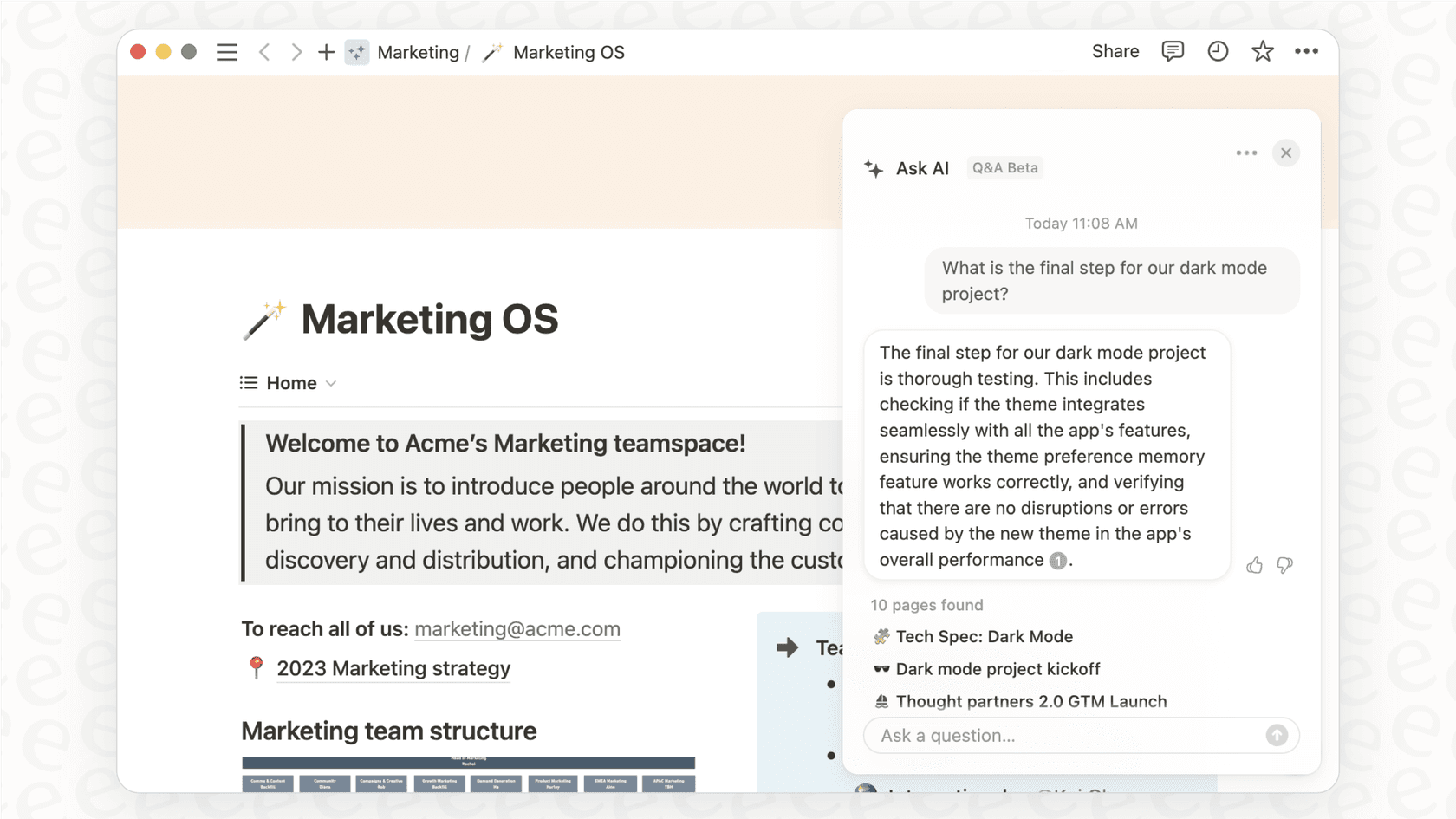
AI Q&A and Enterprise Search: This is the main event. You can ask questions in plain English, and the AI will scan your Notion pages and connected apps to find answers and show you its sources. The catch? Many people find it feels more like a fancy keyword search than an intelligent assistant that truly understands the context of your databases.
-
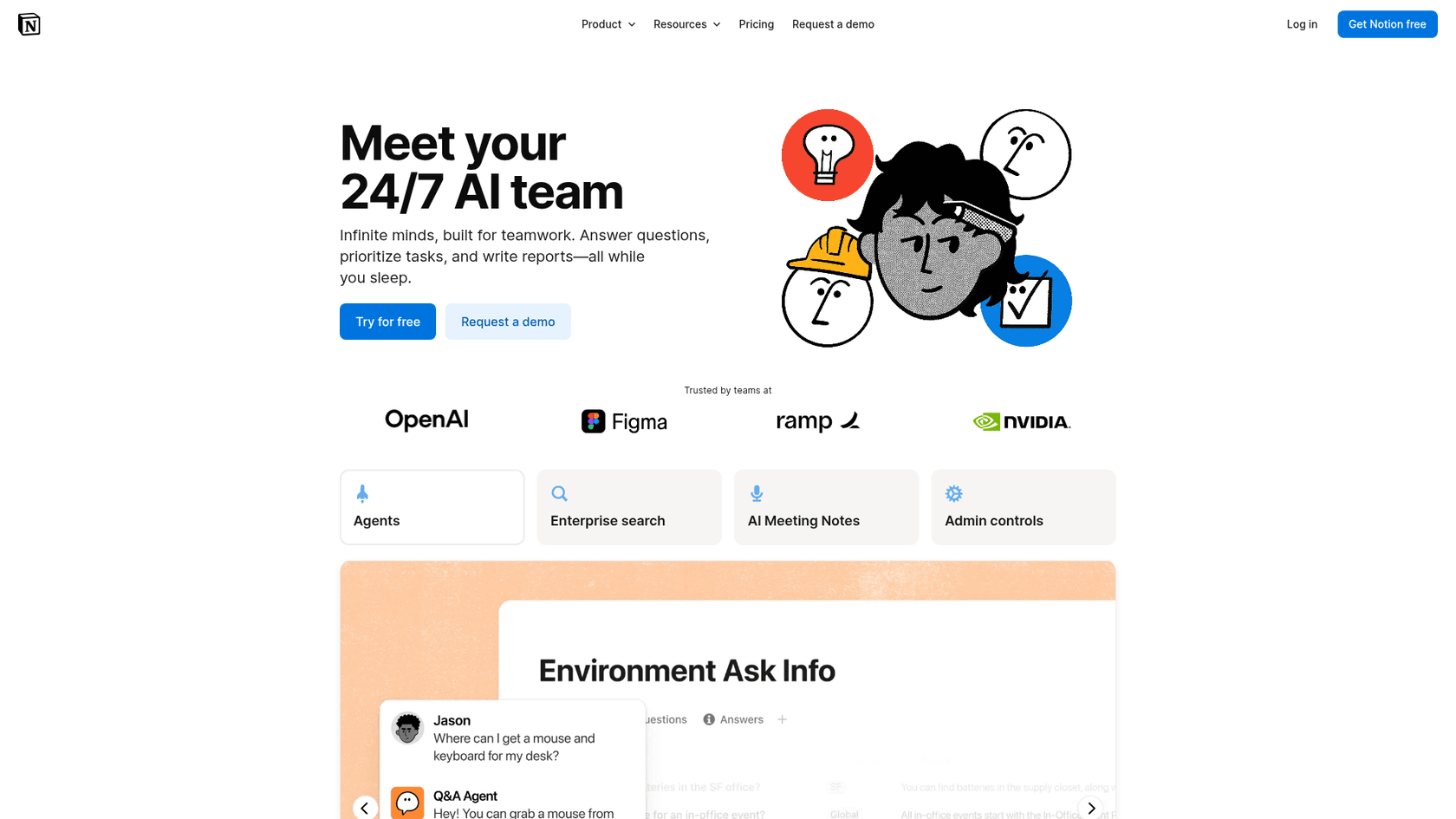
Content Generation and Summarization: This is where Notion AI is genuinely useful. It can help draft blog posts, summarize dense meeting notes, fix your grammar, and even translate text. It can also autofill properties in your databases based on what’s on the page, which is handy for quick summaries.
-
AI Meeting Notes: If you connect it to a meeting, Notion AI can generate transcripts and summaries automatically. This makes it a lot easier to pull out action items and key decisions without having to re-listen to the whole thing.
-
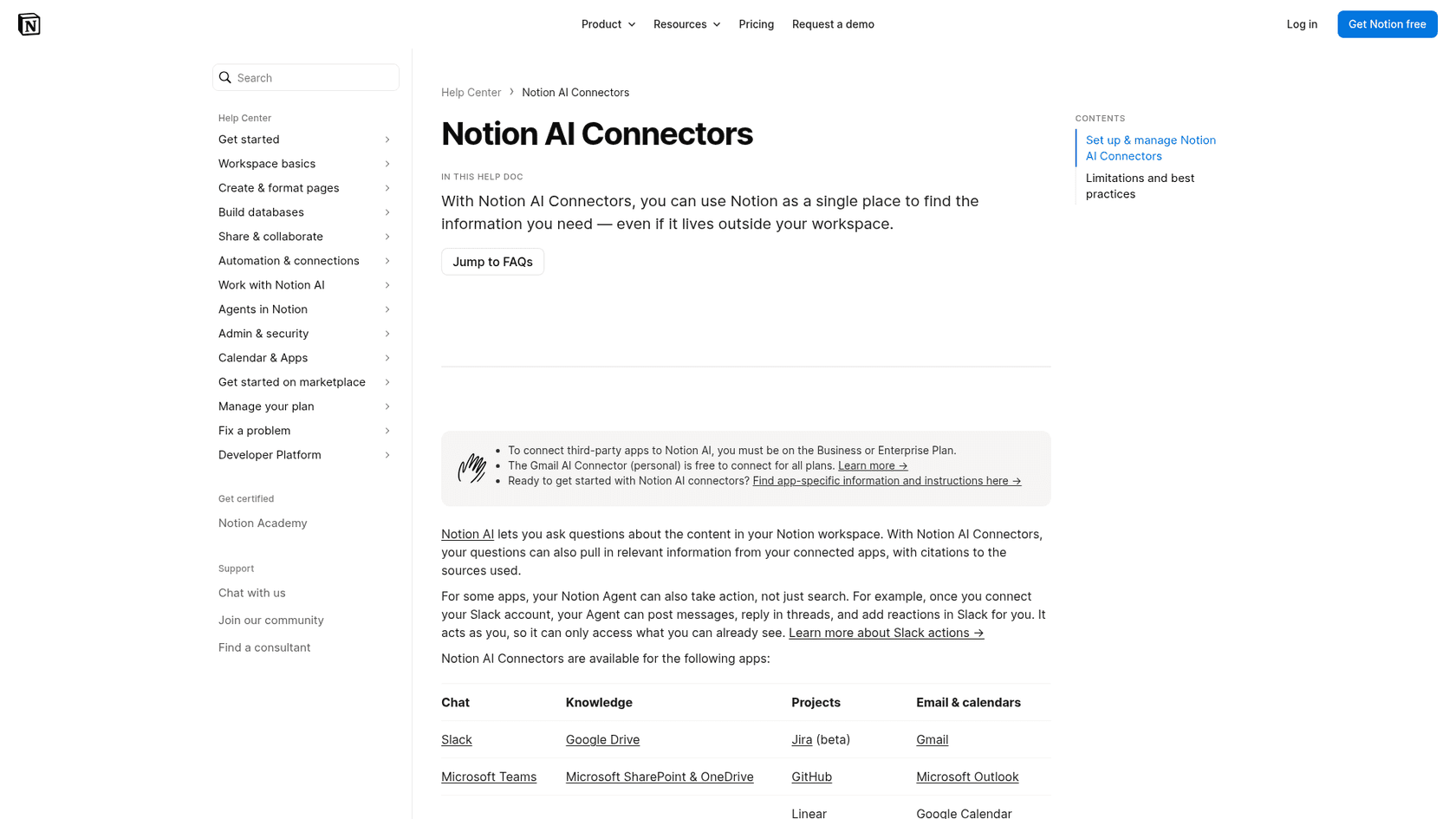
AI Connectors: These are the integrations that let Notion AI peek into other apps like Slack, Google Drive, Microsoft Teams, and Jira. It centralizes your company's knowledge for the Q&A feature, but remember, these connections are mainly for searching. Notion documents actions for only some apps, such as Slack.
The setup process and what you need
Getting started with Notion AI is pretty simple since it's already there. You can try out the basic features on a trial, but to get full access and use the connectors, you’ll need to upgrade to a Business or Enterprise plan. A workspace owner can authorize integrations under "Settings" → "Notion AI", and depending on how much content is in the connected app, it can take up to 36 hours for the connector to finish ingesting it.
While the setup is easy, the functionality has its limits. If you need an AI that not only reads your Notion docs but uses them to power automated actions in other tools, you'll hit a wall. A platform like eesel AI for Notion offers similarly simple, one-click integrations, but it’s designed to connect your knowledge sources (like Notion) to the places where work happens (like your helpdesk or internal chat).
Practical uses and limitations
Notion AI can be incredibly helpful for certain tasks. But for teams that need structured workflows and immediate action, like customer support or IT, its limitations show up pretty fast.
Where it works well
Notion AI is at its best for people and teams focused on creating content and finding internal documents. Here are a few spots where it's a good fit:
-
Marketing Teams: It's great for brainstorming campaign slogans, drafting social media copy, or summarizing long market research reports you have stored in Google Drive.
-
Product Managers: It can help generate the first draft of a product requirements document (PRD) or pull together summaries of user feedback from various Slack channels.
-
Personal Use: Perfect for organizing your own notes, whipping up a weekly meal plan, or getting the gist of a long article you've saved to your workspace.
Limitations you'll run into
The praise for Notion AI tends to quiet down when you ask it to do things, not just write about them.
It doesn't really 'get' your data Notion AI can’t truly understand complex databases or the relationships between different entries. It can give you a summary of a single page, but it can't analyze trends across a hundred different database items or build a performance dashboard for you.
It can't automate workflows This is the big one, with a caveat. Notion Agent can take multiple steps inside Notion, and Notion lets you connect MCP servers so it can act in other apps. But the connector list doesn't include a helpdesk or commerce platform, so I wouldn't count on it to update a customer’s status in your CRM, triage a support ticket in Zendesk, or check live order information in Shopify without extra setup.
It has a short memory Notion keeps your past Agent chats searchable in the sidebar, so this depends on the surface you use, but it's a complaint users raise.
This makes trying to solve complex problems with it a frustrating exercise.Each time you talk to Notion AI, it's often like starting a brand new conversation. It doesn't remember the context from your last question, which means you have to repeat yourself.

The alternative: From passive search to active automation
To get past these roadblocks, you need an AI platform that’s built for action. While Notion AI uses integrations mostly to read information, a tool like eesel AI uses them to act on it. It connects to your Notion knowledge base to power AI agents that can handle real work autonomously.
The difference is pretty clear. With Notion AI, you might ask, "Summarize the notes from our last project meeting." With an automation-focused tool like eesel AI, your team could have an agent handle a request like, "A customer asked about their refund. Find their order in Shopify, check our return policy in Notion, and draft a reply in Zendesk." One finds information; the other gets work done.
Understanding the cost
The convenience of having an AI built into Notion comes with a price tag that can get steep, fast, especially for teams.
How the pricing works
Notion AI isn’t a separate add-on; it's bundled into their higher-tier plans.
-
Business Plan: $20 per user, per month (billed annually).
-
Enterprise Plan: You'll have to talk to them for custom pricing.
Agents add a second meter: Notion says they're free to try, then $10 per 1,000 monthly credits.
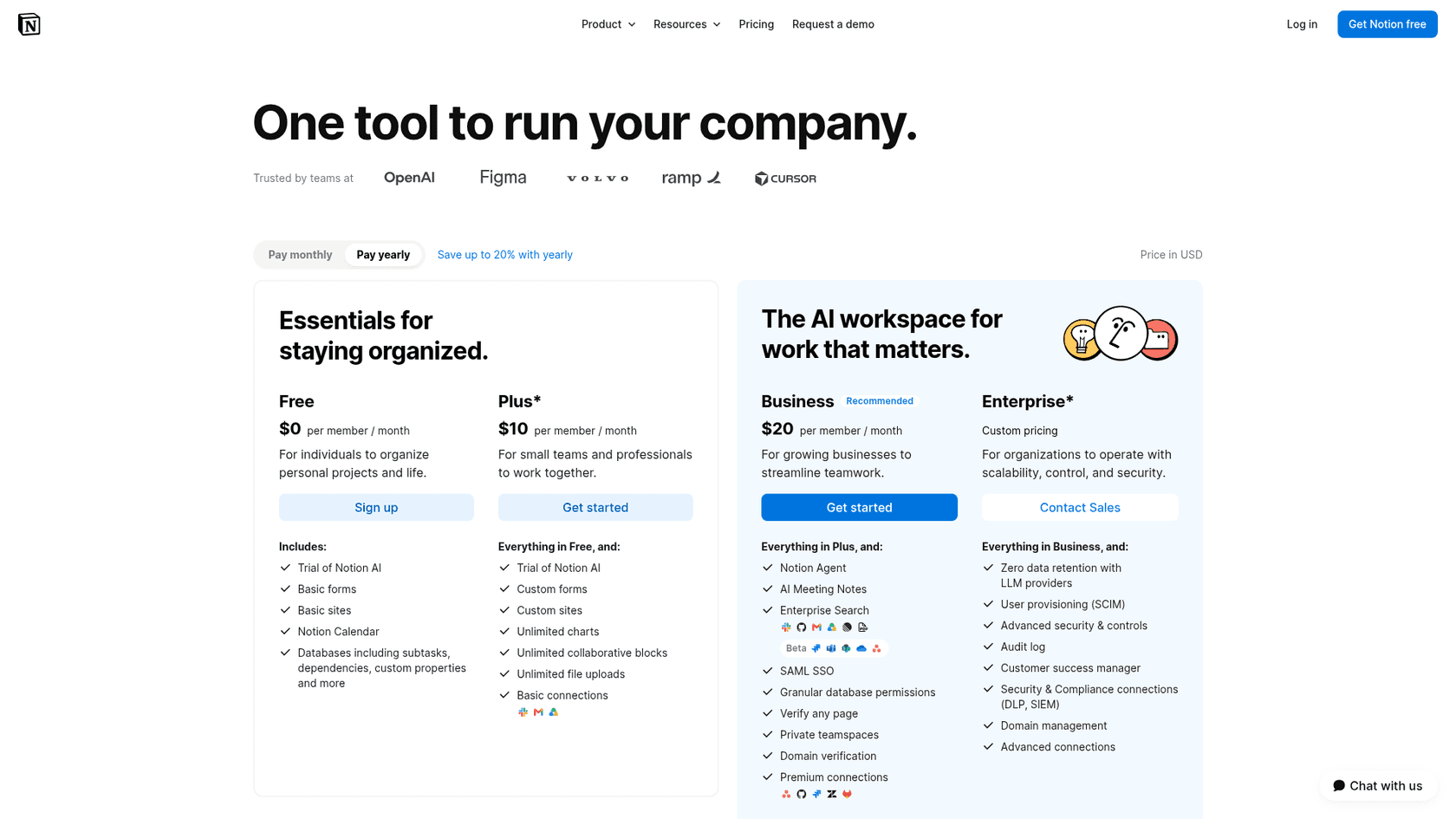
This means to give even one person on your team access to Notion AI, you're paying an extra $20 for their seat every single month. For a support team of 20 people, that's an additional $4,800 a year, regardless of how much they actually use the AI features, before any agent credits. This per-user model is a common complaint because it can become incredibly expensive for larger teams.
| Feature | Notion AI integration | eesel AI |
|---|---|---|
| Pricing Model | Per user, per month, plus credits for agents | Fixed monthly plan sized to volume, no per-seat fee |
| Starting Cost | $20/user/month (Business Plan) | Free plan with 100 credits, then from $299/month for 500 credits |
| Ideal For | Individuals, small content teams | Support, IT, and operations teams of any size |
| Scalability | Cost increases with team size | Cost scales with ticket and chat volume, not seats |
A more sensible pricing model
Paying per seat feels a bit disconnected from the value you get from automation. You're paying for access, not results. An alternative, like the model used by eesel AI, is one fixed monthly price sized to volume, with no per-seat fee.
With eesel AI, you pick a monthly batch of credits (one credit per ticket or chat, however long), from $299/month for 500 credits, and seats are unlimited. That is predictable, and you can start on the free plan with 100 credits and no card, then scale up as the AI proves it's saving you time and money. Plus, you can often test it out on past tickets to see exactly what your savings would look like before you commit.
Notion AI integration: Pick the right tool for the job
Notion AI is a solid writing assistant and a decent internal search engine. Its integrations make it easier to find information scattered across a few apps, which is a nice step toward a more unified workspace.
But it’s not an automation platform. The high per-user cost, its inability to understand deep context, and its limited reach into other tools make it a poor choice for teams trying to solve problems, manage workflows, and become more efficient.
If your main goal is to write and find documents a bit faster, Notion AI is a fine choice. But if you want to turn your Notion knowledge base into an intelligent system that resolves customer tickets, answers tough employee questions, and automates actual tasks, you’ll need a tool built for that purpose.
Ready to see what your knowledge base can really do? Get started with eesel AI for free and build an AI agent that truly works for you.
Frequently asked questions
What are the primary functions of a Notion AI integration?
The primary functions of a Notion AI integration involve enhancing writing, summarizing content, and providing AI Q&A for internal knowledge. It acts as a powerful search assistant across your Notion pages and connected apps like Slack or Google Drive.
Can a Notion AI integration truly automate workflows across my other business applications?
Only partly. A Notion AI integration is designed mainly for searching and content generation, although Notion Agent can handle multi-step tasks and, with Slack connected, post and reply for you. Notion lists no Zendesk connector, so creating a ticket in Zendesk or updating a customer status in a CRM is not something I would expect it to do natively.
For which types of teams or individual roles is a Notion AI integration most beneficial?
A Notion AI integration is most beneficial for marketing teams, product managers, and individuals focused on content creation, summarization, and internal document search. It excels at drafting texts, summarizing meeting notes, and finding information across various connected sources.
What are the key limitations one might encounter when relying on a Notion AI integration for advanced tasks?
Key limitations of a Notion AI integration include its limited grasp of complex database relationships and its limited reach into other tools. Some users also report a short memory, with each interaction feeling like a new conversation.
How does the pricing model for a Notion AI integration work, and is it scalable for larger organizations?
The pricing for a Notion AI integration is bundled into Notion's Business and Enterprise plans, charged per user per month. This per-seat model can become expensive for larger teams, as the base cost doesn't scale with AI usage or results, although agents also draw on credits.
Does a Notion AI integration understand the context of complex databases or remember past interactions?
A Notion AI integration struggles with truly understanding complex databases or analyzing trends across many items. Furthermore, some users report a "short memory," meaning it doesn't carry context from previous questions, which can make complex problem-solving challenging.