


The way we hunt for information online is starting to feel a bit different. For decades, we’ve been served a list of blue links and left to piece together the answer ourselves. But what if you could just ask a question and get a single, straightforward answer with all its sources attached? That’s the idea behind a new crop of AI tools, and Perplexity AI is at the front of the pack.
It’s a powerful "answer engine" that’s quickly becoming a popular alternative to traditional search. This article will give you a complete Perplexity overview for businesses. We’ll cover how it works, what its main features are, some real-world use cases, and, most importantly, where it falls short for teams in customer support and IT who need more than just public information.
What is Perplexity AI?
Perplexity isn't quite a search engine like Google, and it's not just a chatbot like ChatGPT. It's a bit of both, calling itself an "answer engine." Basically, Perplexity uses large language models (LLMs) to understand your question, scan the web in real-time, and then pull all the findings together into one summarized answer.
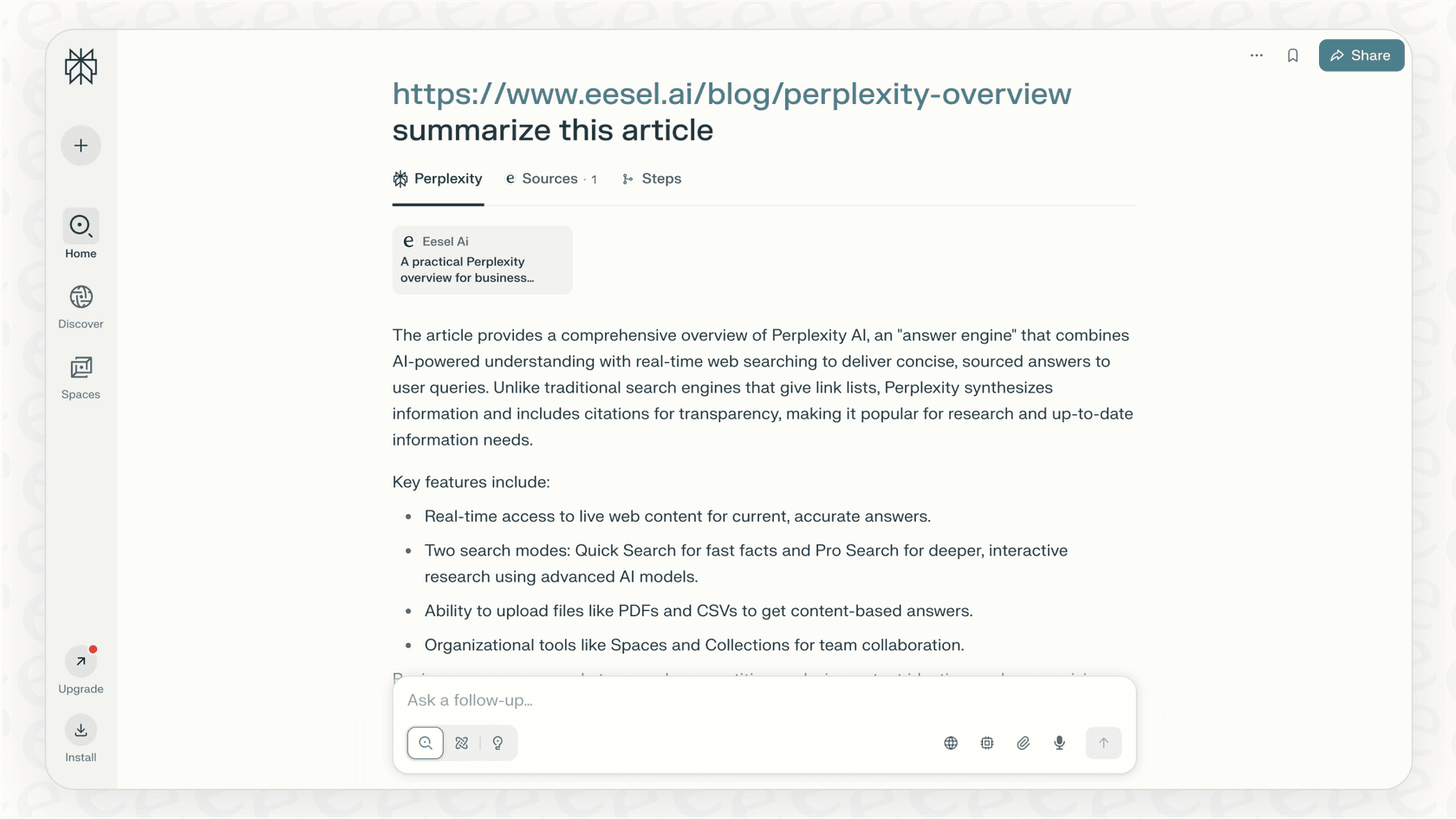
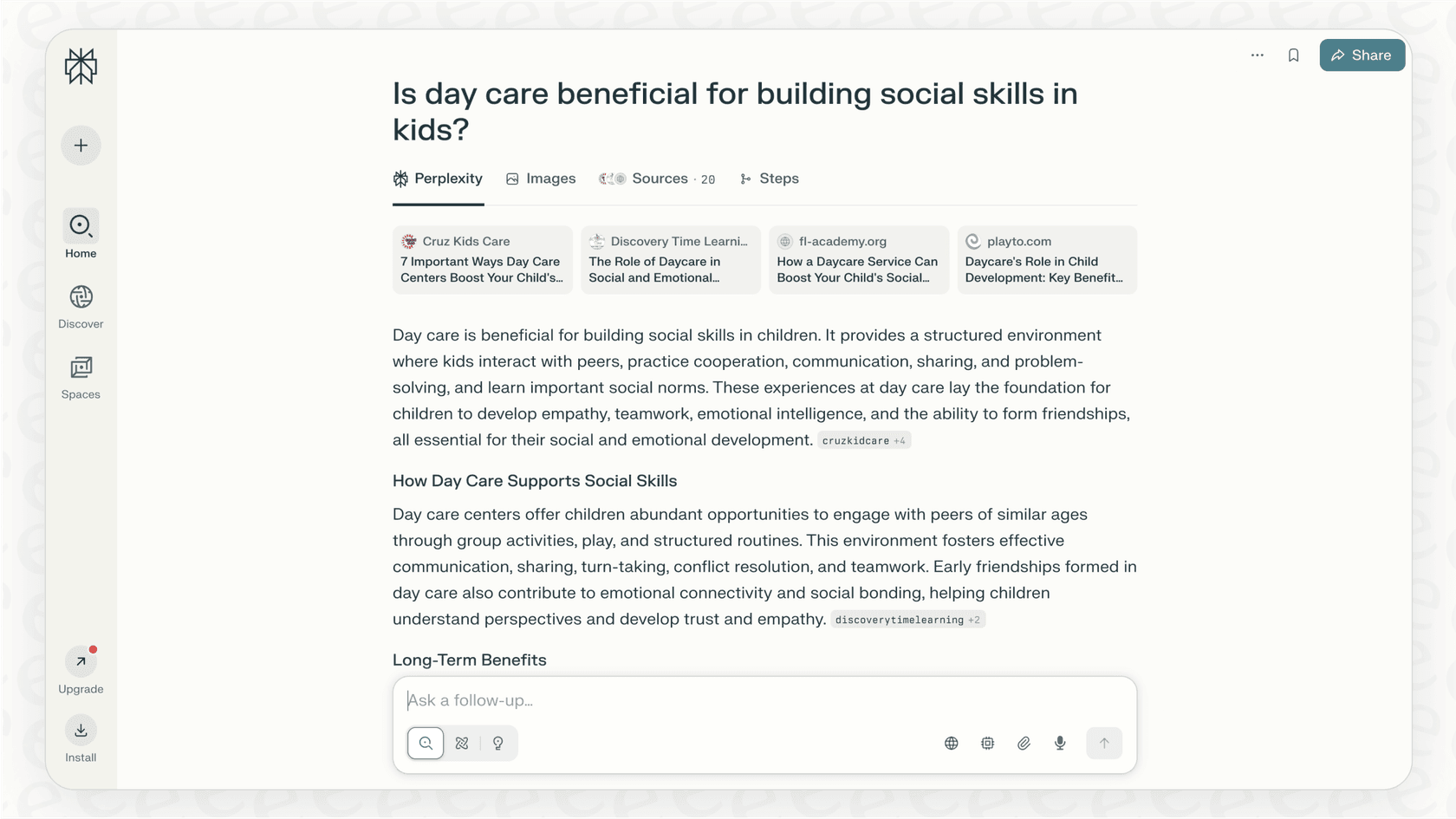
Its biggest selling point is transparency. Every answer includes citations, so you can click through and check the original sources yourself. This adds a layer of trust that’s often missing from other generative AI tools, making it a favorite for researchers, students, and anyone who needs accurate, current, and verifiable info without the hassle.
Key features of Perplexity
Perplexity is more than just a simple question-and-answer box. Its real strength lies in a handful of features designed to make research faster and more organized than just opening a dozen browser tabs.
Real-time web access
Unlike many chatbots that are working with outdated information, Perplexity searches the live internet for every question you ask. This means its answers are always up-to-date. It's perfect for asking about recent market trends, breaking news, or the latest software updates, so you know you're working with current information.
Pro search vs. quick search
Perplexity gives you two main ways to look for information, each for a different kind of task. Quick Search is great for fast, factual answers when you just need a quick lookup. Pro Search is more of a guided conversation. The AI might ask you follow-up questions to really understand what you’re looking for, digging deeper to give you a more detailed report.
| Feature | Quick Search | Pro Search |
|---|---|---|
| Best For | Fast, factual lookups | In-depth, complex research |
| Process | Direct answer generation | Asks clarifying questions |
| AI Model Access | Default model | Choice of top models from several labs, such as Claude and Gemini |
| Daily Limit (Free) | Unlimited basic searches | Small daily allowance (exact number not published) |
File uploads and internal knowledge search
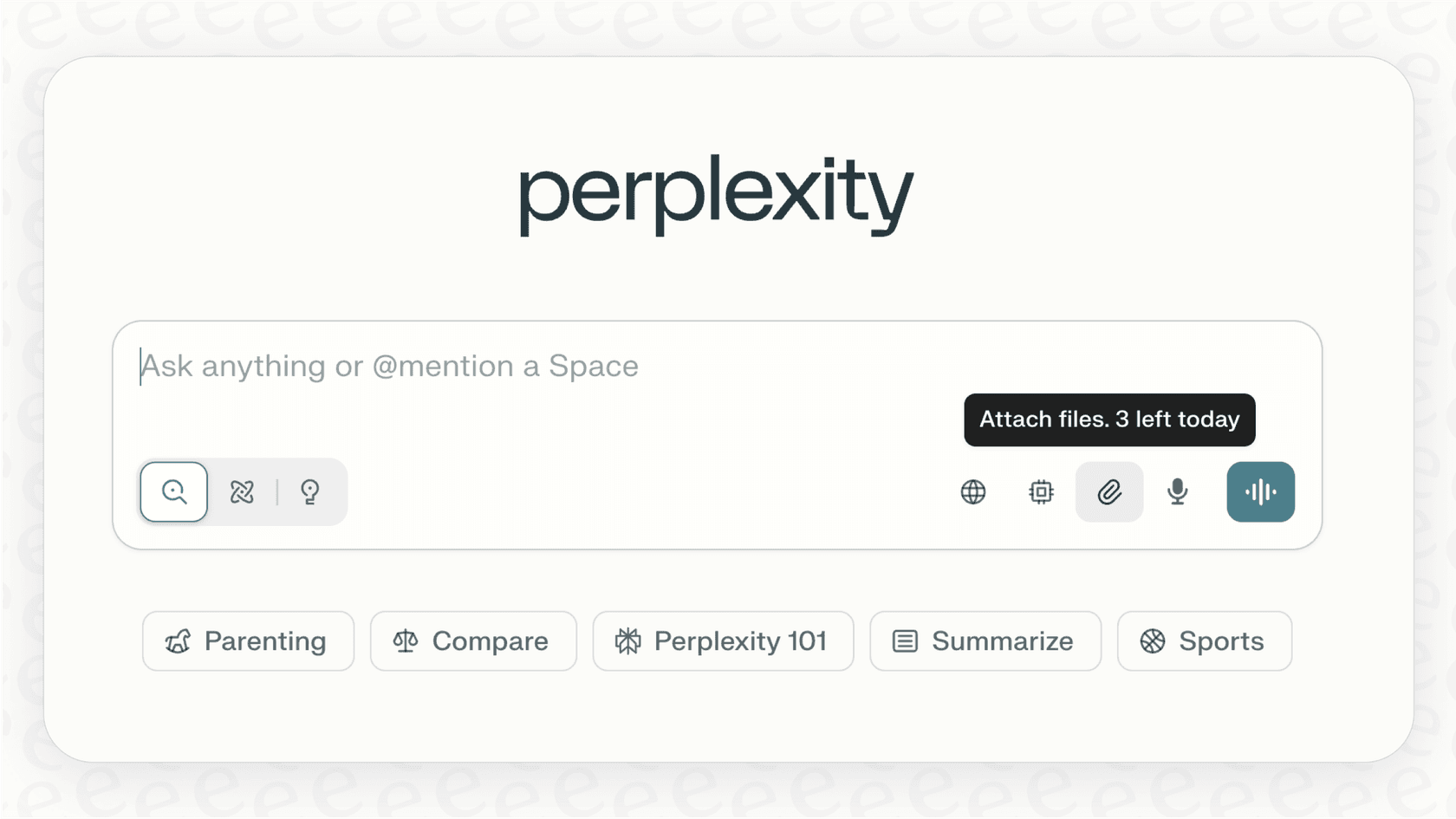
You can upload your own files like PDFs, Word documents, and CSVs directly into Perplexity. The platform will read the content and answer questions based on what’s inside, sometimes even blending information from the web with data from your document. This is handy for summarizing a single report or whitepaper. Pro also adds app connectors (the Pro page shows Slack and Notion), which go further than one-off uploads.
Spaces and collections for organization
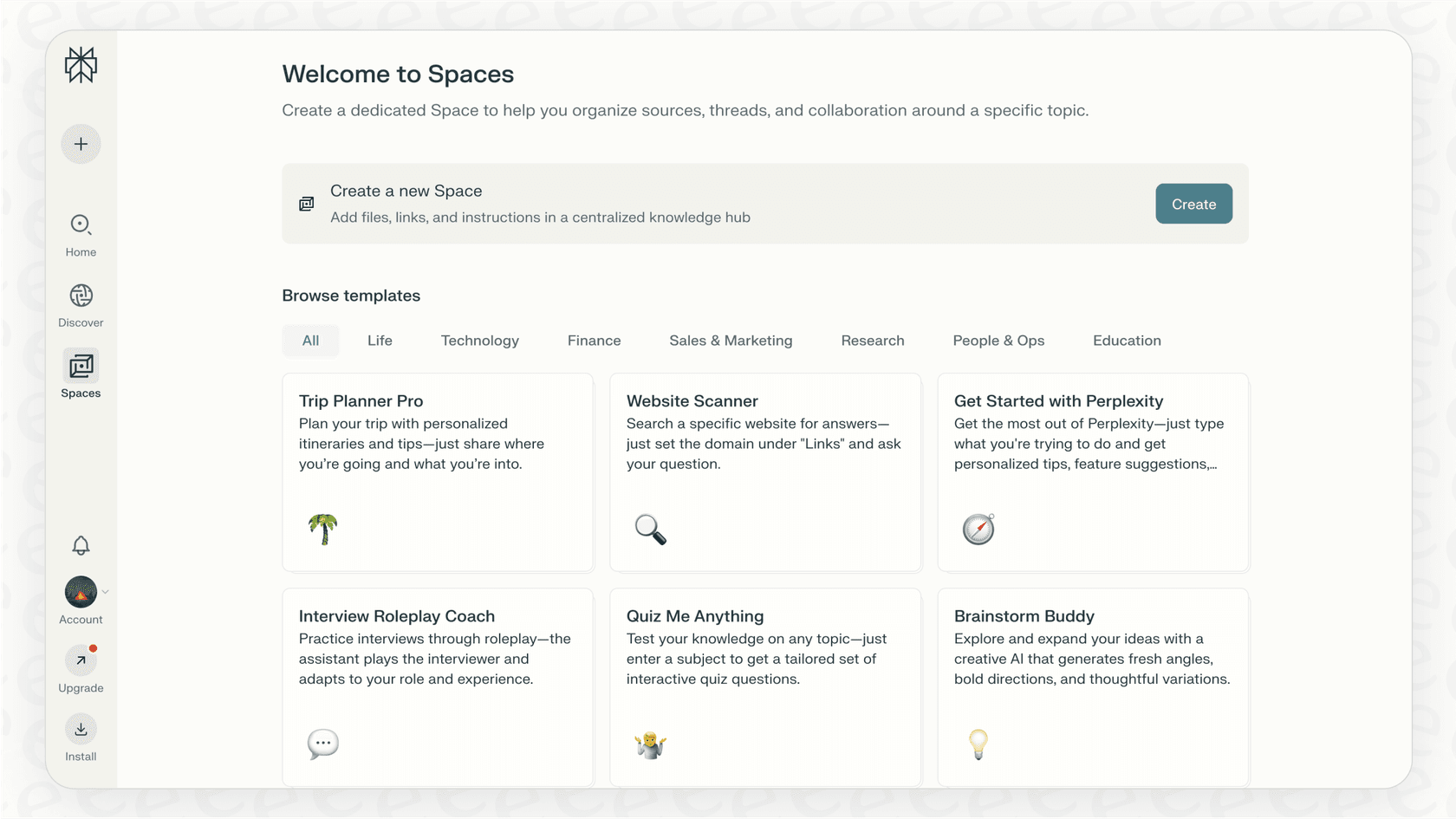
To keep your research from becoming a chaotic mess, Perplexity lets you group conversations into "Spaces" or "Collections." This feature allows teams to create shared folders of research on specific projects, topics, or competitors. It’s a simple way to collaborate and make sure everyone is on the same page.
How business teams can use Perplexity
Aside from general research, Perplexity has some very practical uses for business teams trying to get more done.
Market research and competitive analysis
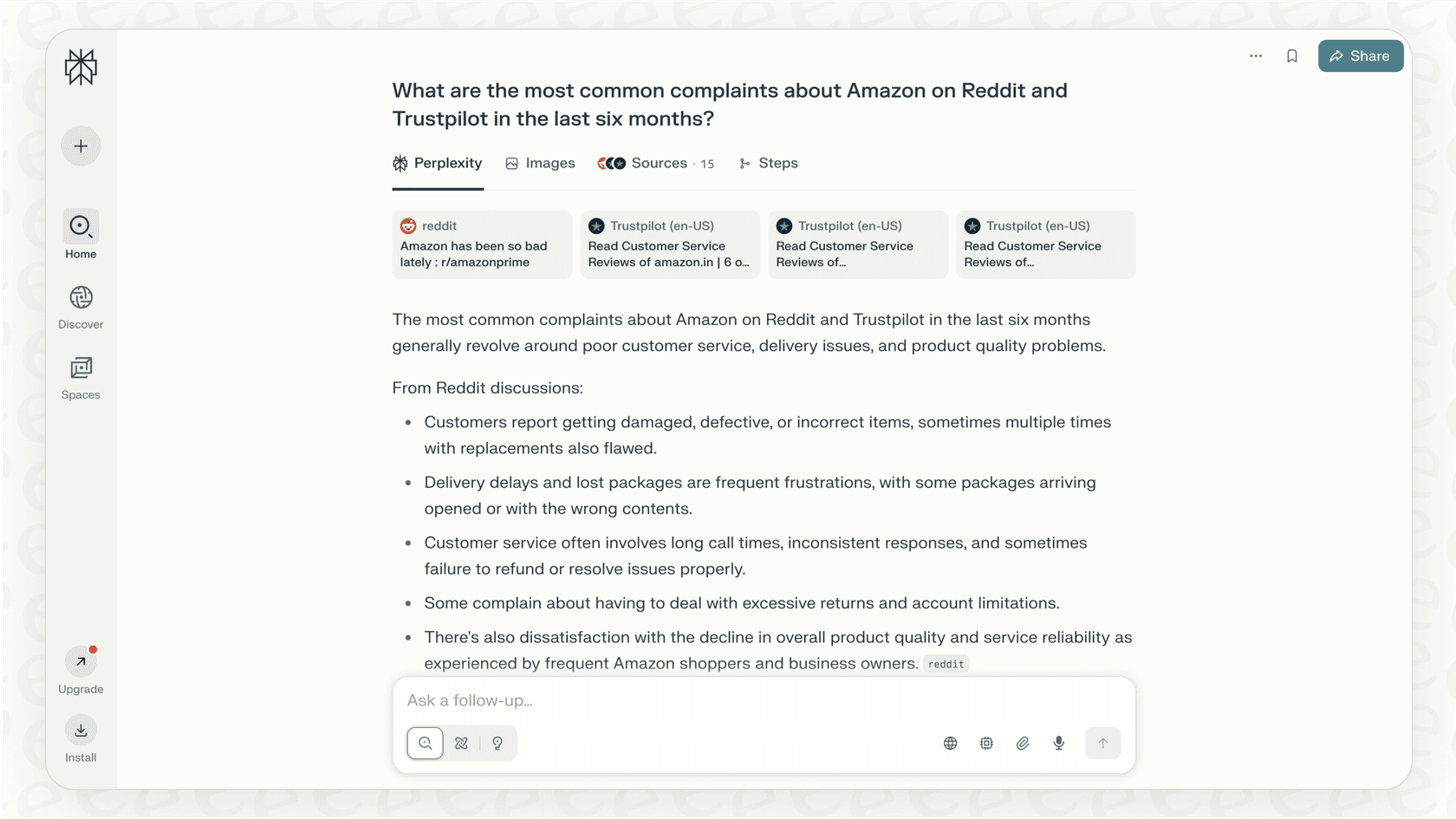
A support manager could ask, "What are the most common complaints about [competitor's product] on Reddit and Trustpilot in the last six months?" In a few moments, Perplexity can pull together public sentiment and point out a competitor's weak spots, saving you from hours of manual digging through forums and review sites.
Content creation and ideation
Marketing teams can use Perplexity to get a head start on content. For example, you could ask it to, "Create a detailed outline for a blog post about the benefits of proactive customer support, with citations from recent industry reports." It can deliver a structured, data-backed outline, which helps cut down on the initial research time.
Summarizing long-form content
We've all been there: an IT lead gets a dense, technical document and needs the key takeaways, fast. Instead of reading the whole thing, they can upload the file and just ask for a summary. This saves a ton of reading time and helps teams stay on top of complex topics without getting lost in the weeds.
Limitations for support and IT teams
While Perplexity is a fantastic tool for searching the public web, it hits a wall when it comes to the specific, internal, and action-based needs of a customer support or IT team. Its design as a general search tool creates some major gaps where a more specialized tool is needed.
It doesn't know your business
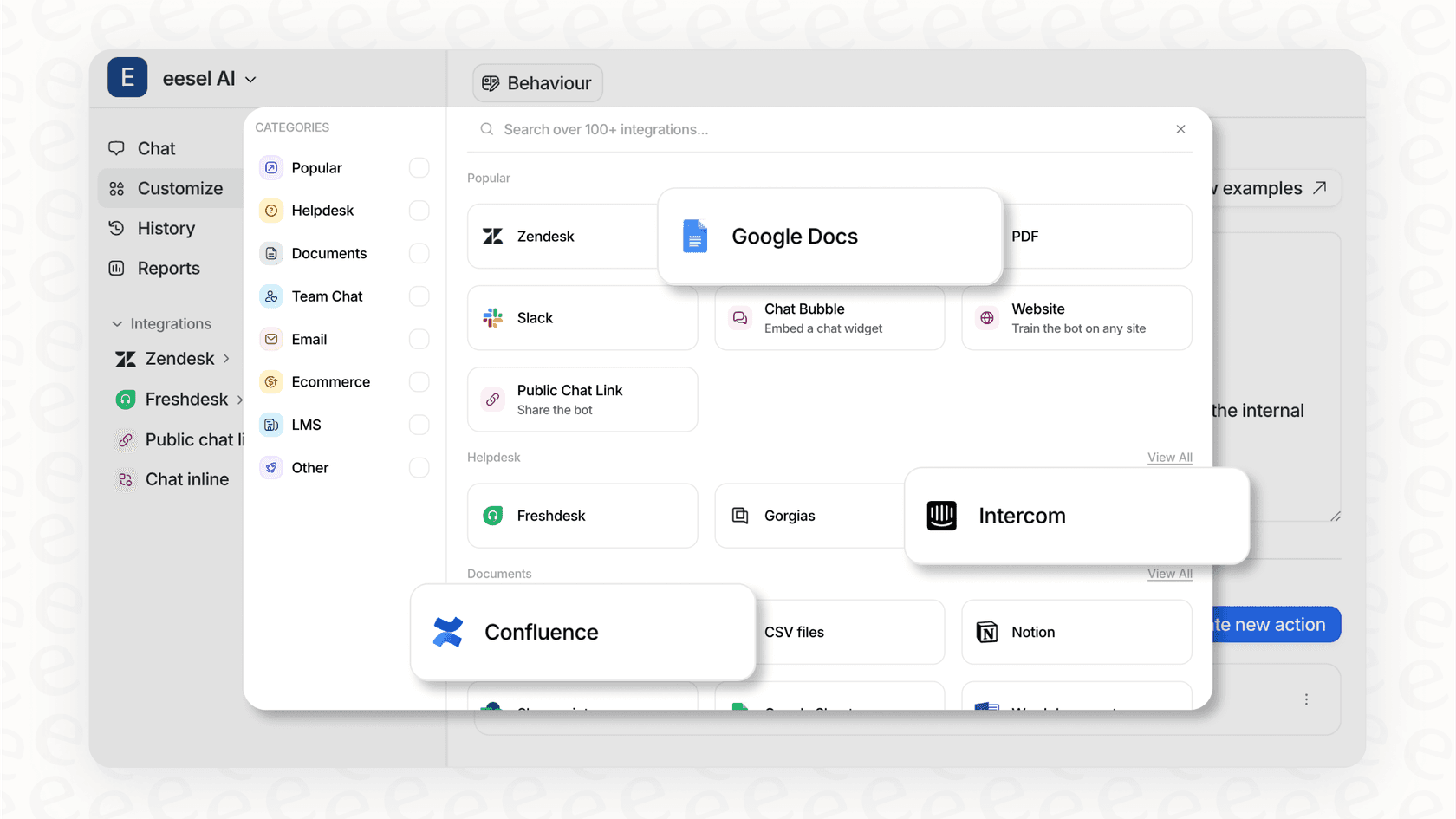
Perplexity is built around the public web. Pro adds app connectors, and Enterprise Pro adds internal knowledge search across connected apps. What I don't see listed as an input is your helpdesk's ticket history, so whether it can reach your past support tickets, internal Confluence pages, private Google Docs, or Slack threads depends on what you connect and set up for internal knowledge. Questions like, "How do we process a refund for a customer in Germany?" or "What was the final fix for ticket #12345?" are only as good as the sources behind them.
That is the job specialized platforms like eesel AI are designed for. It’s built to unify your knowledge instantly by securely connecting to your help desk, wikis, and all your internal apps. It learns your specific processes and gives answers based on your company's actual operations and past conversations.
It provides answers, not actions
Perplexity started as a tool for finding information, and it has moved toward doing things. Pro includes Perplexity Computer, an agent that works through credits, and the Comet browser (free on Mac, Windows, iOS, and Android) can click through sites for you. Those agents work from the open web and the apps you connect. Whether one can tag a support ticket in Zendesk, assign an issue to the right team, look up an order status in Shopify, or escalate a chat to a human agent depends on the connectors available, so I would check that list before relying on it for a support queue.
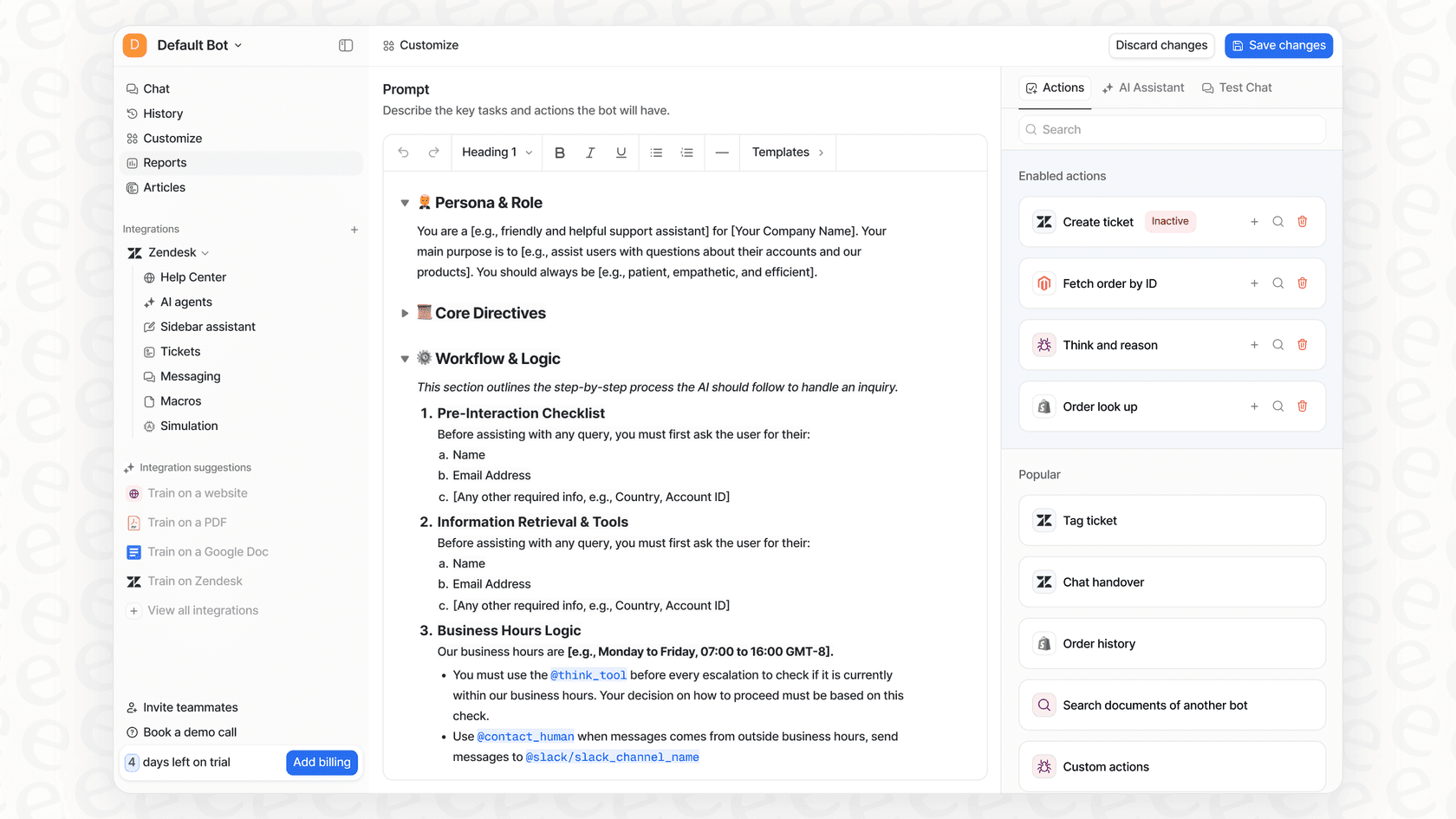
In contrast, eesel AI offers a fully customizable workflow engine. You can set up specific AI Actions that let your agent not only answer questions but also perform tasks directly in your help desk, like triaging tickets, updating customer fields, or fetching real-time data from other systems.
You have limited control and no safety net
Perplexity Spaces take custom instructions, which gives you some say over tone and scope. What I didn't find is a way to replay it against your own past tickets before it goes live, so the first real test is a live one.
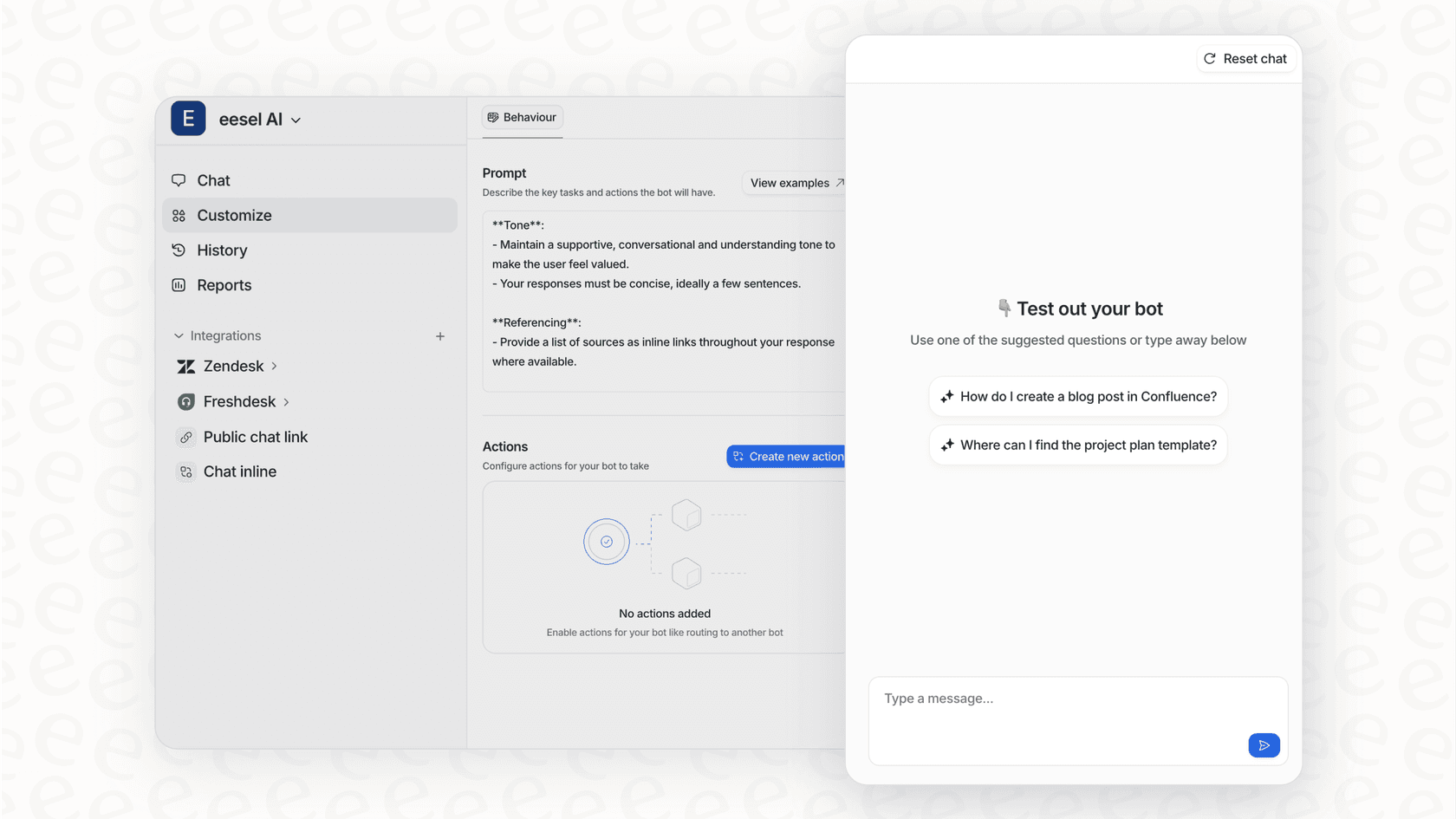
Platforms like eesel AI give you total control and the ability to test with confidence. You can customize the AI's persona, define exactly what knowledge it can access, and use a simulation mode to see precisely how it would have handled thousands of your past tickets. This lets you see its performance and build trust before it ever goes live.
Perplexity pricing
Perplexity has a free tier and paid plans, and Computer usage is credit-metered, so heavy agent use can go past what a plan bundles.
| Plan | Monthly Price | Annual Price | Key Features |
|---|---|---|---|
| Free | $0 | N/A | Unlimited basic searches, a small daily allowance of Pro searches, default model. |
| Pro | $20/mo | $17/mo billed annually | Computer access with bonus credits, model picker, deep research, more usage and memory. |
| Max | $200/mo | $167/mo billed annually | Maximum Computer usage, 10,000 monthly credits, frontier models, highest limits. |
| Enterprise | Custom | Custom | Team workspaces, admin controls, and internal knowledge search (contact sales). |
The right tool for the right job
So, what's the final word? Perplexity AI is a seriously impressive tool for what it was built to do: find fast, accurate, and sourced answers from across the public web. It’s an excellent choice for general research, market analysis, and brainstorming content.
However, for the day-to-day work of a customer support or internal help desk team, a general tool just doesn’t cut it. These jobs require a solution that understands your private company knowledge, plugs directly into your workflows, and gives you complete control over how it behaves. While Perplexity is great for finding what’s out there, it can’t help you with what’s in here, your business.
Get AI that works for your business, not just the web
For teams that need more than just information, a specialized AI platform is the only real path forward. eesel AI is designed to automate actual work by learning from your unique business data and fitting seamlessly into the tools you already use every day.
Ready to try an AI agent that’s trained on your business and can start resolving support tickets right away? Try eesel AI for free and you can be live in just a few minutes.
Frequently asked questions
What are the core differences between Perplexity and a traditional search engine like Google?
Perplexity is an "answer engine" that provides a synthesized, sourced answer to your question, unlike traditional search engines which typically offer a list of links. It uses AI to understand your query and summarize information in real-time.
How does Perplexity handle real-time information compared to other AI chatbots?
Perplexity actively searches the live internet for every question you ask, ensuring its answers are always up-to-date. This capability makes it highly effective for inquiries related to current events, recent market trends, or the latest news.
For business teams, what practical benefits can Perplexity offer?
Businesses can use Perplexity for efficient market research, competitive analysis, and content ideation by quickly gathering public sentiment and data. It also helps summarize lengthy technical documents, saving considerable time.
What are the key limitations of Perplexity for customer support or IT teams specifically?
Perplexity is built around public-web research. Reaching internal company knowledge depends on app connectors (the Pro page shows Slack and Notion) or, on Enterprise Pro, internal knowledge search, and helpdesk workflow actions depend on which connectors you set up. It is a research tool first, not a system trained on your tickets.
Can I use Perplexity to analyze my company's internal documents or private data?
You can upload individual files like PDFs or CSVs for analysis within Perplexity. Pro also offers app connectors, and Enterprise Pro adds internal knowledge search across connected apps. Historical ticket data only comes into play if you connect or upload it yourself.
What is the difference in functionality between Quick Search and Pro Search?
Quick Search is designed for fast, factual answers, while Pro Search offers a more guided, in-depth research experience, often asking clarifying questions. Pro Search also grants access to advanced AI models and has different daily usage limits.