


Let's be honest: figuring out how much Salesforce actually costs can feel like a full-time job. You know it's a powerhouse for businesses, but trying to budget for it is another story entirely. The price you see on a feature list is rarely the final number, and getting to that number is often a winding and confusing path.
When you look into Salesforce Platform license pricing, you're not looking for a single number. You're trying to solve a puzzle made of different editions, user counts, powerful add-ons, and a few hidden costs that can catch you by surprise. It doesn't help that the AI and security add-ons still say "contact us" instead of showing a price, nudging you toward a sales call before you have a full ballpark figure.

This guide is here to clear the fog. We’ll break down the Salesforce pricing structure, look at what their native AI, Agentforce, will set you back, and uncover the other expenses you need to plan for. More importantly, we'll show you a more straightforward way to add powerful AI to your Salesforce setup without all the headaches.
What is the Salesforce Platform?
Before we get into the numbers, it helps to be on the same page about what we're discussing. The Salesforce Platform (you might remember it as Force.com) is way more than just a CRM. It’s a Platform as a Service (PaaS), which is a fancy way of saying it gives you the tools to build, run, and manage your own custom apps without having to worry about the servers and infrastructure behind the scenes.
Think of it as the operating system for your business. Its main job is to handle things like:
-
Data Management: A secure place to keep and organize all your customer information.
-
Automation: Tools like Flow Builder let you automate everything from simple email alerts to complex business workflows.
-
Customization: With the Lightning App Builder, you can create your own user interfaces using simple drag-and-drop tools.
-
Integration: It has APIs that allow Salesforce to connect with pretty much any other software your business uses.
It's a huge and incredibly capable ecosystem. But all that power comes with a pricing model that’s just as complex, designed to grow with every feature you add and every user who needs a login.
Breaking down Salesforce Platform license pricing
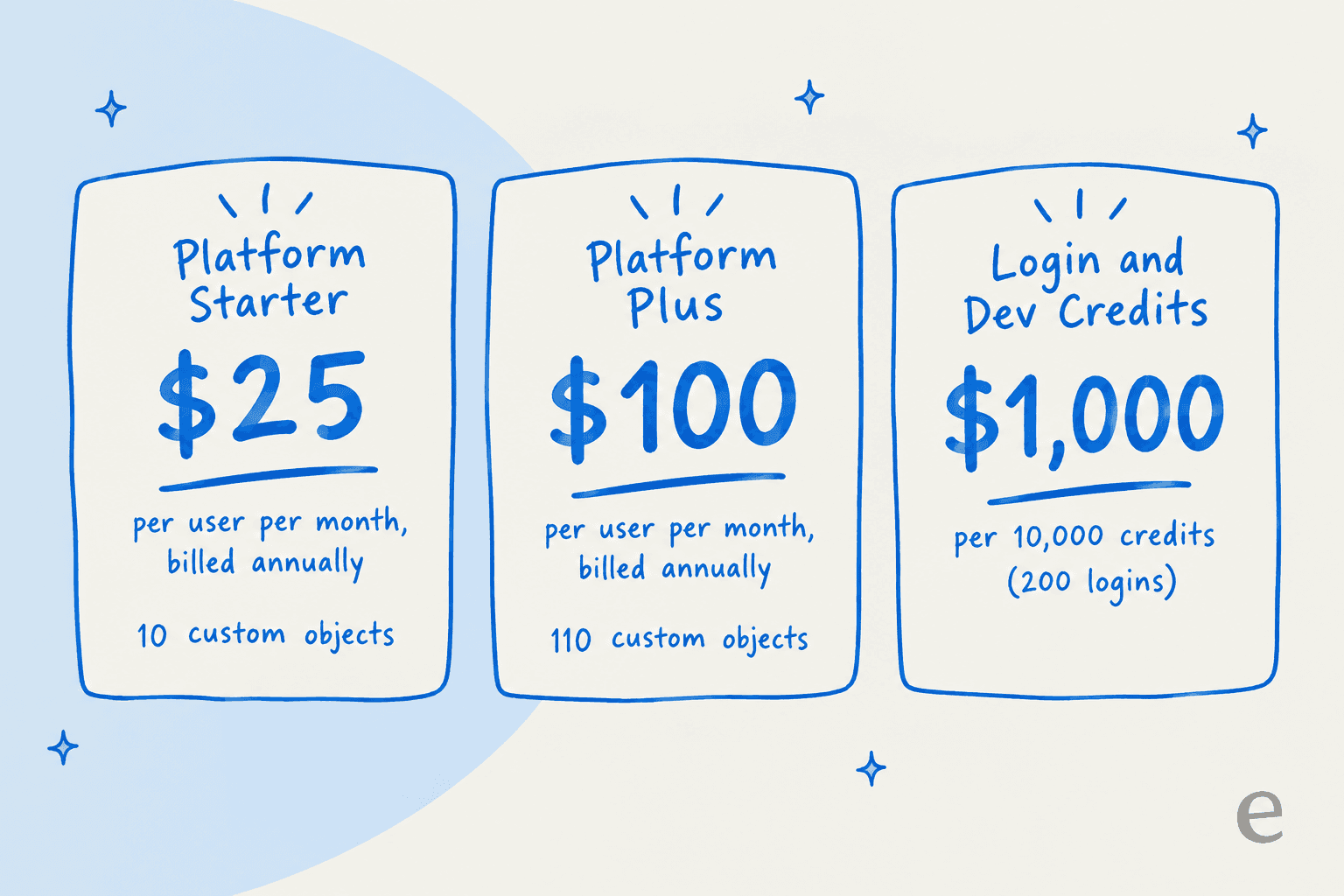
Here’s the main hurdle you'll face: the list price is only part of the bill. Salesforce's Platform pricing page shows Platform Starter at $25 and Platform Plus at $100 per user per month (billed annually), plus Platform Login and Dev Credits at $1,000 per 10,000 credits. Einstein for Platform and Mobile App Plus are listed as contact-us, and the Premier Success Plan adds 30% of net license fees.
The sections below walk through the model so you know what questions to ask and what to expect on a sales call.
Salesforce Platform license tiers: From Starter to Unlimited
Salesforce uses a tiered system for its products, and the platform features are usually bundled into licenses for tools like Sales Cloud and Service Cloud. As you climb the ladder to higher tiers, you get more powerful platform features, like better automation, more customization options, and wider API access.
Here's what the Platform pricing page lists today.
| Edition Tier | Key Platform Features (as listed) | Who It's For |
|---|---|---|
| Platform Starter ($25/user/month, billed annually) | 10 custom objects, process automation, AppExchange. Lightning Console is an extra $25/user/month. | Small teams building custom apps. |
| Platform Plus ($100/user/month, billed annually) | 110 custom objects, Lightning Console, AppExchange. | Companies extending the platform across the organization. |
| Platform Login & Dev Credits ($1,000 per 10,000 credits, 200 logins) | 50 credits per Platform Login user, with the same features as Lightning Platform Starter. | Lighter users who need occasional access. |
The Sales Cloud and Service Cloud licenses that bundle these platform features no longer use the old Professional, Enterprise, and Unlimited names. Salesforce's Sales Cloud pricing now lists Starter Suite, Pro Suite, Core, Advanced, and Max.
The per-user, per-month model
At its core, Salesforce charges on a per-user, per-month basis. You pay a set fee for every single person who needs to access the platform.
But it gets tricky from there. Different types of users often need different licenses, all with different price tags. For instance, a developer who needs full access to build apps will have a more expensive license than someone who just needs to view a dashboard. Juggling all these license types is one of the biggest challenges in keeping your Salesforce bill under control.
Why is it so hard to find exact Salesforce Platform license pricing?
So, where does the guesswork come in? The Platform page says it is provided for information purposes only and points you to a sales representative for detailed pricing. Add-ons like Einstein for Platform and Mobile App Plus show no price, which makes it tough to create a full budget before you sign a contract.
The cost of AI: Agentforce and Data 360
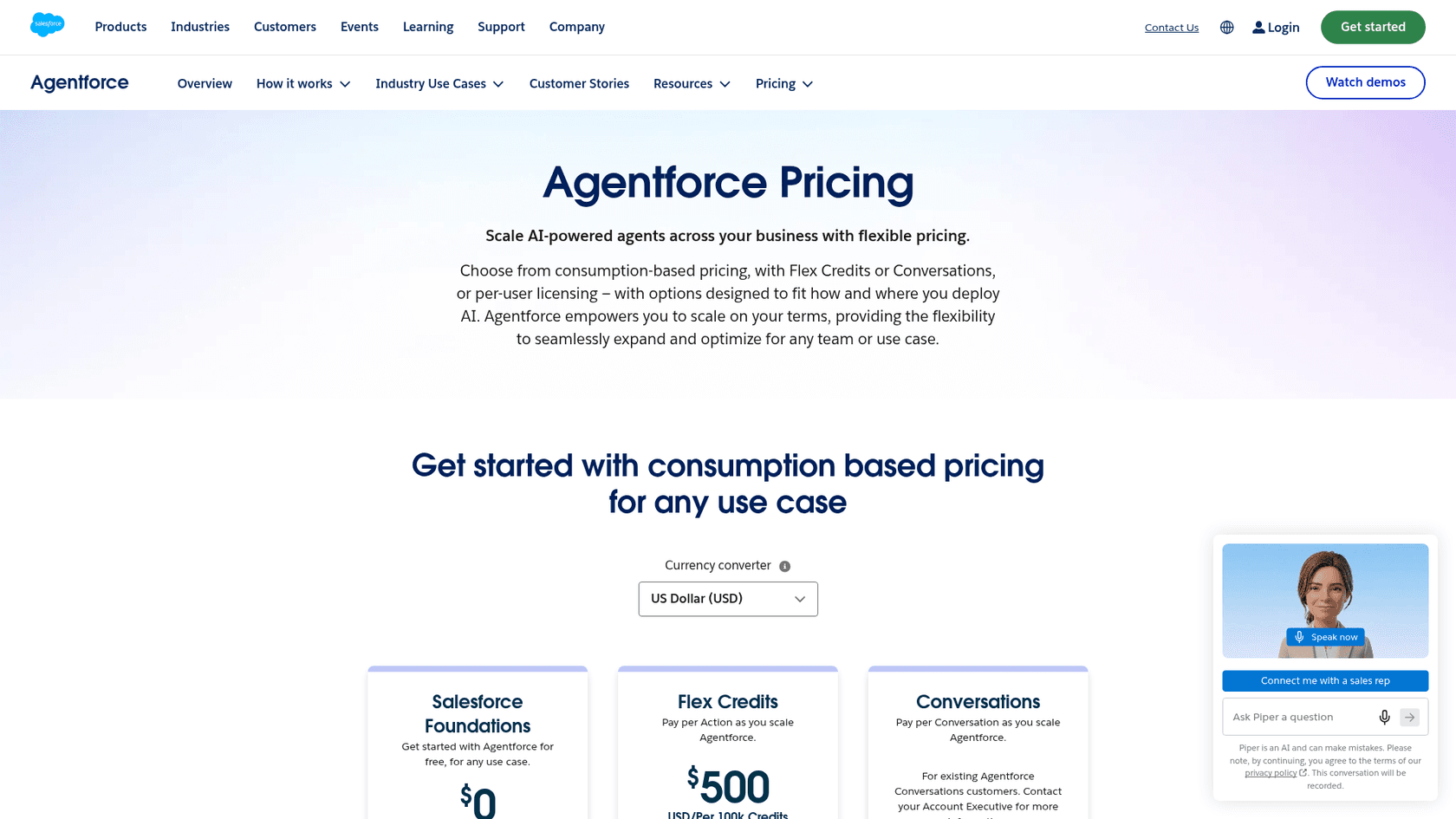
These days, a platform's real strength often comes from its AI capabilities, and this is where Salesforce Platform license pricing gets even more layered. Salesforce’s native AI offering is called "Agentforce," and it’s priced separately from the Platform seat price. Salesforce lists Flex Credits at $500 per 100,000 credits, an Agentforce User License at $5 per user per month, and add-ons at $125 per user per month.
Agentforce licensing and its impact
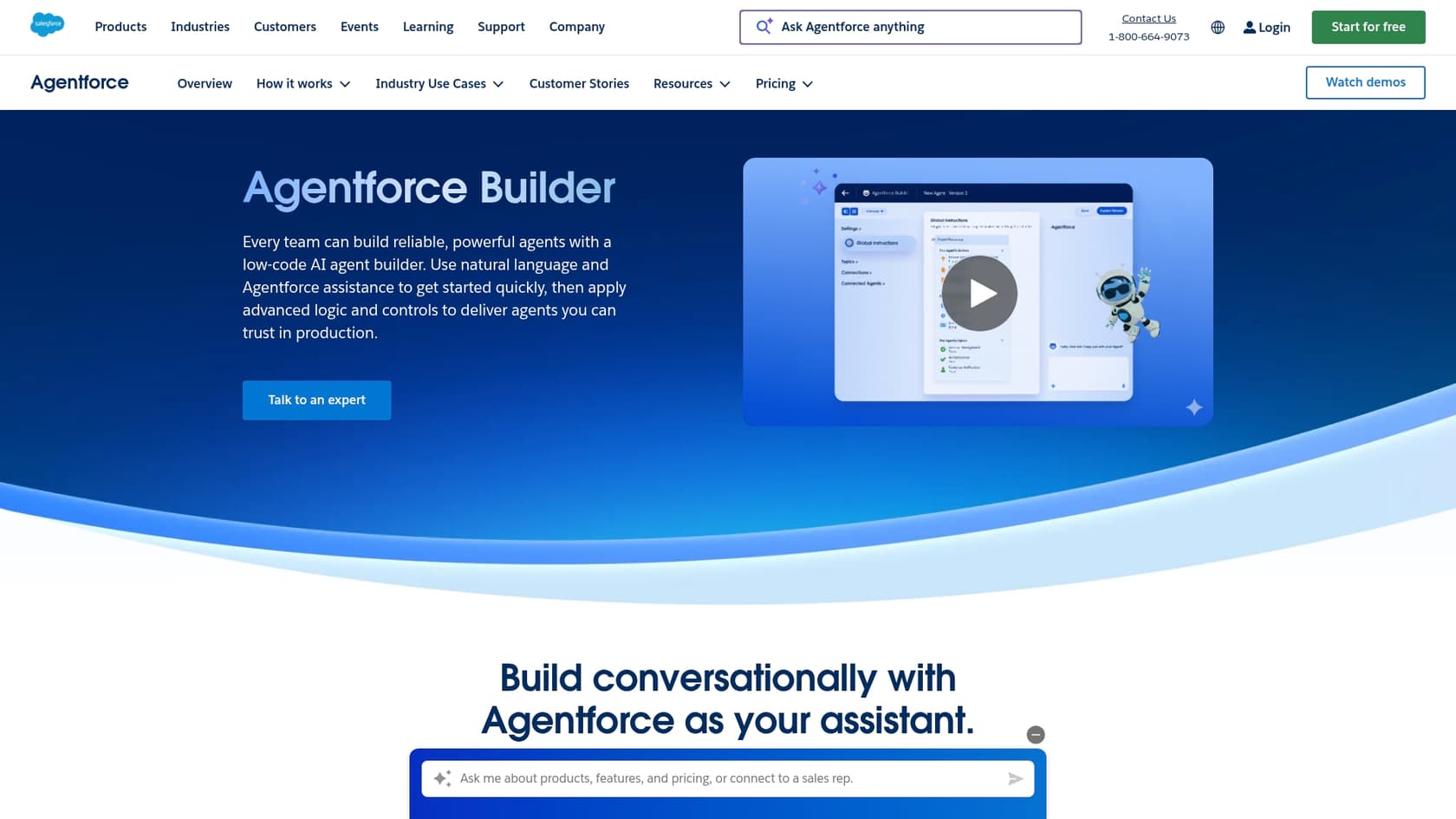
Agentforce is Salesforce's set of AI tools designed to help you build AI agents, automate workflows, and create more personalized customer experiences. From what we can see in their documentation, it's a powerful toolkit with features like a Prompt Builder and deep data integrations.
That power comes with usage-based pricing. Flex Credits are spent per action, so your bill follows how much the agents do. Salesforce Foundations also includes 450,000 Flex Credits for Agentforce and Data 360 to get started (U.S. only, restrictions apply), so you can try the tools before buying credits.
The extra cost of data with Data 360
An AI is only as good as the data it can access. Salesforce's solution for this is Data 360, a platform that connects and organizes your customer data from all over the place.
And it has its own meter. Agentforce Data Libraries need Data 360 set up and consume Data 360 credits, per Salesforce Help. To run an effective AI agent on Salesforce, you can end up paying for three things: the core platform license for your users, Agentforce usage, and Data 360 usage. Salesforce notes that Flex Credits are fungible across products, so one credit pool can cover both.
Beyond the license: Hidden costs
The total cost of using Salesforce goes way beyond the monthly license fee. There are other big, ongoing costs you absolutely have to factor into your budget.
The AppExchange and third-party apps
The Salesforce AppExchange is a huge marketplace with thousands of apps that add new features to the platform. It’s one of the platform's biggest strengths.
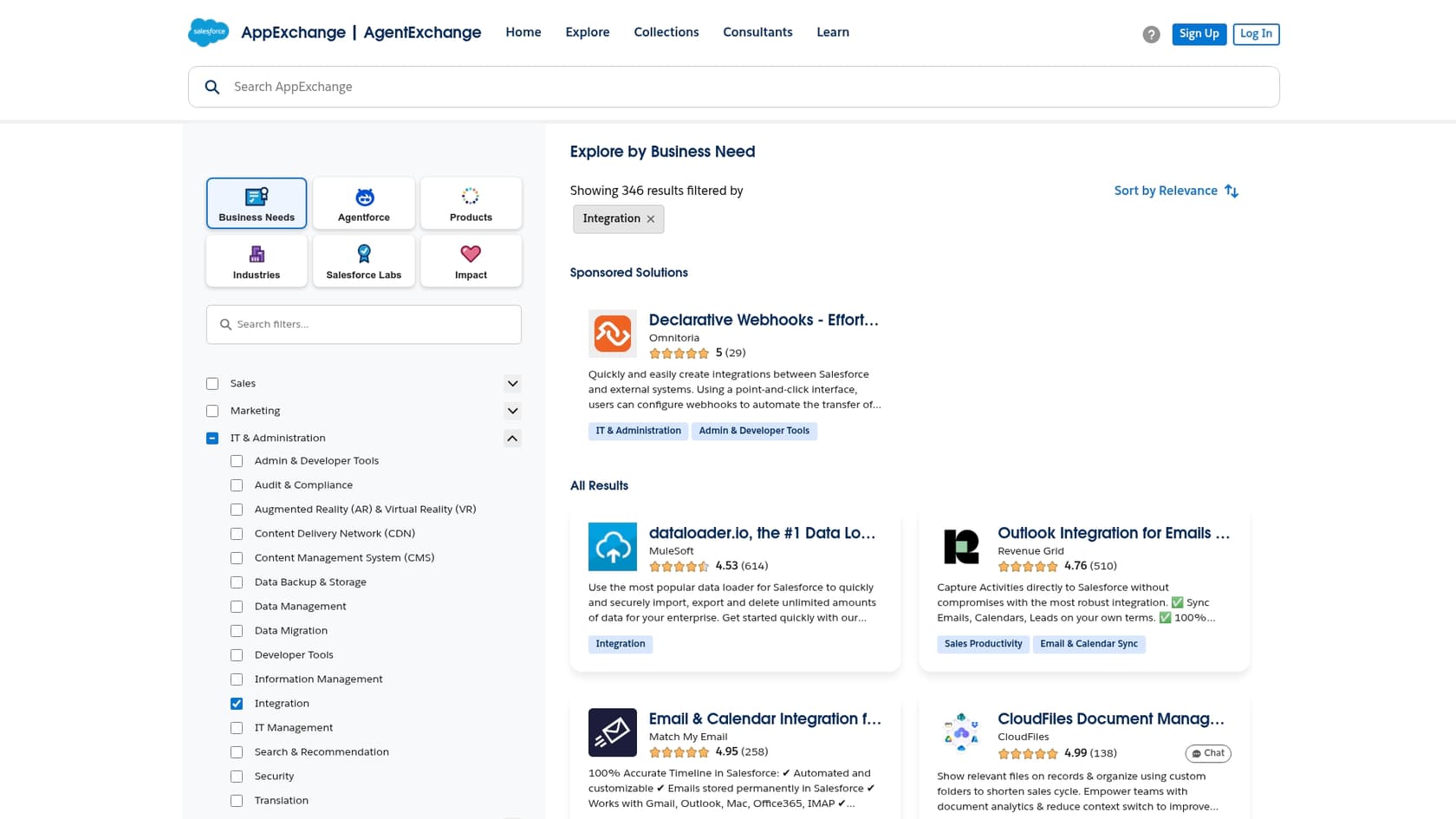
The catch is that very few of these apps are free. To get functions that aren't included out of the box, you'll probably need to subscribe to several third-party apps. This means your total monthly bill won't just be from Salesforce; it'll be from a bunch of different vendors, each with its own subscription fee.
Customization and needing developers
To really get the most out of the Salesforce Platform, you need people with specialized skills. While you can do some things with drag-and-drop tools, more complex customizations, integrations, and maintenance require Salesforce administrators and developers.
These folks are in high demand and their salaries reflect that. If you don't have them on your team, you'll be paying a premium for outside consultants. This investment in specialized talent is one of the biggest hidden costs that companies forget to account for when they first sign up.
A simpler alternative for AI
After seeing the complex and costly path to using Salesforce's native AI, you might be thinking there has to be a better way. The good news is, there is. Instead of getting locked into one expensive ecosystem, you can add a flexible AI layer that works with the tools you already have.
This is where eesel AI fits in. It’s a modern AI platform built to connect directly to your existing help desk and knowledge bases, giving you powerful automation without the enterprise-level price tag or complexity.
Here’s how eesel AI tackles the pain points of the Salesforce model:
-
Simplicity over Complexity: Getting started with Agentforce and Data 360 can take months. In contrast, eesel's AI Agent can be up and running in minutes. With one-click integrations for help desks like Zendesk and Intercom, you can start automating support tickets almost immediately.
-
Unified Knowledge over Silos: Salesforce can pull in outside sources through Data 360 connectors and Unified Knowledge, but both load that content into Salesforce first. eesel AI, on the other hand, connects to knowledge from everywhere. You can instantly link it to your internal wikis in Confluence, public help articles, internal guides in Google Docs, and even past support tickets.
-
Transparent over Opaque Pricing: Instead of a mix of list prices, usage meters, and contact-us add-ons, eesel AI has fixed monthly plans: from $299/month for 500 credits (1 credit per ticket or chat), with every integration included.
Making the right choice for your business
Salesforce is an incredibly powerful platform, but understanding its true license pricing means you have to look at the whole picture. You need to account for the different editions, per-user costs, expensive AI add-ons, and the ongoing costs of third-party apps and specialized developers.
Native AI like Agentforce offers deep integration, but it comes with a lot of complexity and a serious price tag. For many businesses, a more nimble and affordable approach is to add a dedicated AI layer like eesel AI to their existing tools. This gives you all the benefits of automation and smart support without the overhead of a single, all-in-one enterprise platform.
You don't always need a massive overhaul to improve your support operations. Sometimes, the smartest move is the simplest one.
Ready to see how simple and powerful AI can be? Set up an AI agent with eesel in minutes and see for yourself, completely risk-free.
Frequently asked questions
Why is it so difficult to find exact Salesforce Platform license pricing online?
Salesforce now publishes list prices for Platform Starter ($25 per user per month, billed annually) and Platform Plus ($100). The pricing page says it is for information purposes only, though, and add-ons like Einstein for Platform and Mobile App Plus are listed as contact-us, so a precise quote still needs a conversation with their sales team.
What are the main components that determine Salesforce Platform license pricing?
The primary components include the edition (Platform Starter or Platform Plus), the number and type of users, and various add-ons. Features like advanced automation, API access, and support levels significantly influence the final cost.
Does Salesforce Platform license pricing include native AI tools like Agentforce or Data 360?
No, Agentforce is priced separately from the Platform seat price. Salesforce lists Flex Credits at $500 per 100,000 credits, an Agentforce User License at $5 per user per month, and add-ons at $125 per user per month, and Data 360 usage consumes its own credits.
How does the "per-user, per-month" model affect overall Salesforce Platform license pricing for different types of users?
The per-user, per-month model means you pay a set fee for every individual who needs access. Different user roles often require different license types, each with its own price tag, making it crucial to manage user access carefully to control overall Salesforce Platform license pricing.
Are there different tiers for Salesforce Platform license pricing, and what do they generally offer?
Yes. The Platform pricing page lists Platform Starter ($25 per user per month, 10 custom objects) and Platform Plus ($100 per user per month, 110 custom objects), plus Platform Login and Dev Credits for lighter users.