

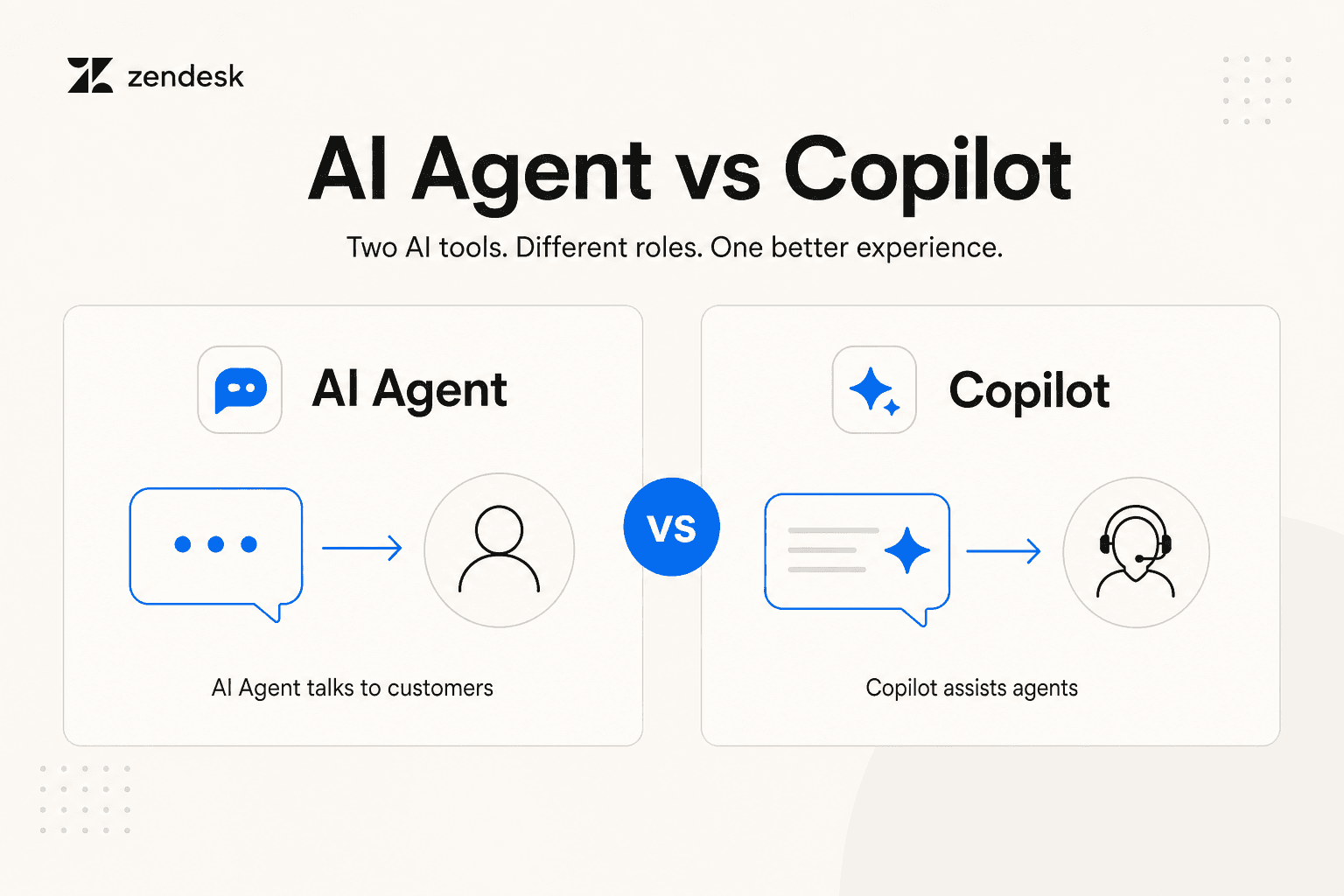
The decision in one table
| Question | Zendesk AI agent | Zendesk Copilot |
|---|---|---|
| Who it works with | The customer | A human agent in the ticket workspace |
| Primary job | Resolve a defined customer request or route it | Help a human understand, draft, and complete ticket work |
| What happens to the response | The AI agent can respond in the customer flow | The human reviews, edits, approves, dismisses, or takes over from suggestions |
| Best fit | Repeatable requests with known sources, actions, and escalation rules | Work that remains human-owned but is repetitive, context-heavy, or procedure-driven |
| Main risk to test | Wrong answer, action, channel setup, or escalation destination | A weak source or suggestion that a rushed agent accepts without checking |
| Evidence to review | Conversation outcome, tier, event history, and handoff | Suggestion quality, source fit, agent edits/approvals, and the final customer outcome |
Zendesk is also changing its AI agent packaging and experience in 2026. Do not decide from an old Essential-versus-Advanced feature chart. The current question is still simple: is the customer dealing with automation, or is a person using assistance?
What Copilot actually does
Zendesk describes Copilot as an add-on for eligible Suite and Support Professional-and-above plans. It groups several agent-assistance features rather than one autonomous customer bot:
- Intelligent triage classifies incoming requests, including topic, entity, sentiment, and language, so routing and reporting can use that context.
- Suggested first replies create a starting draft from existing macros and help center articles.
- Ticket summaries recap the public comments already on a ticket so the next person can get up to speed.
- Enhance writing helps an agent revise the wording of a comment. It is writing assistance, not an independent decision maker.
- Auto assist proposes replies, actions, macros, or admin-written instructions while an agent is working a submitted ticket.
- Copilot also includes related capabilities such as merging suggestions, voice-call summaries and transcription, and real-time suggestions for voice calls, depending on the account and feature availability.
These features improve the human workflow. They do not turn Copilot into a customer-facing substitute for an AI agent. A ticket summary explains what has happened. A first-reply draft gives an agent words to start from. Writing assistance improves that agent’s message. In each case, the agent remains responsible for the customer response.
Auto assist has a stronger control boundary
Auto assist appears where the composer would normally be and suggests a way to solve a submitted ticket. Zendesk says its preferred source is a procedure. It can also use relevant public help-center articles, permitted internal articles, and, when those are unavailable, similar solved tickets.
The distinction matters because a good-looking suggestion is not evidence that the right policy applied. Set up procedures for jobs that need a repeatable sequence or action. Zendesk matches help-center articles to ticket brand and language, but content enabled through user segments can inform replies even when the agent or end user is not in that segment. Review those source permissions before enabling internal material; source access and permission to include its information in a reply are not the same thing.
The human boundary is explicit: agents can review, edit, approve, or dismiss suggested replies and actions. Admin-written instructions are followed manually. Zendesk notes that some low-risk pre-approved actions can run automatically, while actions that update data, such as a refund, generally still require approval. The agent workflow guide also says auto assist does not work on AI agent tickets.
That is the clean dividing line: customer-facing AI agents automate a defined customer flow; Copilot helps a person complete the human flow.
A practical rollout when you use both
Start with one customer job. For example, an AI agent may answer a standard order-status request from approved sources and escalate exceptions. Copilot can then help the receiving agent summarize the history, follow the exception procedure, and draft the final response.
Before you expand, test four cases:
- A straightforward request that should stay with the AI agent.
- A request that must escalate, including the actual queue, group, availability behavior, and customer wording.
- A receiving agent’s view: verify the human sees enough context and does not make the customer repeat it.
- A sensitive or unusual request: make sure the AI agent routes it and Copilot’s suggestion is reviewable rather than treated as an authority.
This avoids a common mistake: using a customer-facing agent for work that needs accountable human judgment, or asking Copilot to disguise an unclear escalation design.
Compare customer wording and human context with eesel CLI
The practical choice between automation and assistance is often visible in one difficult request. Take a fictional cancellation question that needs a person to confirm the contract exception. An eesel teammate can help prepare both the customer-facing draft and the information the human should receive. A support lead can ask Claude Code, Codex, or Cursor to run that review through the eesel CLI, using the same eesel teammate and workspace as the dashboard.
Get the owner's permission and review connected action permissions first. With Node.js 18.17 or newer, inspect the teammate's instructions, then start a dedicated conversation:
npx @eesel/cli --agent "Zendesk support" instructions
npx @eesel/cli --agent "Zendesk support" new --name "cancellation-human-boundary"
npx @eesel/cli --agent "Zendesk support" chat "For this fictional case, draft two clearly labelled outputs: a customer acknowledgement and a private review brief for a human. Case: I want to cancel, but my contract may have an exception. Cite approved policy, distinguish missing facts from conclusions, and do not cancel anything or send a message."
The output is JSON, so the coding agent or a script can retain both drafts for review. The customer acknowledgement should not disclose internal guidance or promise an outcome. The human brief should identify the missing contract facts and decision owner. Have the support lead check both against the policy, propose instruction changes where needed, approve them, and repeat the case.
This is a concrete way to assess what the eesel teammate can draft and what a person must decide. It does not switch Zendesk between AI Agent and Copilot or configure auto assist. Chat is real teammate work, not a protected rehearsal; prompts do not replace permissions, and held approvals are not a blanket safeguard.
Give AI the job it can own
If the customer should self-serve a documented, safe request, give the job to an AI agent. If a human should make the final judgment, use Copilot to reduce the repetitive parts of that person’s work. When evaluating eesel for the same queue, use the CLI to review customer wording and the human decision brief together, then test the actual handoff. Clear ownership matters more than having either product cover every ticket.
Frequently Asked Questions
What is the difference between Zendesk AI Agent and Copilot?
Zendesk AI agents are customer-facing automation. Copilot is a set of tools that assists human agents while they work in tickets.
What does Zendesk Copilot include?
Zendesk lists intelligent triage, auto assist, suggested first replies, ticket summaries, writing enhancement, ticket merging suggestions, and voice assistance among Copilot features.
Does Zendesk Copilot send replies without a person?
Auto assist suggestions normally require an agent to review and approve them. Some low-risk, pre-approved actions can run automatically when configured.
Can Zendesk AI Agent and Copilot be used together?
Yes. Use an AI agent for a clear customer-facing job and Copilot for the human work that remains, provided the escalation context and ownership are tested.
What knowledge does Copilot auto assist use?
Auto assist can use procedures, relevant public or permitted internal help center articles, and similar solved tickets when the preferred sources are unavailable.