
So, you’re trying to set up a knowledge base and looking for a clear overview of Zendesk Guide (now Zendesk Knowledge) pricing. Since Zendesk is a comprehensive and mature platform, it offers several ways to get started. The first thing to know is that Zendesk has refined how they deliver value: Zendesk Guide is a key part of their integrated offering. It’s now conveniently included within their powerful Zendesk Suite plans.
This bundled approach ensures you have everything you need in one place. While it helps to understand how the pricing tiers align with your team's needs, it also means you get a robust set of tools right out of the box.
In this breakdown, we’ll walk through the plans that include Zendesk Knowledge, highlight the professional features available, and show you how a complementary tool like eesel AI can help you make the most of your company's knowledge.
What is Zendesk Guide pricing?
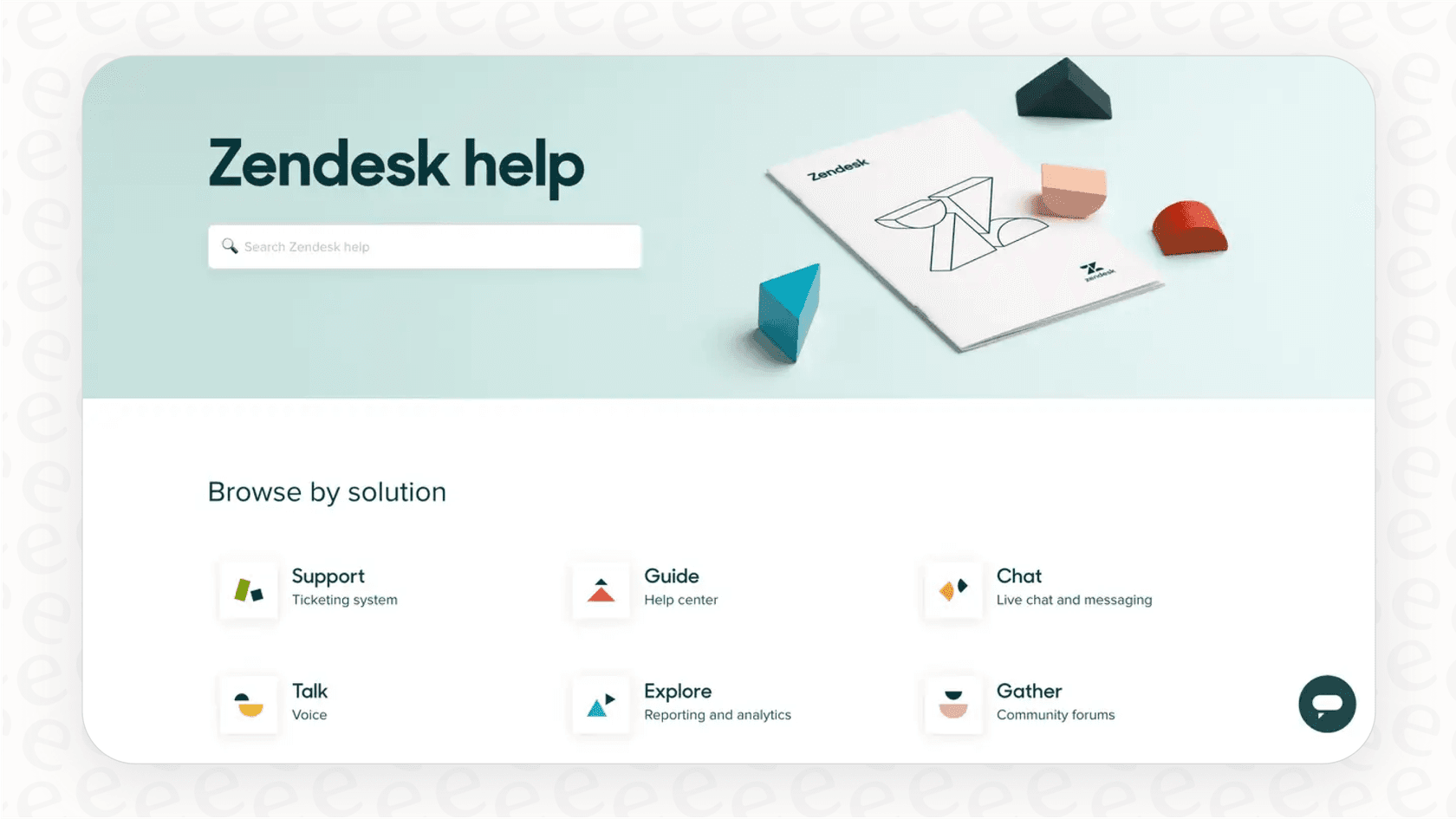
Zendesk Knowledge is the platform’s built-in tool for creating a self-service knowledge base. It acts as a reliable, central library for all your customer support info. Its main job is to help you build out a hub of support articles, FAQs, and community forums so your customers can find answers quickly and easily.
When it’s working well, the biggest win is what folks in the industry call "ticket deflection", essentially letting customers help themselves. This allows your support agents to focus their expertise on more complex issues that benefit from a personal touch.
How Zendesk Guide pricing works in 2026
To get Zendesk Knowledge, you can sign up for a Zendesk Suite plan. These plans are designed to provide a complete, feature-packed solution for businesses that are serious about providing top-tier self-service.
Zendesk Suite plans that include a knowledge base
The "Suite" plans are Zendesk's all-in-one deals where the knowledge base functionality from Guide comes standard. Let’s take a look at the main tiers and see the value you receive for knowledge management.
| Feature | Suite Team | Suite Professional | Suite Enterprise |
|---|---|---|---|
| Price (annual) | $55/agent/month | $115/agent/month | $169/agent/month |
| Knowledge Base | Included | Included | Included |
| Number of Help Centers | 1 | Up to 5 | Up to 300 |
| Key KM Features | Knowledge base, generative search, basic theme customization. | Everything in Team + multilingual content, community forums, article view permissions. | Everything in Professional + advanced theme customization, content blocks, approval workflows. |
As you can see, every Suite plan includes a knowledge base. Zendesk provides a clear path for growth, with advanced features like managing separate help centers for different brands or setting up content approval flows available in the premium tiers for larger organizations.
Zendesk Guide pricing with a Support plan
It is possible to access Guide through other configurations. While the basic "Support Team" plan, which starts at $19 per agent per month, does not include a help center by default, Zendesk offers various ways to customize your setup. Most businesses find that upgrading to a Suite plan provides the most comprehensive and streamlined experience for self-service.
Optimizing your investment in the Zendesk pricing model
The per-agent pricing is a foundation for a powerful support ecosystem. To get the most out of Zendesk, it's helpful to understand how it supports modern, collaborative teams.
Investing in teamwork
In a professional support environment, agents often collaborate with other departments. For an engineer to contribute to a ticket, add an internal note, or view history inside Zendesk, Zendesk ensures a secure and structured environment by offering paid licenses.

This structure ensures that every contributor has the tools they need. To keep things flexible, Zendesk offers "light agent" roles, which allow for broader team involvement. This helps maintain a professional record of cross-team teamwork. For teams looking for even more ways to connect, tools like eesel AI can complement this by surfacing information in Slack or Microsoft Teams.
Maximizing value with Zendesk AI features
Zendesk is a leader in AI innovation, offering a value-based pricing model. In addition to the standard per-agent fee, Zendesk offers advanced AI capabilities that can be scaled based on resolutions.
Here are some things to keep in mind to manage your AI usage effectively:
- Scalable costs: Your investment scales with your success. As the AI resolves more tickets, your team is freed up for higher-value work.
- Resolution verification: Zendesk ensures quality by tracking resolutions after a 72-hour period, confirming that the customer's needs were met.
- Focused automation: The system is designed to handle resolutions intelligently, providing a modern customer experience.
Extending your knowledge base
Zendesk Knowledge is a robust tool designed to centralize information created within its ecosystem.
Because professional knowledge can sometimes live in multiple places-like a Confluence wiki, Google Docs, or Notion-many teams use eesel AI as a complementary layer. This allows your agents to access information from all their tools while still leveraging the power of Zendesk.
eesel AI: a powerful complement to the Zendesk Guide experience
Instead of changing your entire workflow, eesel AI works as an intelligent partner to your Zendesk setup, enhancing your knowledge management without any disruption.
Unify all your knowledge within Zendesk
eesel AI connects to your company's knowledge sources in just a few minutes. It works alongside your Zendesk Knowledge articles and can also index your past Zendesk tickets, Confluence spaces, and shared Google Docs.
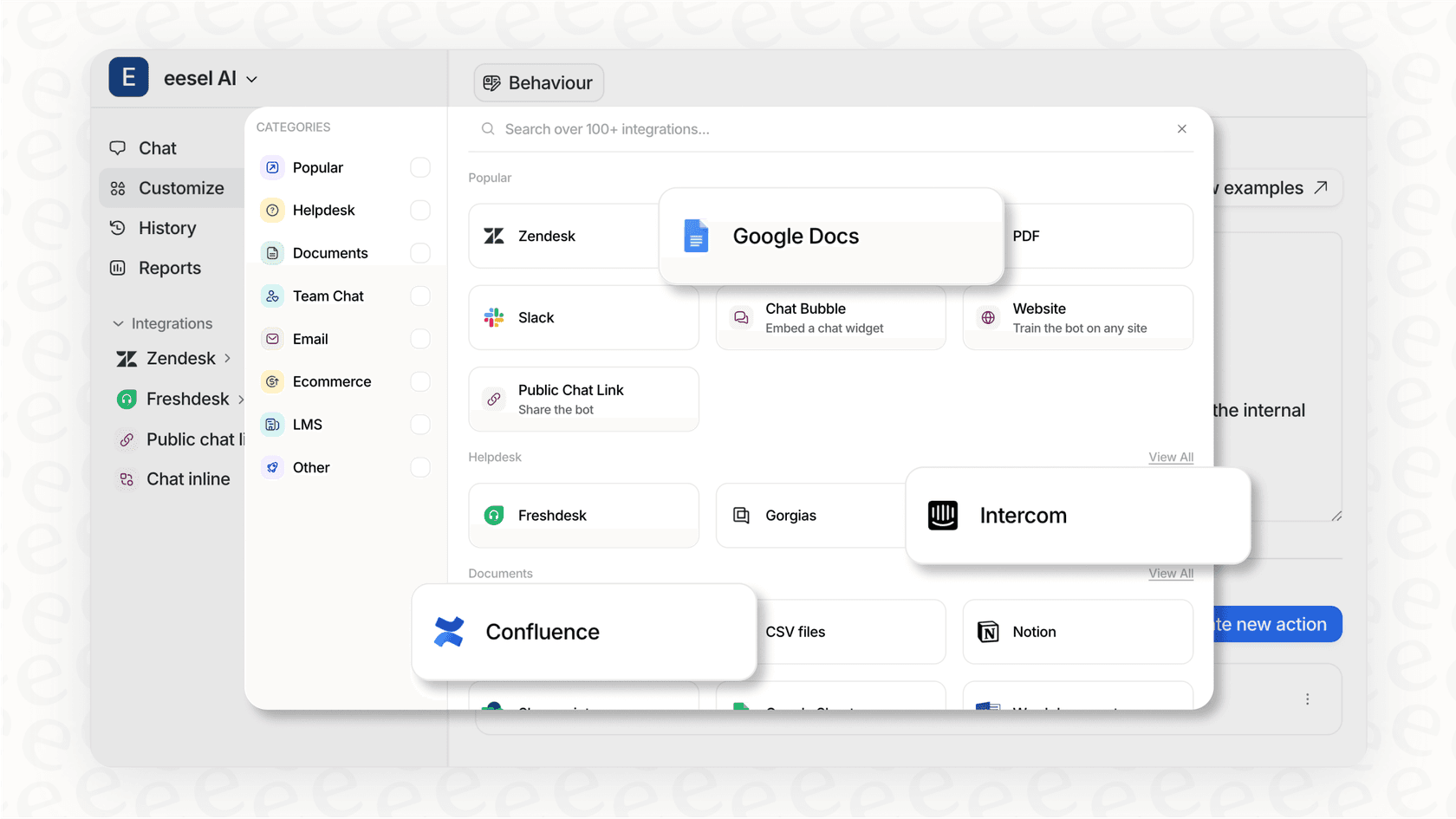
This creates a unified knowledge layer. When a question pops up, it can draw from your preferred sources to find an accurate answer, perfectly complementing your Zendesk help center.
Straightforward pricing for growing teams
We believe in making AI accessible and easy to budget for. That's why eesel AI offers a simple, flat monthly fee for a set number of AI interactions, which works beautifully alongside your Zendesk subscription.
The benefit is a high level of predictability, allowing you to manage your budget with confidence.
| Aspect | Zendesk AI | eesel AI |
|---|---|---|
| Model | Per-agent fee + Pay-per-resolution | Flat monthly fee based on interactions |
| Predictability | Scalable based on volume | High (fixed monthly rate) |
| Clarity | Structured for enterprise needs | Straightforward monthly billing |
Enhance collaboration across your organization
eesel AI helps you extend the reach of your knowledge. Our Zendesk integration works within the tools your whole company is already using, like Slack and Microsoft Teams.
This allows colleagues in other departments to stay informed and provide context to support issues within their existing chat apps. It's a great way to foster cross-functional teamwork while keeping your Zendesk setup efficient.
Making the most of Zendesk Guide pricing
Zendesk Knowledge is a world-class tool that offers a robust, integrated foundation for any support team. While its pricing model is designed for professional scale and advanced AI capabilities, you can always optimize your setup by using complementary tools that fit your specific workflow.
A platform like eesel AI offers a modern, connected way to enhance your Zendesk experience. By bringing all your information sources together, you can empower your team to deliver even faster, more effective support.
Ready to unlock your team's full potential?
See how eesel AI can complement your Zendesk setup and unify your information. Start a free trial or book a demo today.
Frequently asked questions
Is there a simple way to understand the Zendesk Guide pricing without getting lost in the details?
The simplest way to think about it is that Guide is seamlessly integrated into Zendesk's offerings. To get a knowledge base, you subscribe to a Zendesk Suite plan, which conveniently bundles Guide with their other industry-leading support tools like ticketing and messaging.
My team only needs a basic knowledge base, so what's the entry point for Zendesk Guide pricing?
The most straightforward entry point is the Suite Team plan at $55 per agent, per month when billed annually. This provides a professional start for teams looking to leverage Zendesk's powerful ecosystem.
Are there other features in Zendesk Guide pricing I should be aware of besides the per-agent fee?
Yes, you can look into features designed for scale, such as collaboration options for non-support staff and advanced AI-driven resolutions. Zendesk offers a variety of AI options to help automate your workflow efficiently.
How does the Zendesk Guide pricing affect teams that need to collaborate with other departments, like engineering?
Zendesk's model is built for professional alignment, offering specific licenses for those who need to access or comment on tickets. This ensures cross-functional teamwork remains structured and secure within the platform.
We use lots of tools for our company knowledge, so how does Zendesk Guide pricing account for information that lives outside Zendesk?
Zendesk Guide is a powerful tool optimized for content created within its high-performance system. For teams with external knowledge sources, you can use complementary tools like eesel AI to integrate knowledge from sources like Confluence or Google Docs directly with your Zendesk workflow.
As we grow, what should I know about how Zendesk Guide pricing handles the need for multiple help centers?
The ability to have multiple help centers is offered in Zendesk's more advanced tiers. While the Suite Team plan includes one, you can upgrade to Suite Professional for up to five or Suite Enterprise for up to 300 to successfully manage knowledge for multiple brands.