


The honest answer depends less on the AI than on your math
I work a support queue. So when someone asks me whether AI customer service is worth it for a small business, I don't start with model benchmarks. I start with the same two questions I'd ask before hiring a part-time agent: how many tickets are you getting, and how many of them are the same handful of questions over and over?
Here's the uncomfortable thing I've learned from the inside. The most expensive mistake isn't picking an AI that answers badly. It's buying any AI you don't actually use. I've seen a small software company sit on a $799-a-month plan for 14 months, over $11,000, with literally zero usage. Strong intent on day one, upgraded immediately, then never activated. The product was fine. The purchase was a write-off, because nobody connected it to a real ticket queue.
That's why "is it worth it" is a math question first and a product question second. An AI that resolves 70% of your tier-1 tickets is worth a fortune if you have 1,000 tickets a month, and worth nothing if you have 12. Same AI. Different business.
The good news for small teams: the tools have gotten good, and the buying model has shifted in your favour. You no longer need a developer, a six-month rollout, or a four-figure monthly commitment to find out. You can test the actual value on your actual tickets for the price of a few coffees. More on that at the end.
What you're actually paying for
Let's be concrete about what AI customer service does for a small team, because the marketing tends to blur it into "automation magic."
The core job is volume. Your queue is mostly a small set of questions asked in a hundred different ways: where's my order, how do I reset my password, what's your refund policy, do you ship to my country. An AI agent trained on your past tickets and help docs answers those instantly, in your customer's language, at any hour. The complex, judgement-heavy tickets get left for your people.
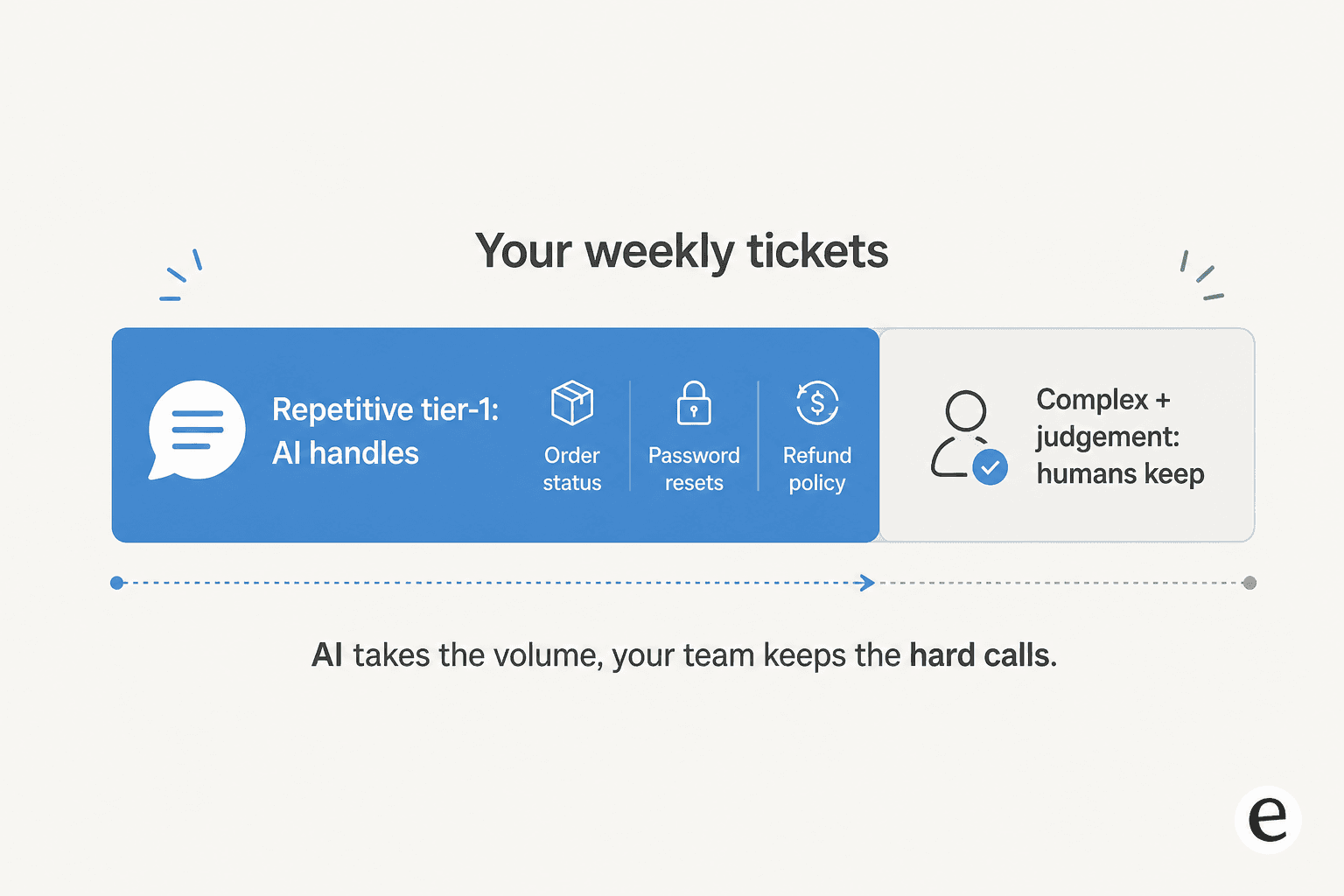
That split is the whole pitch. One founder of a small dog-training business put it well in their G2 review: they finally had "a coachable AI agent for supporting Customer Experience accessible to small businesses," letting it read their procedures and policies and "have a 24/7 supervisor that coaches" newer team members. That's the small-business version of worth it, a second set of hands that never sleeps.
Underneath, you're paying for a few specific things:
- Ticket deflection on the repetitive questions, so they never hit a human. This is the headline metric most ticket automation tools sell on.
- Draft replies for the tickets the AI isn't fully confident on, so your agent edits and sends instead of writing from scratch. This copilot mode is where most cautious teams start.
- Triage and tagging, so tickets land in the right place without someone sorting the inbox by hand.
- After-hours coverage, which for a small team is often the real reason to buy, because you can't staff a night shift.

A small EdTech team described the underlying pressure in their Yellowdig case study: "As a fast-growing startup with a small team, our customers far outnumber our employees. It's crucial that we have robust self-service solutions as well as tools to supercharge the efficiency of our client-facing teams." That customers-outnumber-staff ratio is the exact spot where AI earns its keep.
The number that decides it: your volume and your repeat rate
Forget the feature lists for a second. Two numbers tell you whether AI customer service is worth it for your business.
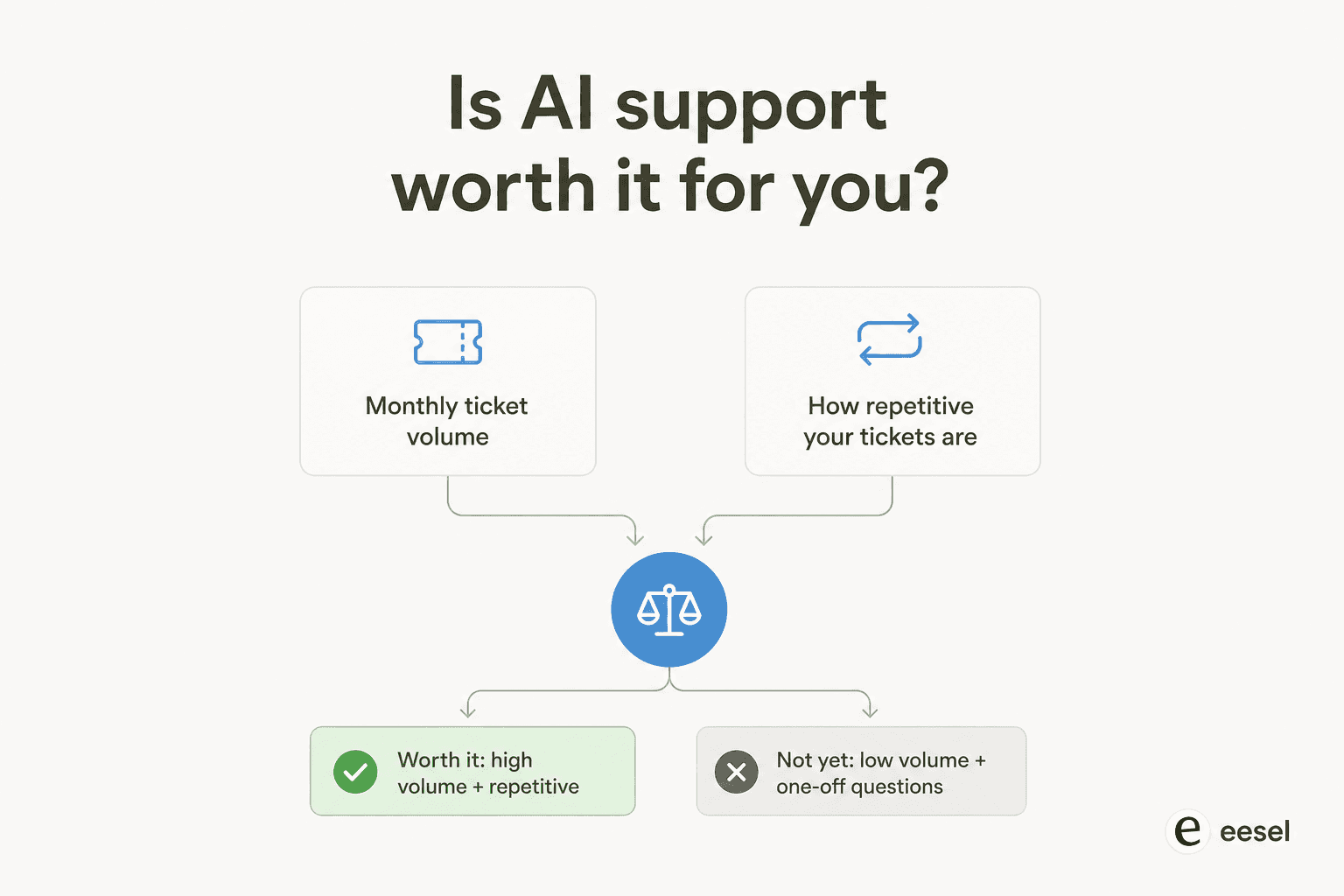
The first is monthly ticket volume. The second is what share of those tickets are repetitive. High on both and it's a clear yes. Low on both and you should wait. The interesting cases are the in-between ones, and that's where the pricing model (next section) makes or breaks the decision.
Here's a worked example. Say you're a small e-commerce brand doing 500 tickets a month, and 60% of them are order-status and returns questions, the bread-and-butter stuff. That's 300 tickets a month an AI can plausibly clear. On eesel's 500-credit plan at $299 a month, handling all 500 is covered, and you'd only route the ones worth automating. If automating 300 tickets saves even a few hours a day of an agent's time, the tool has paid for itself many times over before you've spent the cost of a single part-time hire.
Now flip it. You're a B2B consultancy doing 40 tickets a month, each one a unique, detailed account question. There's almost nothing repetitive to deflect. Paying a flat $299 to $799 a month for AI here is the write-off I described earlier. The AI isn't bad, you just don't have the volume to feed it. A shared inbox and good canned responses will serve you better until you grow.
This is also why I push small teams to look at their customer service KPIs before buying anything. If you don't know your monthly volume and your top ticket categories, you can't answer the worth-it question. You're guessing.
The pricing model is the real trap for small teams
Here's the part most "is it worth it" articles skip, and it's the part I care about most.
For a small business, the AI's accuracy matters less than how you're billed for it. The two common models pull in opposite directions:
- Flat monthly / per-seat: you pay the same whether you handle 10 tickets or 10,000. Great for the vendor's revenue predictability. Brutal for a small or seasonal business, because in a quiet month you're paying for capacity you didn't use.
- Credit plans sized to volume: you pick a monthly batch, and each ticket or chat the AI works uses one credit. You can start free, and move up or down any time as your volume changes.
For reference, this is how eesel's credit plans line up with small-business volumes:
| Tickets or chats per month | eesel plan | Monthly price |
|---|---|---|
| Up to 100 | Free plan (100 credits) | $0 |
| Up to 500 | 500 credits | $299 |
| Up to 1,000 | 1,000 credits | $499 |
| Up to 2,500 | 2,500 credits | $999 |
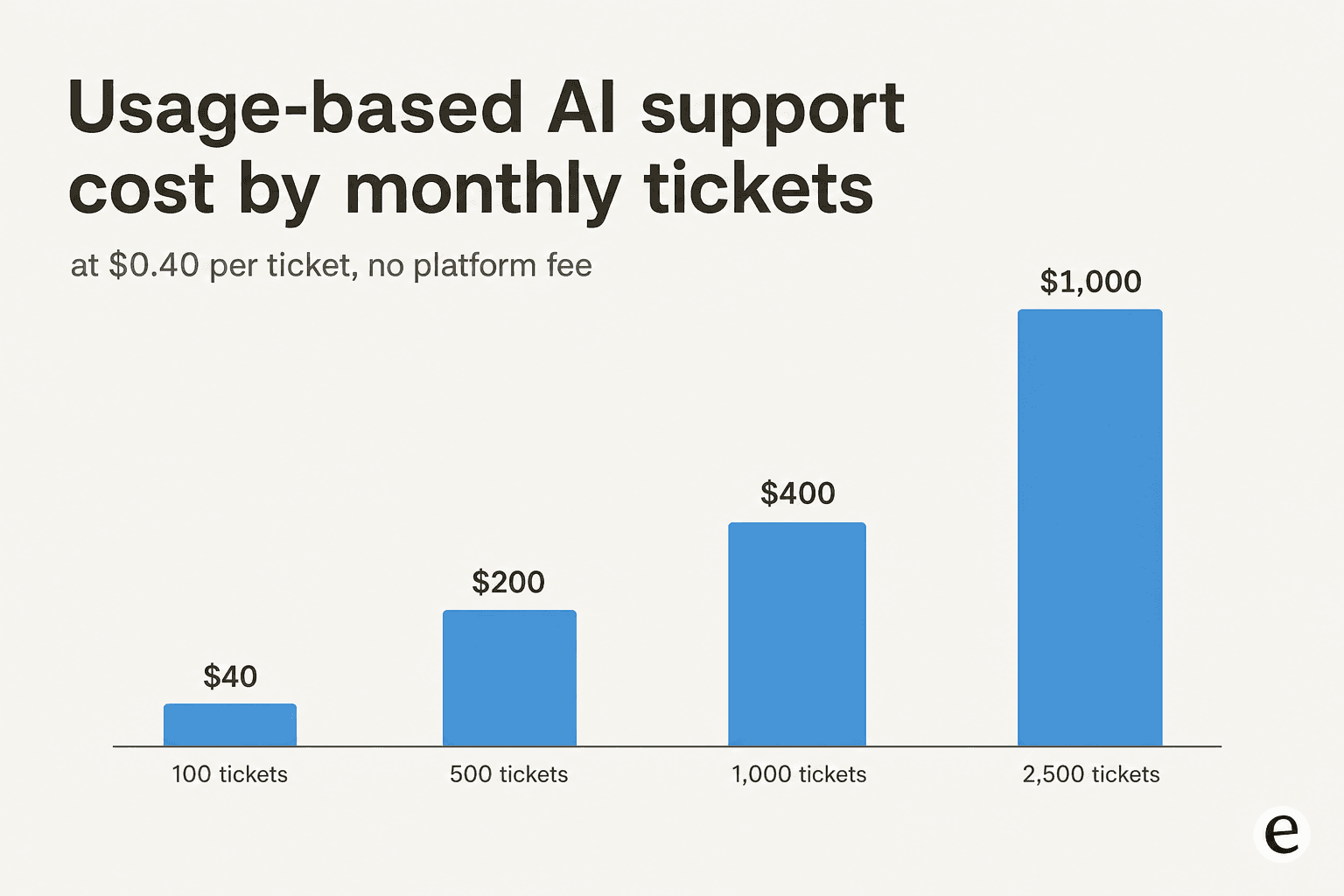
I've seen this difference decide whether a customer stays or leaves. A UK cosmetics brand was about to churn over a $799-a-month flat bill that didn't match their actual usage. Once the plan was sized to their real ticket volume, the bill dropped and they stayed. Nothing about the product changed. The pricing model was the entire story.
The math gets stark at low volume. On a flat $799 plan, a team only using the AI for around 40 tickets a month is effectively paying close to $20 per answer. The same 40 tickets fit well inside eesel's free plan of 100 credits, and the first paid step is $299 a month for 500 credits. For a small business, that gap is the difference between "worth it" and "why are we still paying for this."
So my rule of thumb: if you're a small business, avoid any AI support tool that locks you into a big flat fee before you've proven the volume. Start free, then pick the plan that matches your real volume. You can always move up or down once the numbers are real. The same logic shows up across the category, whether you're evaluating Decagon, Freshservice's AI, or any of the customer service AI platforms I've tested.
When AI customer service is not worth it (yet)
I'd be a bad guide if I only sold you the upside. Here's when I'd tell a small business to hold off.
Your volume is low and varied. Covered above. Under ~100 mostly-unique tickets a month, the effort to set up and supervise the AI outweighs the time saved.
Your knowledge is in your head, not written down anywhere. AI answers from your help docs and past tickets. If you've never written a help center and your ticket history is thin, the AI has nothing to learn from. Fix the knowledge base first; the AI is only as good as what it can read.
Every ticket is high-stakes and regulated. If a wrong answer creates real legal or safety exposure and almost every ticket is like that, the share you can safely automate is small. AI still helps as a drafting copilot for your humans, but full auto-resolution isn't the win here.
You're not willing to supervise it for the first few weeks. The teams that get burned are the ones who flip it to fully autonomous on day one and walk away. That's also why AI chatbots answer wrong: they were never coached. If nobody on your team has an hour a week to review and correct it early on, wait until they do.
None of these are forever-no's. They're not-yet's. Most small businesses cross into "worth it" the moment their volume becomes repetitive and their docs exist.
How to find out cheaply before you commit
This is the part that's changed. You used to have to take the worth-it question on faith. Now you can answer it with data, for almost nothing.
- Run a simulation on your real tickets. Before going live, a good tool will replay your past tickets and show you exactly what share it would have resolved and where it would have fallen short. That single number, "it would have handled X% of last month," is the most honest worth-it signal you'll get. eesel's simulation mode does this on your historical tickets so there's no guessing.
- Start in draft-only mode. Let the AI write replies your agents approve before anything reaches a customer. You get the time savings with none of the risk, and the AI learns from every correction.
- Roll out gradually. Route 200 of your 1,000 monthly tickets to the AI first. Only tickets the AI actually works on use credits, so 200 tickets fits comfortably in the 500-credit plan at $299 a month, and tickets your humans handle don't count.
- Use the free tier to prove it. Many tools, including eesel, let you start free (eesel gives 100 free credits, no card) so you can see real resolutions on your real queue before a single dollar changes hands.
A gig-economy analytics company, Gridwise, ran exactly this play and reported eesel "resolving 73% of our tier 1 requests" in the first month, with results showing up "during our 7-day trial." That's the worth-it proof you want: a real number, on your tickets, before you commit.
Try eesel for your small team
If you've decided the math works, eesel is built for exactly the small-team situation I've described. It plugs into the helpdesk you already use (Zendesk, Freshdesk, Gorgias, Help Scout, Front), learns from your past tickets and help docs in minutes, and starts clearing tier-1 volume without a developer or a long rollout.
The two things that make it a fit for a small business specifically: one fixed monthly price from $299 for 500 credits with no platform fee or per-seat cost, and a free plan to start, plus a simulation that tells you your resolution rate before you pay. You start free with 100 credits, run it against your own queue, and only keep going if the numbers hold up.
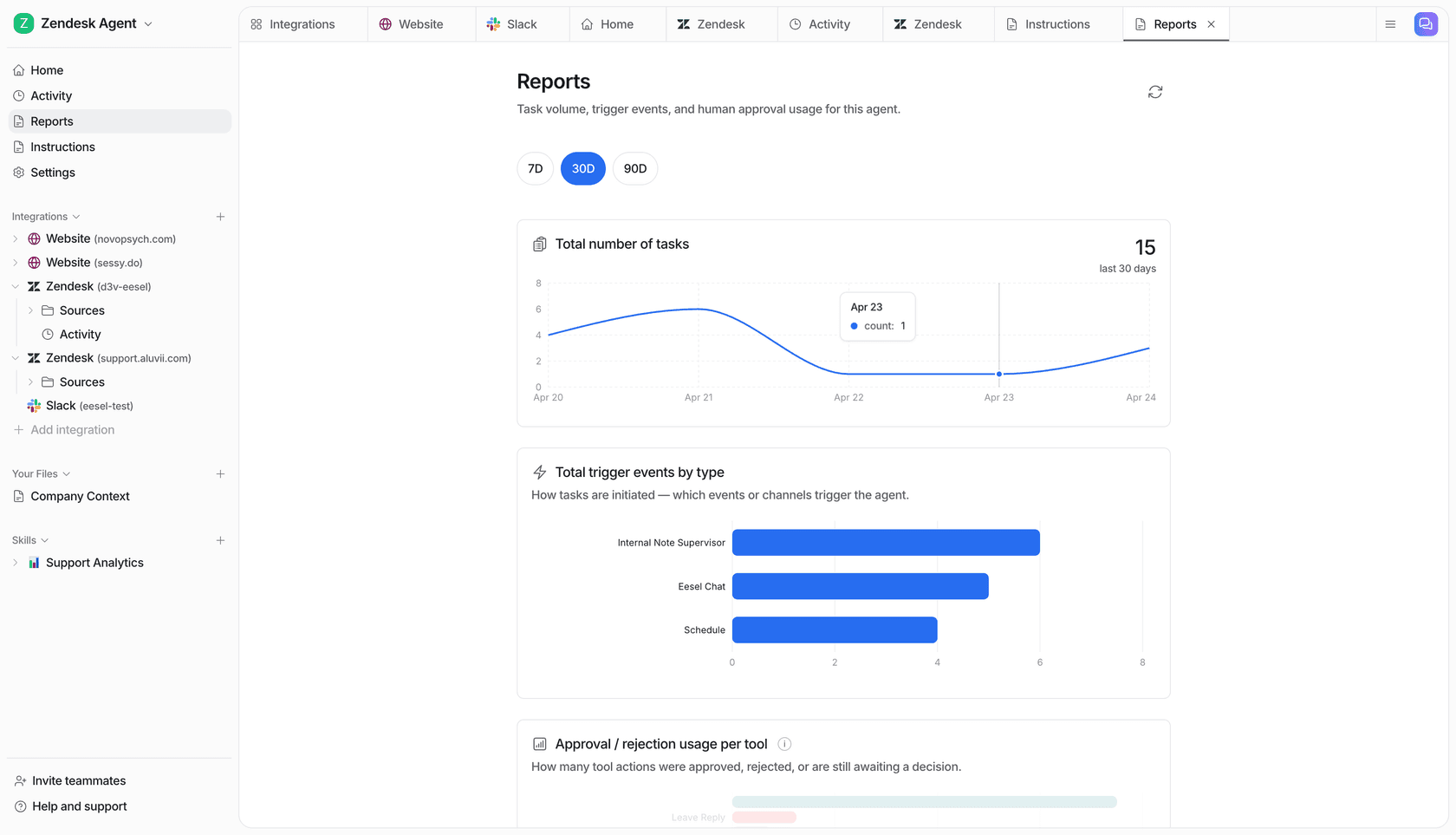
For the wider field, my roundup of the best customer service AI tools and the free AI for customer service options are good next reads before you decide. Either way, test it on your own tickets first. That's the only way the worth-it question gets a real answer.