

Just when you thought the browser wars were over, they’re back with an AI twist. Browsers aren't just for looking at websites anymore. Now, they come with built-in AI assistants that are changing the game for how we find information, summarize articles, and even create content.
It’s a pretty big shift, and two of the most interesting players are taking very different approaches. In one corner, you’ve got Opera Aria (now called Opera AI), an AI that’s woven into Opera’s whole ecosystem. In the other, there's Brave Leo, an assistant that puts your privacy above all else.
So, which one should you use? In this guide, we'll get into the real-world differences between them, looking at their features, privacy setup, and what they’ll cost you. We’ll help you decide which one makes sense for you personally, and we'll also talk about why neither of them can replace a proper AI platform when you need to get serious work done for your business.
What is Opera Aria?
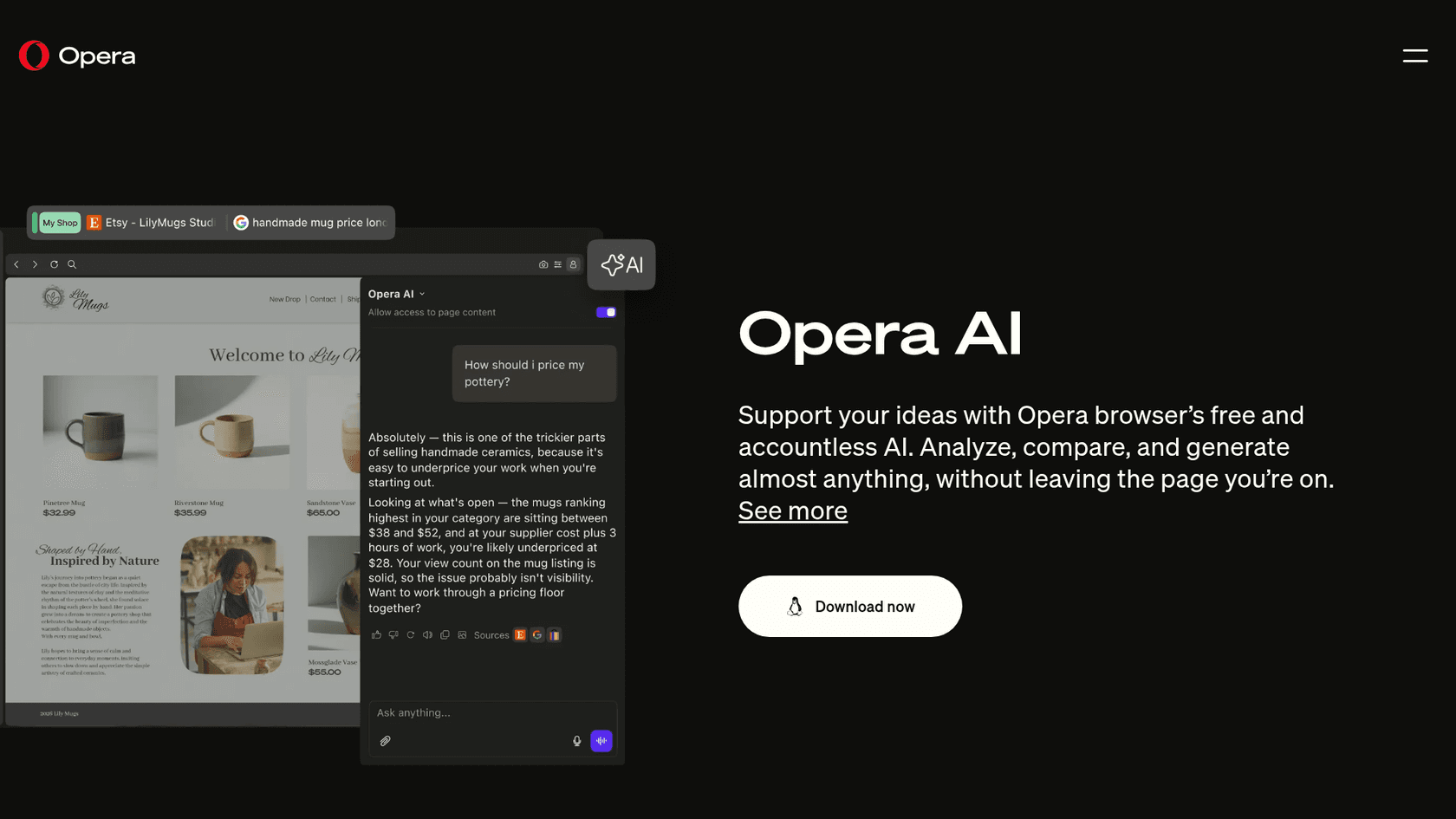
Opera Aria (which Opera now calls Opera AI) is the AI assistant that comes baked right into the Opera browser. You don't have to download an extension or sign up for a separate service; it's one click away from the AI button in the top-right corner. It runs on Opera’s AI engine, which draws on language models from Google and OpenAI.
Think of it as a creative sidekick for your browsing. You can ask it to generate text or code, get answers to questions using up-to-the-minute info from the web, create an image from a text prompt, or just give you the gist of a long article you don't have time to read.
What is Brave Leo?
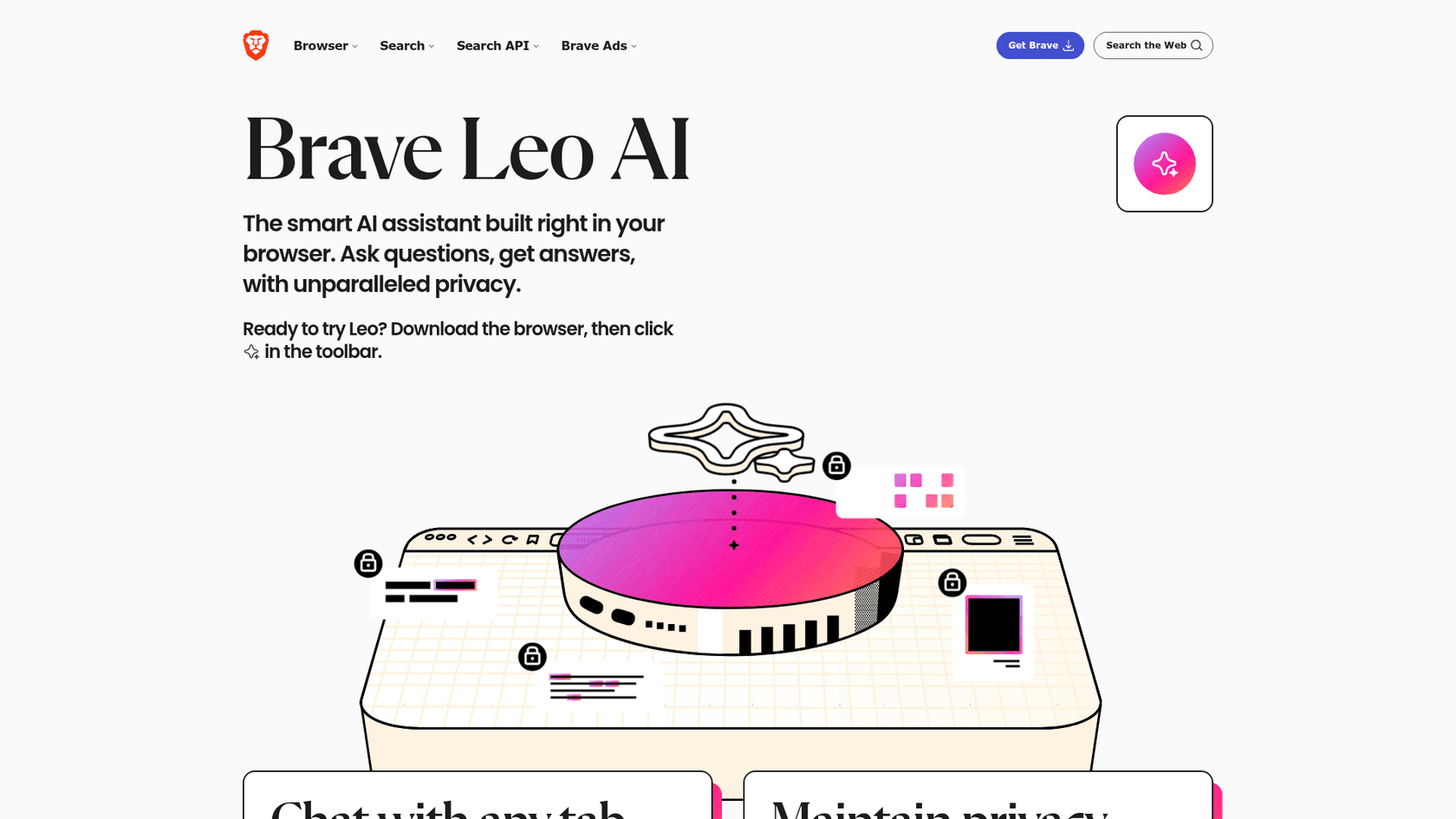
Brave Leo is the AI assistant for the Brave browser, and its whole mission is built around privacy. At a time when most AI tools seem to be grabbing as much data as they can, Leo is doing the exact opposite.
You don’t even need an account to use the free version. Brave routes your requests through servers that hide your IP address, and they have a strict policy of not storing your conversations or using them to train their models. Leo also lets you pick which large language model (LLM) you want to use, with options like Mixtral, Claude, and Llama. It’s focused on summarizing pages and videos, answering questions, translating text, and helping you write.
A feature showdown
On the surface, both assistants seem to do a lot of the same things. But once you start digging in, you’ll see they’re really designed for two different types of people. Here’s a quick breakdown.
| Feature | Opera Aria | Brave Leo |
|---|---|---|
| Page Summarization | Yes | Yes (includes PDFs & videos) |
| Content Generation | Yes (text, code) | Yes (text, code) |
| Image Generation | Yes (free) | Not listed |
| Multi-LLM Support | Yes (OpenAI and Google models, chosen for you) | Yes (Mixtral, Claude, Llama) |
| Local Model Support | Not listed | Yes (bring your own local or remote models) |
| Real-Time Web Access | Yes | Yes |
| Privacy Focus | Chats saved 6 hours signed out, 1 year signed in | High (anonymized proxy, no data retention) |
For creative types
If you create content for a living, Opera Aria has a pretty obvious advantage. The built-in image generator is a fantastic tool for anyone who needs to spin up a quick visual for a blog post or social media update without having to switch apps. You just describe what you want, and Aria gives it a shot.
Brave Leo, on the other hand, is all about the text. It's great for writing, doing analysis, or translating, but its page doesn't list image generation.
For researchers and power users
Both tools are useful for research, but Brave Leo offers a lot more control. Being able to choose your LLM is a big deal for anyone who knows the different strengths of each model. If you're a developer or just really serious about privacy, you can even bring your own local or remote AI models. This gives you absolute control over your data and how the AI responds.
Opera AI works differently: it runs on several OpenAI and Google models that Opera selects for you, rather than a model list you choose from.
Some people have also reported that Aria’s summaries aren't always as accurate as the competition, which is something to keep in mind if you're relying on it for important research.

Privacy as the big dividing line
This is where Opera Aria and Brave Leo really go their separate ways. Your decision here boils down to a simple question: what do you care about more, cool features or airtight privacy?
Brave Leo’s privacy-first design
Brave has built its entire brand on being the privacy-focused browser, and Leo fits right in. It uses what's called a "reverse proxy," which is really just a technical way of saying it hides your IP address from the AI model. Your request becomes anonymous before it ever leaves your machine.
Even more importantly, Brave says your conversations are deleted right after you get a response and are never, ever used for training their AI. For anyone worried about how tech companies are using our data to build their AI empires, this is a huge plus.
Opera Aria's traditional approach
Opera Aria works more like the AI assistants you're probably used to, like ChatGPT. Your requests are sent to and processed on remote servers. Opera's own FAQ says chats are saved for six hours if you aren't signed in and one year if you are, until you delete them, that Opera AI isn't available in private windows, and that page access is best avoided on banking or medical sites. Leo's pitch of not retaining chats at all is a different trade-off. It's the classic trade-off: you get a smooth, integrated experience with lots of features, but you have to be comfortable with your data being handled in the cloud.
Pricing: Free vs. premium
So, how much do they cost? The pricing models are pretty different, and they're clearly aimed at different people.
Opera Aria pricing
This one’s easy: Opera Aria is totally free. It’s part of the standard Opera browser and Opera GX, and Opera lists no paid tier for the AI itself. You don't need an account, and a free Opera Account adds chat history and higher image-generation limits.
Brave Leo pricing
Brave gives you two options for Leo:
-
Free Version: Every Brave user can use Leo for free, though there are some daily limits on how many questions you can ask.
-
Leo Premium: For $14.99 a month ($149.99 a year, with a 7-day free trial), you unlock more powerful models, get higher rate limits, and get even faster responses. This plan is really for professionals and heavy AI users who depend on it for their day-to-day work.
Why browser AIs fall short for business
Both Opera Aria and Brave Leo are fantastic tools for boosting your personal productivity. They can genuinely save you time on research and writing. But the moment you try to use them in a business setting, especially with a team, you start to see the cracks. They just weren't designed for that world.
Here’s where a browser-based AI will let you down at work:
-
They don't talk to your other tools: An AI assistant isn't very helpful if it can't access your work systems. Neither Leo nor Opera AI comes with a connector for your helpdesk in Zendesk or Freshdesk, your internal documentation in Confluence or Notion, or your team chats in Slack.
-
Their knowledge is limited: They mostly know what's on the public web, the pages you have open, and files you upload. They can't learn from your company's private knowledge base, analyze past support tickets, or pull information from an internal Google Doc to give answers that are actually relevant to your business.
-
They aren't built for automations: Both are chat panels, not workflow engines. They aren't set up to "triage this new support ticket" or "look up this customer's order in Shopify."
-
No way to test or get reports: How can you trust an AI with your customers if you can't test it? Neither browser AI includes a way to replay your real tickets before launch, or reports on how well it is automating tasks or where your knowledge gaps are.
Beyond browser AIs: How eesel AI fills the gaps
For any business that needs to automate real work, a personal browser assistant just won't cut it. That's exactly why purpose-built platforms like eesel AI exist. It was designed from day one to handle the stuff browser AIs can't.
It connects to all your company knowledge, not just the web
The biggest difference is where the AI gets its information. Instead of just the public internet, eesel AI securely connects to over 100 common business tools. It learns from your past conversations in helpdesks like Zendesk and Intercom and your internal guides in Confluence. This means it can give answers that are incredibly specific to your products, policies, and customers.

You can build and customize workflows in minutes
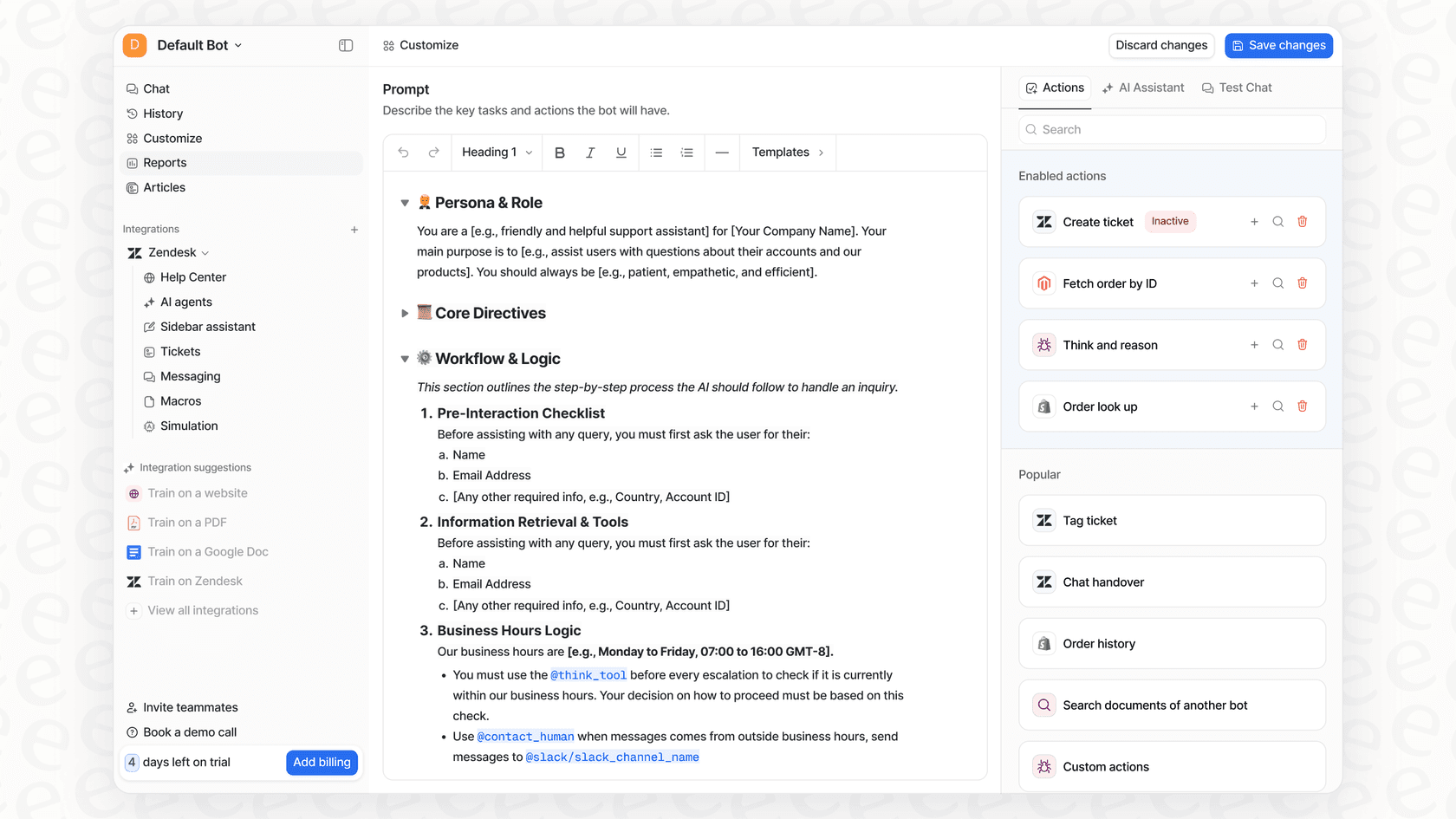
Browser AIs are one-size-fits-all. eesel AI gives you full control. Its workflow engine lets you define exactly how you want your support tickets to be handled. You can set the AI's tone of voice to match your brand and even create custom actions that plug into your other systems to do things like check an order status or update a customer's record. Best of all, you can do it all yourself from a simple dashboard in just a few minutes, no sales call needed.
You can test everything before going live
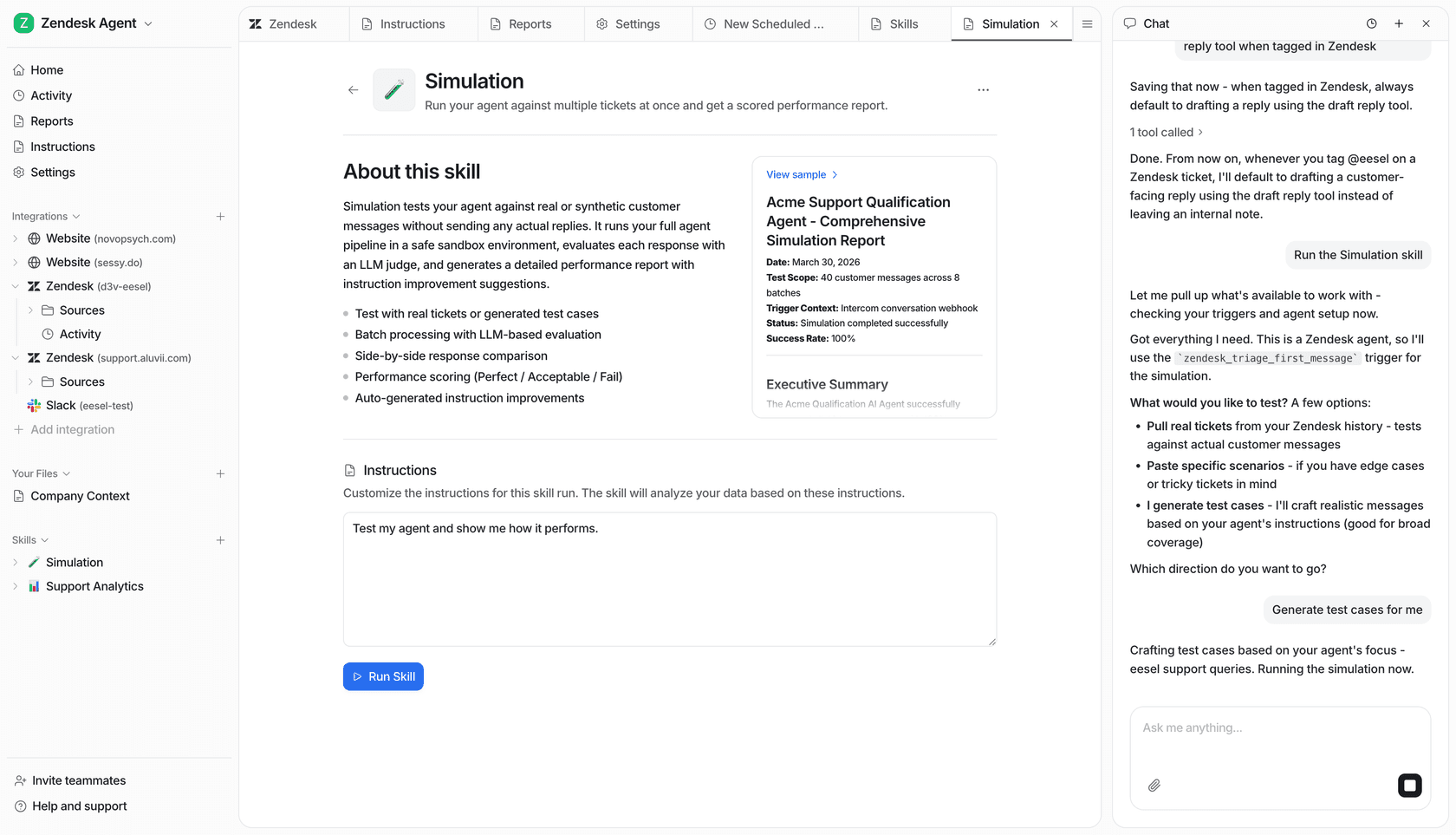
Letting an untested AI loose on your customers is a scary thought. eesel AI gets rid of that risk with its simulation mode. Before you activate the AI, you can run it on thousands of your past support tickets to see exactly how it would have performed. This gives you a clear picture of what your resolution rate will be and how much time you’ll save. It removes all the guesswork from the process.
Opera Aria vs Brave Leo: What's the verdict?
Which AI browser should you go with? It really just depends on what you plan to do with it.
-
Brave Leo is the easy choice for anyone who puts privacy first. It’s a capable text-based assistant that works well without asking you to hand over your data.
-
Opera Aria is the better pick if you want a free, feature-rich AI with neat tricks like image generation and you're already a fan of the Opera browser.
Both are great for personal use. But for any serious business task, they're the wrong tool for the job. A browser AI is like a helpful intern; a dedicated platform like eesel AI is like bringing in a whole team of automation experts.
For teams that need to automate customer support, manage company knowledge, and build workflows that can actually grow with the business, a specialized tool isn't just a nice-to-have, it's a must.
Ready to see what a purpose-built AI can do for your business? Try eesel AI for free and you can start automating your support workflows in minutes.
Frequently asked questions
Which AI browser is better for everyday browsing, considering Opera Aria vs Brave Leo?
The best choice depends on your priorities. Opera Aria is excellent if you want free image generation and a feature-rich experience. Brave Leo is superior if privacy is your main concern, offering strong data protection and control over LLMs.
How do the privacy approaches differ when comparing Opera Aria vs Brave Leo?
Brave Leo prioritizes privacy with a reverse proxy, hiding your IP, and strictly not storing or using your conversations for training its AI models. Opera AI processes requests on remote servers and keeps chats in your chat history (six hours if you are not signed in, one year if you are, unless you delete them), and it is not available in private windows.
What are the pricing differences for Opera Aria vs Brave Leo?
Opera AI is free and needs no account, and Opera lists no paid tier for it. Brave Leo offers a free version with daily limits and a premium subscription at $14.99/month ($149.99/year) for more models and faster responses.
What unique features stand out in the Opera Aria vs Brave Leo comparison for creative users?
For creative users, Opera Aria has a significant advantage with its built-in image generation capabilities, allowing you to create visuals directly within the browser. Brave Leo focuses on text tasks like summarizing, writing, translating and analyzing PDFs, and its page does not list image generation.
Why are both browser AIs like Opera Aria vs Brave Leo considered insufficient for business needs?
Browser AIs fall short for business because they lack integration with internal company tools, cannot learn from private knowledge bases, and don't support robust workflow automation or performance testing. They are designed for personal productivity, not enterprise solutions.
Can users choose their preferred large language models (LLMs) when using Opera Aria vs Brave Leo?
Brave Leo allows users to select from various LLMs like Mixtral, Claude, and Llama, and even bring your own local or remote models, offering more control. Opera AI runs on Opera’s own AI engine, powered by several OpenAI and Google models that Opera selects for you.