
Choose the event from the job, not the menu
Zendesk documents events for AI agents and actions that can react to them. The labels and availability can differ by agent type and channel, so check the current workspace rather than copying an old inventory of event names.
A practical brief reads like this: When a live-transfer escalation fails, create a follow-up for the Support queue with the conversation reference, then alert the on-call owner only during business hours. It defines the event, the record to inspect, the owner, and the boundary. “Notify Slack whenever the AI does anything” does not.
Match the trigger to the actual event
Zendesk's event reference distinguishes these messaging events:
| Event | What it establishes |
|---|---|
| Conversation escalation attempt | A transfer was attempted, not necessarily completed. |
| Conversation escalated to human | The transfer succeeded. |
| Conversation escalation failed | The transfer encountered a problem. |
| Session ended | Automation ended; this can follow an escalation attempt or session expiry. It is not proof of resolution. |
| Conversation inactive | No customer message arrived during the configured inactivity period. |
Agentic messaging also exposes knowledge-answer and procedure-end events. Email uses a different sequence: ticket received, use-case/block actions, ticket processed, then reply-delay events when enabled. Receipt precedes processing, so choose the processed event when an update needs extracted session data. Some documented email event labels still include “Advanced”; that is an event label, not evidence that the old package distinction remains.
Keep the customer path separate from operations
The dialogue builder creates the scripted conversation: messages, customer input, conditional branches, integrations, availability, and escalation. Events should not become a hidden substitute for a clear dialogue.
For example, a returns flow can ask for an order reference, check an approved source, and escalate an exception. The event-triggered action can tag the exception and alert the returns owner. The customer still needs a plain message explaining whether a person will respond now or by email.
Use escalation events to improve the next shift
Zendesk’s escalation guidance recommends gathering information, updating fields or tags, and identifying a suitable agent before transfer. An event action can reinforce that work, but only if the queue will use its output.
Good first cases are deliberately small:
- Put a failed live transfer in an exception view with the reason and conversation reference.
- Route a defined product issue to a specialist group after the dialogue has collected the one required detail.
- Create a review record for an action failure, including enough evidence for an owner to reproduce it.
Avoid using an event to add tags, notes, webhooks, and notifications all at once. Start with the one output that proves the workflow is useful. Add another only after you can show who uses it.
Test one event end to end
Use a test case that creates exactly one intended lifecycle event. Then check four things:
- The conversation followed the path you expected.
- The action ran once, with the intended fields and permissions.
- The receiving queue, ticket, or endpoint has enough context to act.
- A retry, duplicate event, or unavailable destination has a safe outcome.
Do not call a trigger tested because the builder saved. If it invokes an external endpoint, review authentication, payload fields, error handling, and whether the endpoint is appropriate for customer data. Keep a test record that says which event was induced and what result was verified.
A separate eesel workflow for human and coding-agent review
The eesel CLI gives people, scripts, Claude Code, Codex, and Cursor terminal access to the same eesel teammate and workspace as the dashboard. It prints JSON, so a reviewer can see inputs and results instead of treating a chat response as an isolated simulation.
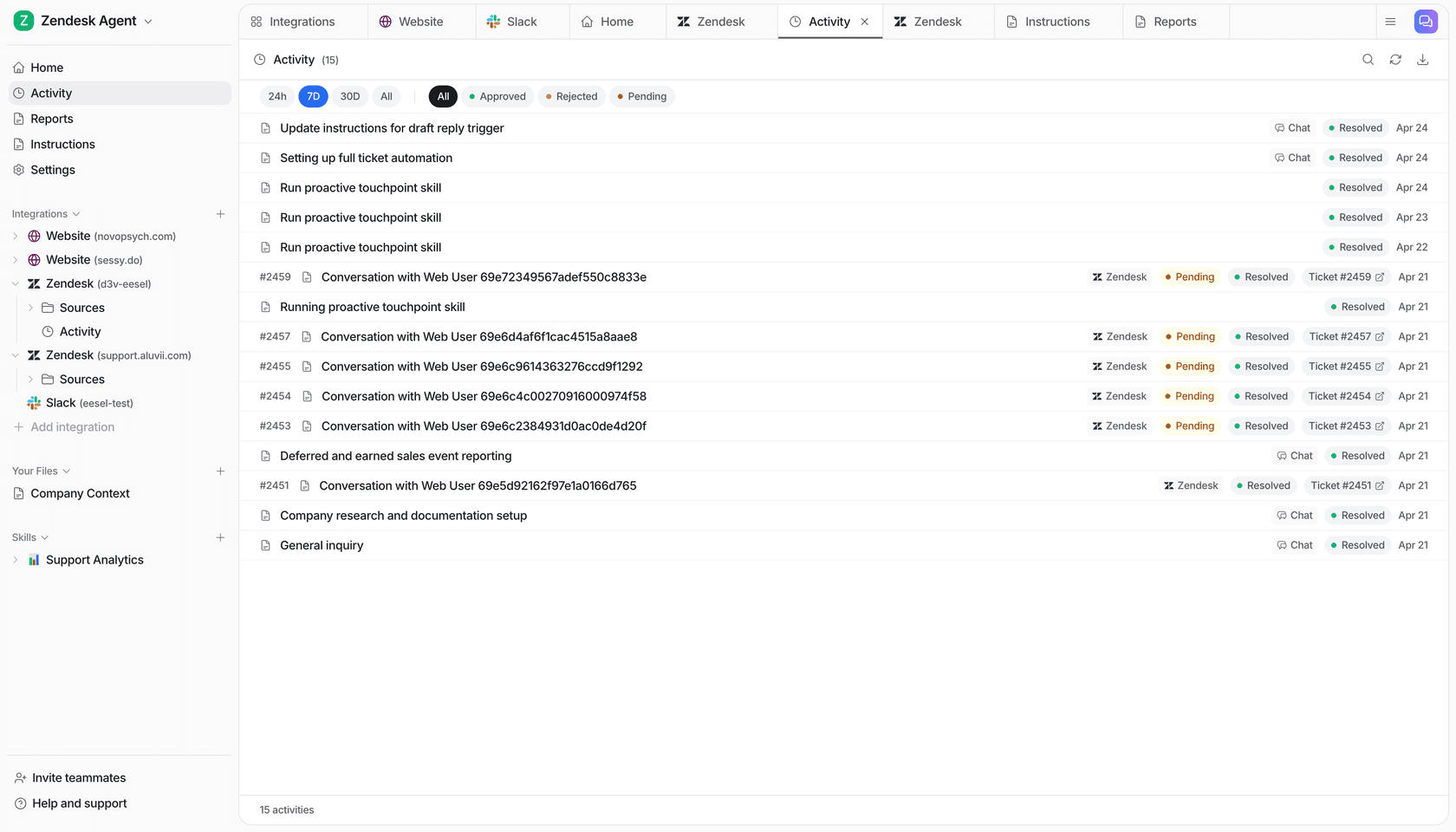
For a weekly follow-up review, ask Codex to inspect the eesel teammate's scheduled work and activity and identify whether a failed-handoff review job already exists. This can prevent a team from adding a second automation for the same purpose. Start with reads:
npx @eesel/cli --agent "Support" automations
npx @eesel/cli --agent "Support" activity
The coding agent can turn the JSON into a proposed follow-up plan: what to review, how often, and which owner should receive the findings. After owner approval, it can ask the teammate through chat to configure the agreed recurring work, then read automations again to check what was actually created. Review connected permissions before allowing configuration or a trial run, use --dry-run to preview writes, and check the resulting activity and destination. CLI management is free, while chat messages are billed; Node.js 18.17+ is required. This configures eesel's work, not Zendesk-native event triggers, and the native trigger must still be verified in Zendesk.
Keep support follow-up visible with eesel
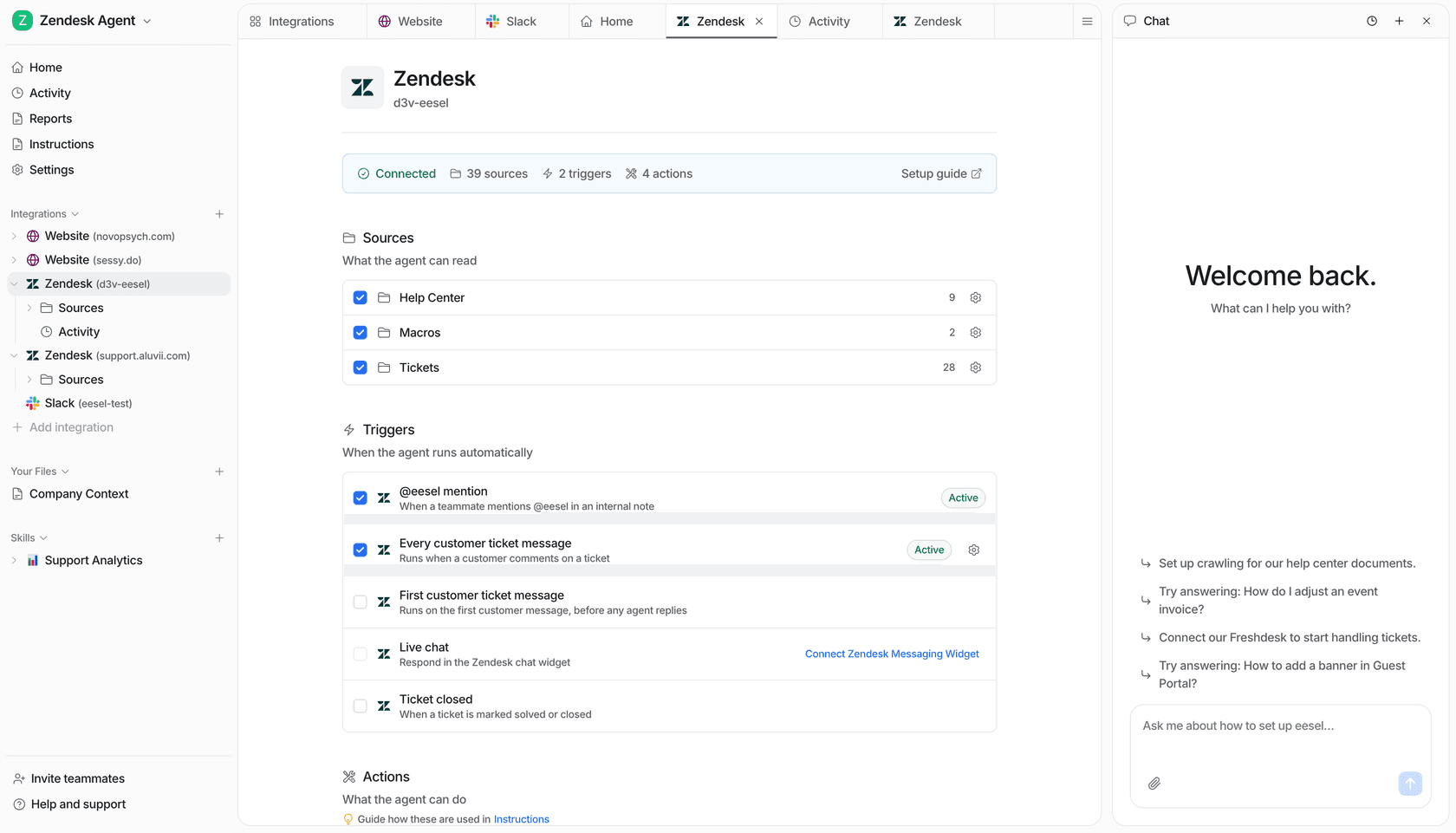
Use eesel beside Zendesk when you want a support teammate whose sources, instructions, activity, and approvals are visible to the people reviewing the work. Try eesel.
Frequently asked questions
What are Zendesk AI agent events?
They are conversation lifecycle signals that Zendesk exposes for AI-agent workflows. Event-trigger actions can use them to record, route, or notify when a defined event occurs.
How are AI agent event triggers different from ticket triggers?
Ticket triggers react to ticket conditions. AI-agent events describe activity within an AI-agent conversation, so choose the mechanism that matches the state you need to observe.
Should every AI agent event create an action?
No. Start with events that change an owner’s next step, such as an escalation needing a specialist queue. Logging every event can create noise without improving the workflow.
How do I test a Zendesk AI agent event trigger?
Use a safe test conversation that causes one event, inspect the action result and receiving ticket or endpoint, then test duplicates and failure behavior before publishing.
Can event triggers replace Zendesk dialogue design?
No. A dialogue defines the customer conversation; events react to lifecycle moments. Design the customer path, then add an event action only when it has a clear operational job.
How can eesel CLI help review this support workflow?
A person, script, or coding agent can inspect the same eesel teammate and workspace as the dashboard, propose a scoped change, and test it after owner approval. Review action permissions and the resulting activity or ticket. Native Zendesk controls remain configured in Zendesk.