


What ServiceNow AI Agent Studio is
AI Agent Studio is ServiceNow's configuration surface for AI agents. ServiceNow documents agents as goal-oriented systems that can use configured tools and agentic workflows. In practice, an implementation team defines the job, gives the agent bounded tools, connects it to the right records and knowledge, then tests the paths it can take. Studio supports manual execution tests, access-control tests, and automated evaluations; use each to check a known case, its security boundary, or a repeatable regression set.
That makes it different from a chat widget with a fixed decision tree. It also means the quality of the outcome depends on the inputs around it: tool permissions, knowledge quality, workflow design and the checks a person keeps in the loop.
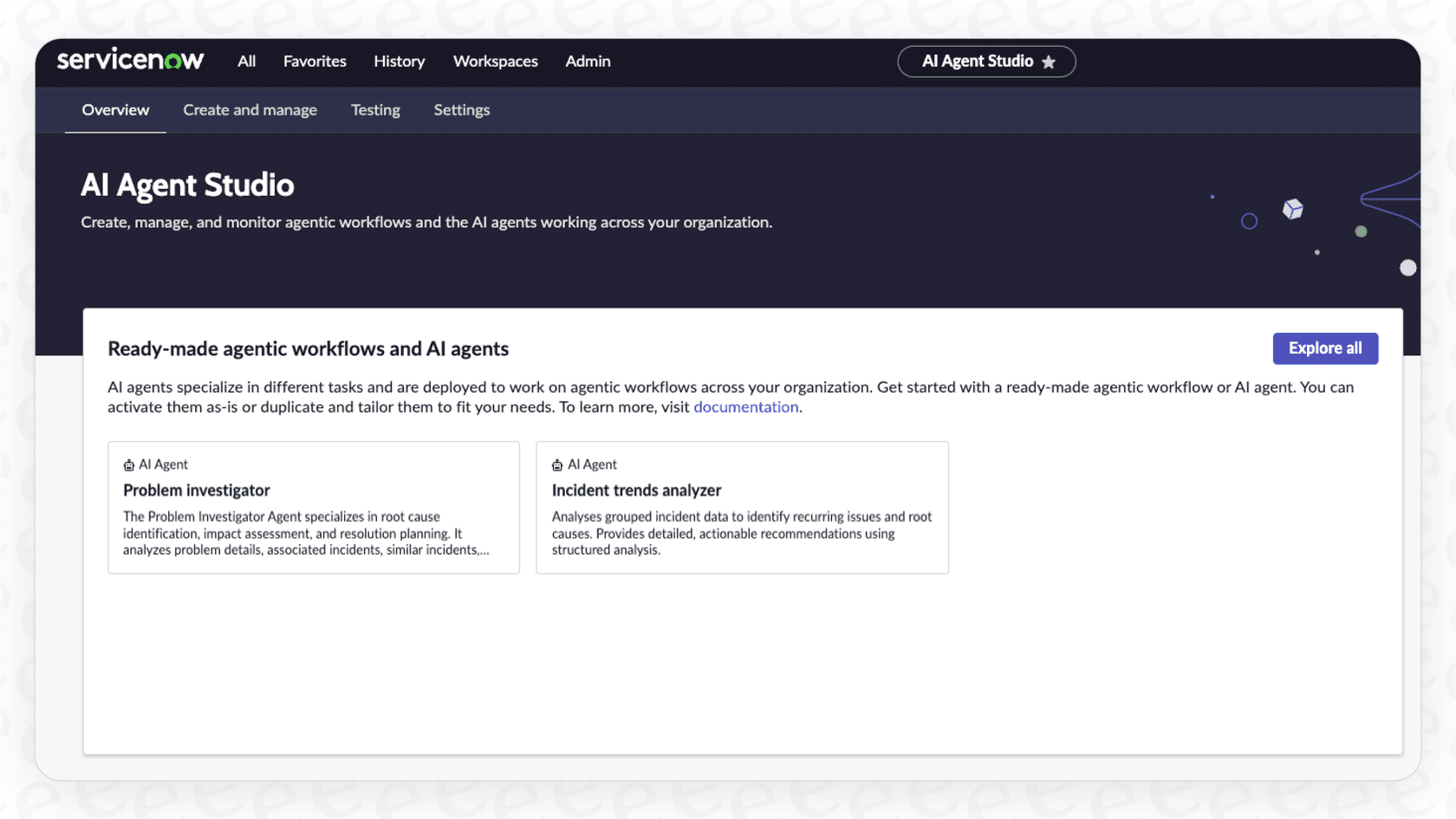
The Studio overview lists ready-made agentic workflows and agents. Source: ServiceNow AI Agent Studio.
A practical build flow
Start with one outcome that can be checked. For example: triage a password-reset incident, find the relevant help article, draft a response and route anything outside policy to a human.
- Define the agent's goal and the data it may read.
- Add only the tools it needs, such as a knowledge search or a Flow Designer action.
- Use an agentic workflow for steps that must happen in a particular order.
- Put approvals around consequential actions. Do not let a vague goal become broad write access.
- Run representative cases, inspect the agent's tool calls and tighten instructions or tool boundaries before rollout.
A good first agent has a small job and a clear fallback. A broad “resolve all IT issues” brief is difficult to test because there is no useful pass condition.
Where the ServiceNow approach fits, and where it needs care
Studio is strongest when your service records, workflows and governance already sit in ServiceNow. Its native tooling can keep work close to the system of record. External access is possible, but it deserves the same review as any integration: who grants access, what data crosses the boundary and what happens when the external system fails.
ServiceNow's own AI Agents product page is the right source for its current product packaging and capabilities. Do not rely on older posts that describe release-specific names or licensing as permanent facts. Confirm your instance's entitlements and available plugins with your ServiceNow administrator.
Use the same eesel teammate from the terminal
For a support pilot, eesel offers an AI helpdesk teammate that works with its supported helpdesk connections and knowledge. The eesel CLI operates the same workspace and teammate shown in the dashboard. A support lead can review its setup visually while an engineer or coding agent checks the same configuration from the terminal.
Suppose your first pilot handles employee onboarding questions. Ask Codex to check whether the teammate has downloaded the approved first-day checklist and which questions still need the IT owner. The JSON inspection becomes a short gap report: source missing, source still downloading, or instruction missing for an exception. This helps you prepare the pilot before employees depend on it. It inspects an eesel teammate, not a ServiceNow Studio configuration.
With Node.js 18.17 or newer, a support lead signs into the existing workspace and confirms it. A script, Claude Code, Codex, or Cursor can then inspect the scoped pilot teammate’s JSON output:
npx @eesel/cli login
npx @eesel/cli whoami
npx @eesel/cli status --agent "Support pilot"
npx @eesel/cli integrations --agent "Support pilot"
npx @eesel/cli integrations download list --agent "Support pilot"
npx @eesel/cli approvals --agent "Support pilot"
The owner can approve the missing checklist or instruction change, then have the coding agent preview the supported write with --dry-run. Before a test conversation, disable or restrict actions outside the pilot in the teammate's configuration. Test a normal first-day question and one requiring IT approval; review citations, the handoff, and any resulting task. The support lead sees the updated sources and work in the same dashboard, without maintaining a second terminal-only setup.
Conclusion
ServiceNow AI Agent Studio is a serious option for teams that need agent work to live inside the Now Platform. Treat it as a governed software rollout: scope the job, limit tools, test real cases and retain approvals where an action can hurt a customer or system. For support teams that need a ready-to-work teammate alongside an existing queue, eesel can be the faster path to a bounded pilot.
Start a bounded support pilot with eesel
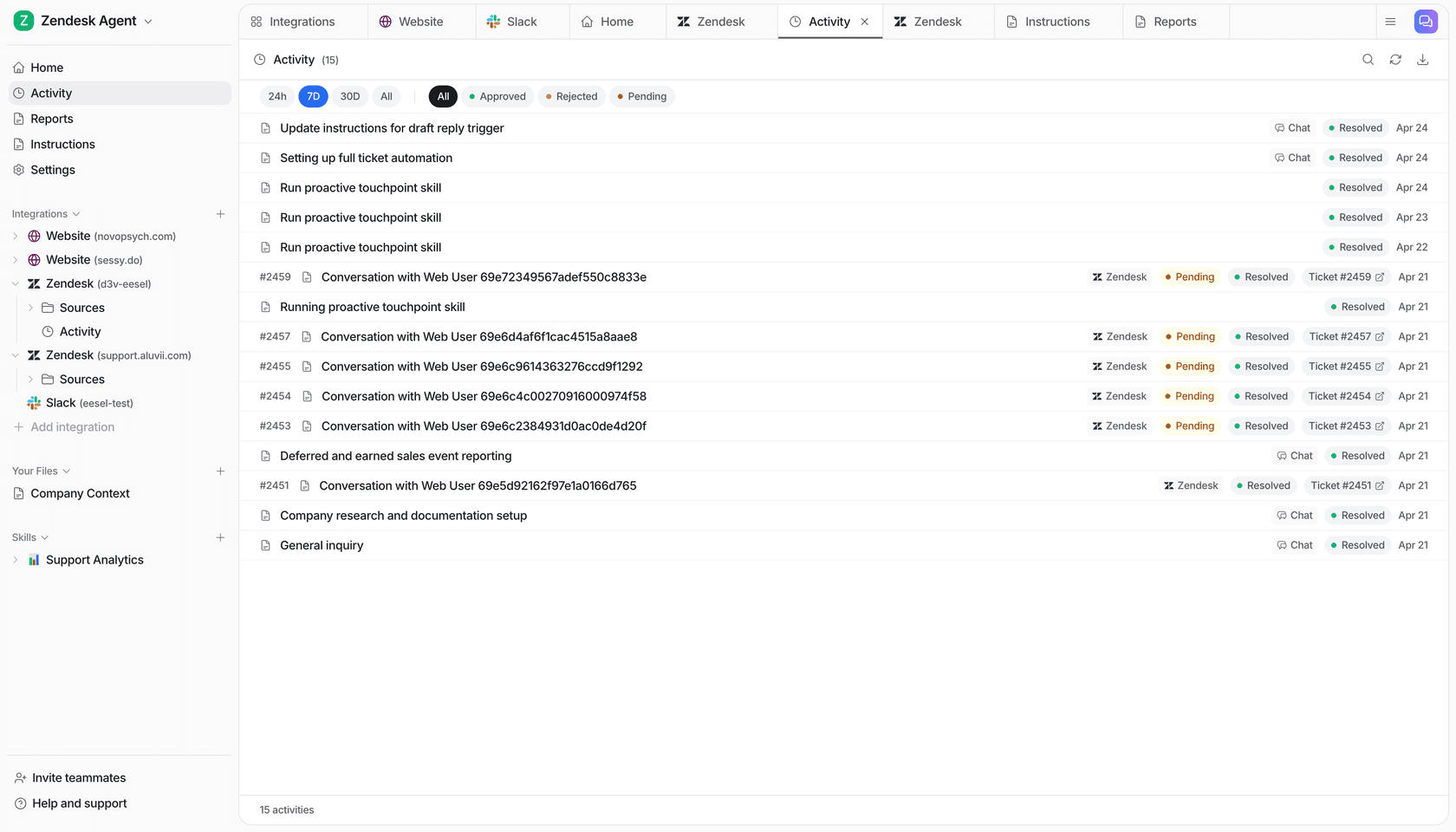
Try eesel to test one scoped support job before expanding its actions.