


What ServiceNow AI Agent Studio testing must cover
ServiceNow's AI Agent Studio lets teams configure agents and their tools. Testing needs to prove more than text quality. An agent can write a convincing response while retrieving the wrong record, taking an unsafe tool path or failing to hand off a case it cannot solve.
Studio documents manual execution tests, security-control access tests, and automated agentic evaluations. Use each for its specific question: does this case run, can this requester reach the intended boundary, and does a repeatable set regress after a change?
Build a small evaluation set from completed cases: routine requests, ambiguous requests, requests with missing data, policy exceptions and cases that must reach a person. Redact sensitive data and write a pass condition for each one.
A useful test sequence
- Test the tool. Give it known inputs and confirm permissions, returned fields and failure behaviour.
- Test the workflow. Confirm each agentic workflow branch with a case that should take it.
- Test the agent. Check answer, selected tool, action and escalation together.
- Test boundaries. Try requests that should not trigger a write, disclosure or resolution.
- Re-run the set. Keep the failed cases as regression tests after changing instructions, tools or knowledge.
A response is only a pass when the agent took the safe path as well as producing useful words. ServiceNow's testing screens and names can vary by release, so confirm the current process in its product documentation.
Run a regression set before changing escalation policy
An escalation-policy change alters the safety boundary. Keep cases for a routine request, ambiguous request, missing data, prohibited action, and a required handoff. Record the expected procedure and final state for each. Run the set before the edit, have the policy owner approve one change, then rerun the complete set. A fluent reply is not enough: the selected route must also be permitted.
Test a support teammate after containing external actions
eesel is useful when the problem is support rather than a broad ServiceNow platform build. Its AI helpdesk teammate can work from your approved queue and knowledge. The eesel CLI lets people, scripts, Claude Code, Codex and Cursor inspect that same teammate in the same workspace as the dashboard.
With Node.js 18.17+, first sign into the existing workspace and inspect the scoped teammate. Before opening a fresh, redacted test conversation, review its action configuration and disable or restrict actions outside the test. Instructions and a held-approval list alone do not prevent actions configured to run automatically:
npx @eesel/cli login
npx @eesel/cli whoami
npx @eesel/cli instructions --agent "Support regression"
npx @eesel/cli approvals --agent "Support regression"
npx @eesel/cli integrations download list --agent "Support regression"
npx @eesel/cli new --name "redacted-escalation-regression" --agent "Support regression"
npx @eesel/cli chat "Use only supplied policy. What is the handoff route for missing account data?" --agent "Support regression"
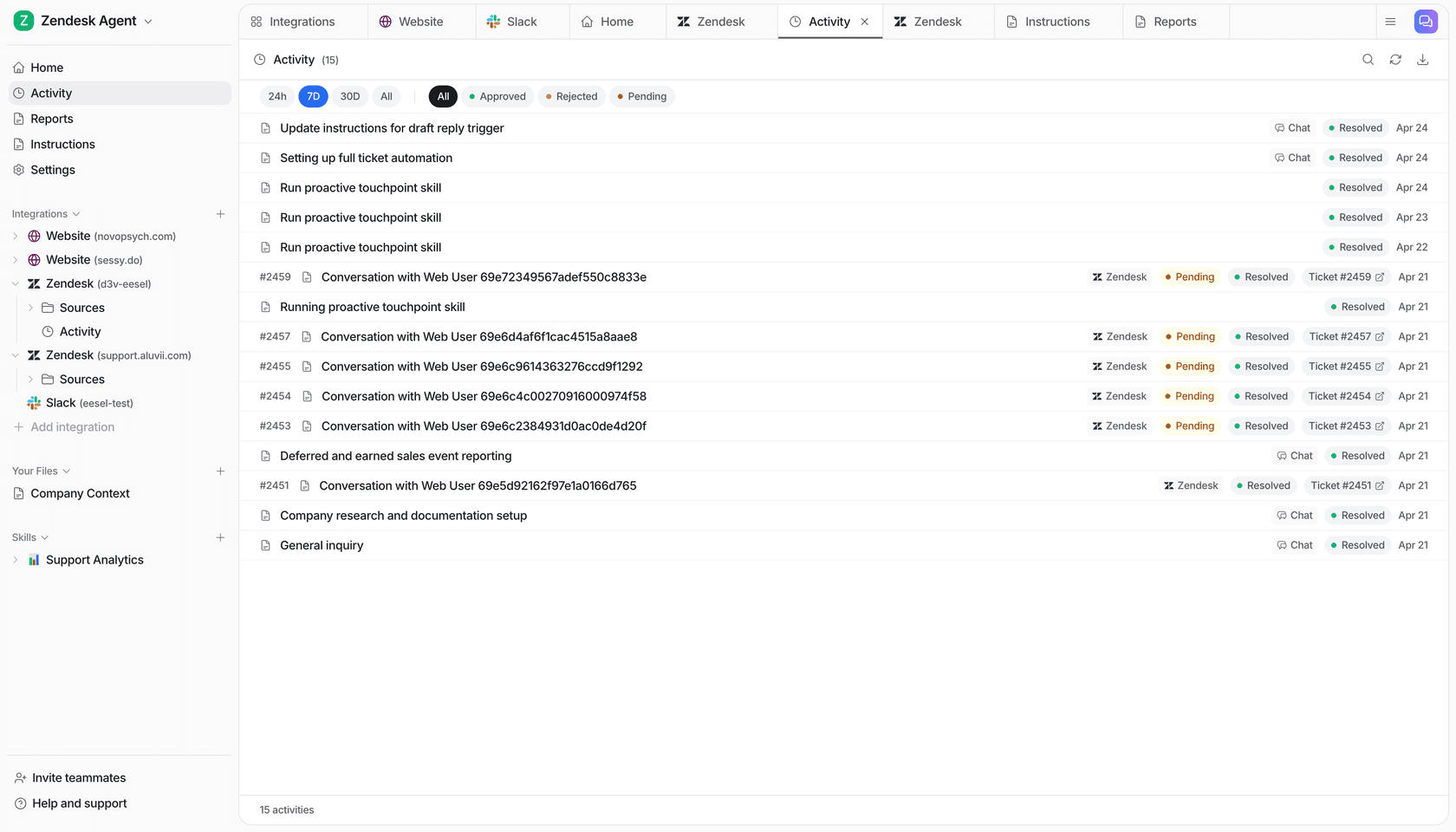
Ask the coding agent to compare the answer with the expected handoff: did it request missing account evidence, avoid claiming access was restored, and identify the right owner? Check activity and approvals, and verify any task in the destination system. Use --dry-run before an approved configuration write. This checks an eesel teammate in the same dashboard workspace; it does not change the ServiceNow agent under test.
Conclusion
ServiceNow AI Agent Studio testing should make release decisions easier: the agent handles defined cases, escalates uncertain ones and never crosses a prohibited boundary. Start with a small, repeatable case set and expand only when the first job is reliable.
Run one support test before widening scope
Try eesel to run a representative support case and review the result before expanding automation.